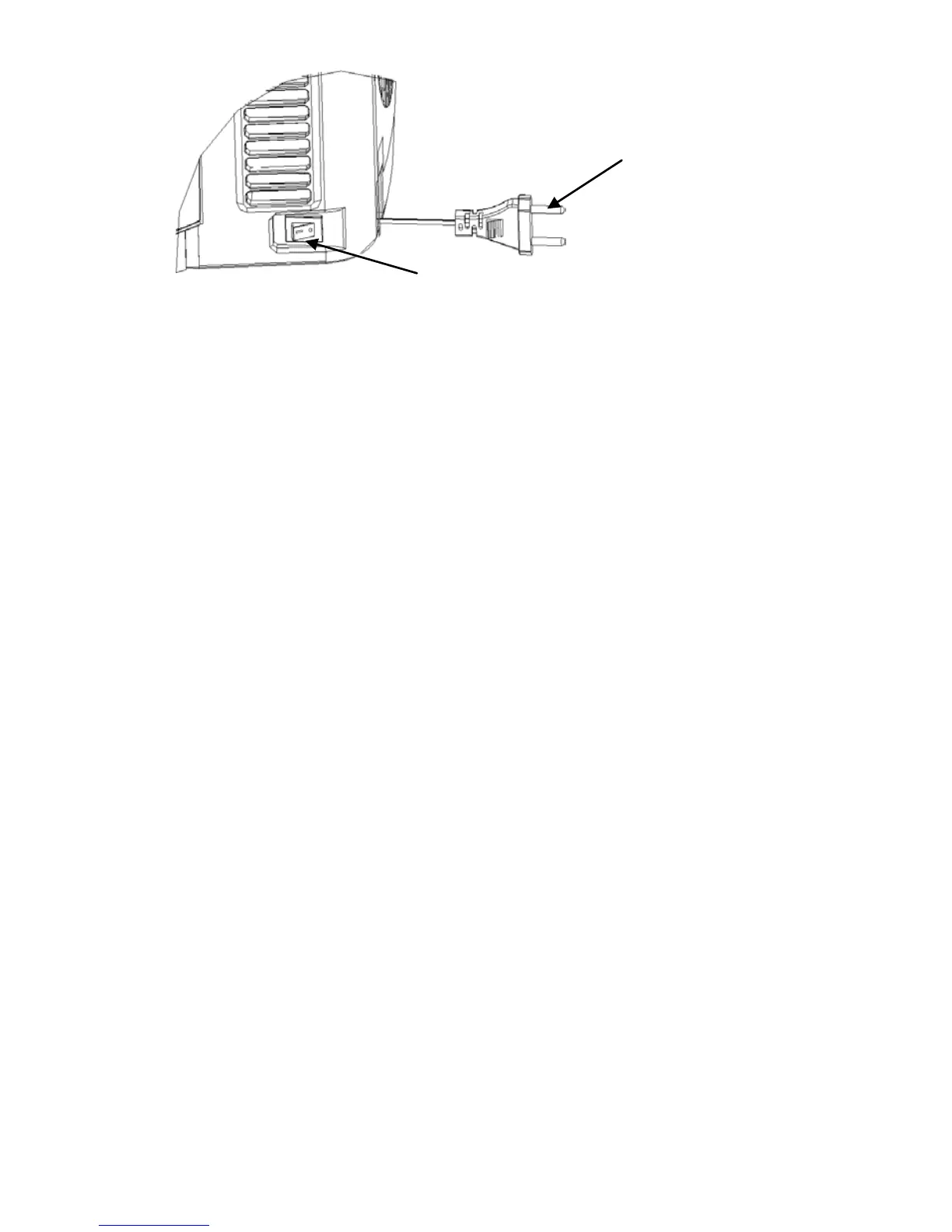
Figure 19
7. It will take 19-21 hours to cool the beer to 2-4℃ at 22-24℃
ambient temperature. And it can keep the temperature as set and
displayed on the LED. We do, however, suggest that you initially
cool your beer keg for at least 12 hours in your refrigerator before
placing it into the beer cooler, especially when the ambient
temperature is higher than 25℃.
8. You can set the temperature to fit your taste, by pressing the
buttons on the front plate. The temperature can be set from 36℉ to
54℉ (2℃ to 12℃), using the temperature adjusting button (+ and -)
located aside the temperature display.
The PCB has the memory function, when you power on the cooler, it
memories the set temperate of last time.
The LED will default display the real temperature of beer. You can
see the set temperature by pressing “+” button 1 second, it will
display the set temperature, and 3 seconds later, it will recover and
display the real temperature.
Preset Temperature
The beer cooler has 6 preset temperatures.
Press and hold “-” button, it enter the 6 preset temperatures, then
you can press “-” button to choose a certain preset temperature, 40
℉(4 ℃), 46℉(8℃), 48℉(9℃), 50℉(10℃), 52℉(11℃) and 54℉(12℃).
Press and hold “+” button, the unit can achieve conversion between
Switch is on “off ” status
Connector


 To Next Page