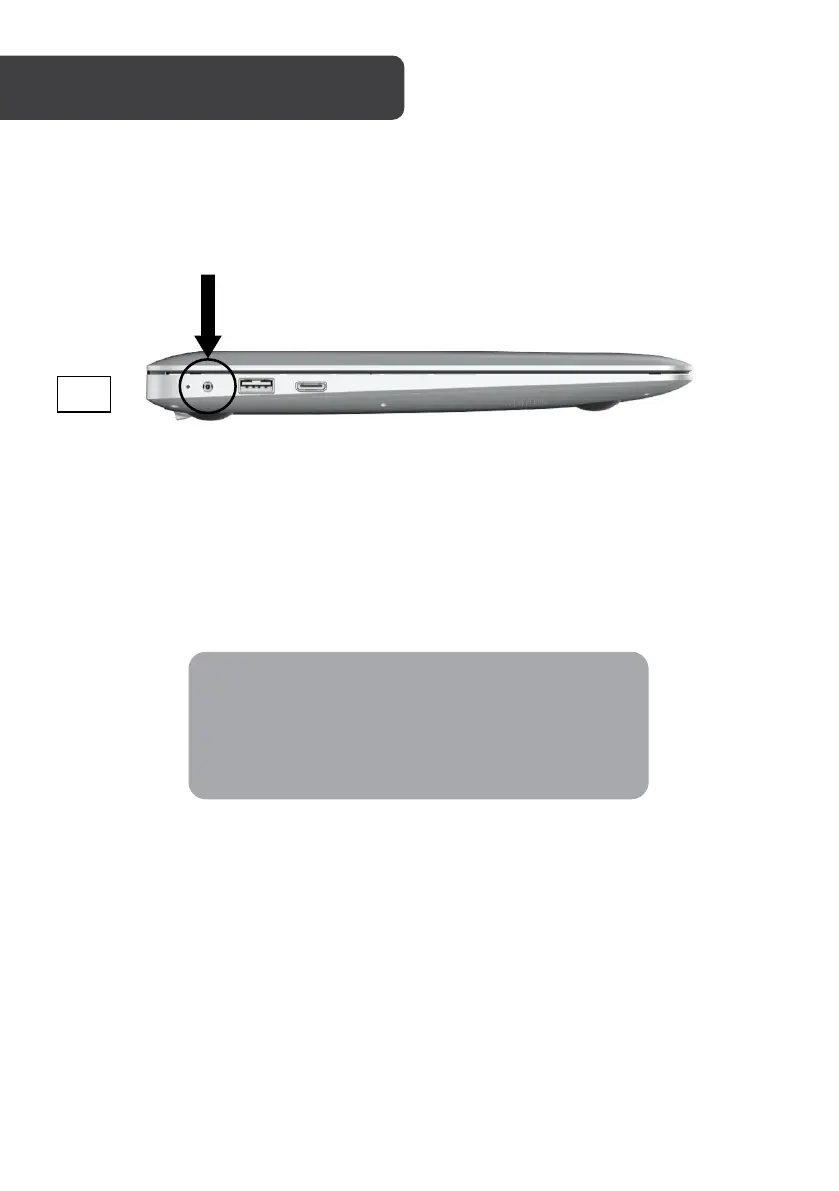
1. Connecting the power supply
a. Plug the power adapter into a suitable power outlet.
b. Insert adapter into the laptop’s power input port. The indicator light will
show if power is being received.
When connected, the laptop will automatically
begin to charge.
Ensure the battery has been charged for at least 3
hours before using without a power supply for the



 To Next Page