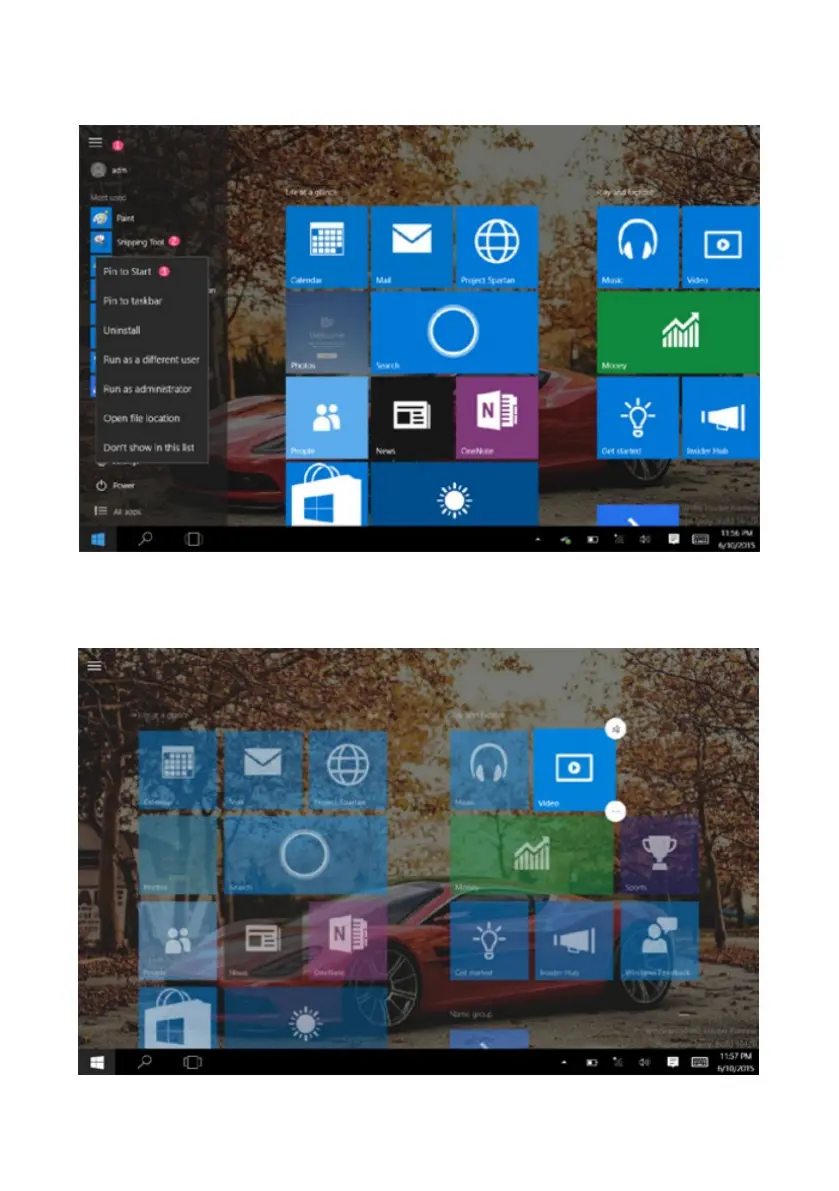
If you want to place more applications on the start screen, follow the instructions below, (1)
Click the properties icon (2) press and hold the application program icon for about one
second and then let go (3) Click the Pin to start.
Conversely, if you want to cancel or delete a certain application in the start screen, (1) press
and hold the application icon for about one second and then let it go and run and select.



 To Next Page