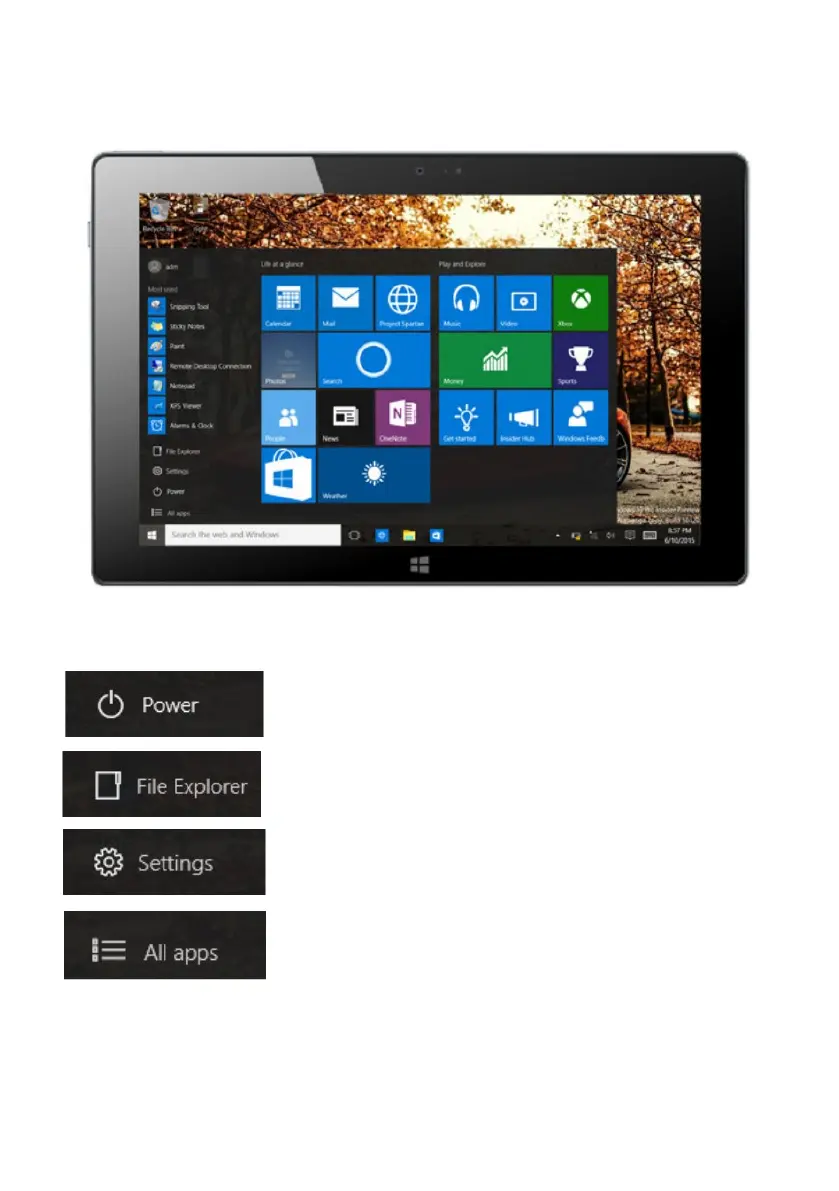
Start Menu
In PC mode, press Start icon, Start Menu will display, including: Start, Device, Setup, Share
and Search Program.
File Explorer, Settings, Power and All apps
Can Sleep/Shut down/Restart the Tablet PC
Search for files and application programs in the Tablet PC.
Can let you set up the Table PC.
Can scan more apps



 To Next Page