Menu system instruction
36
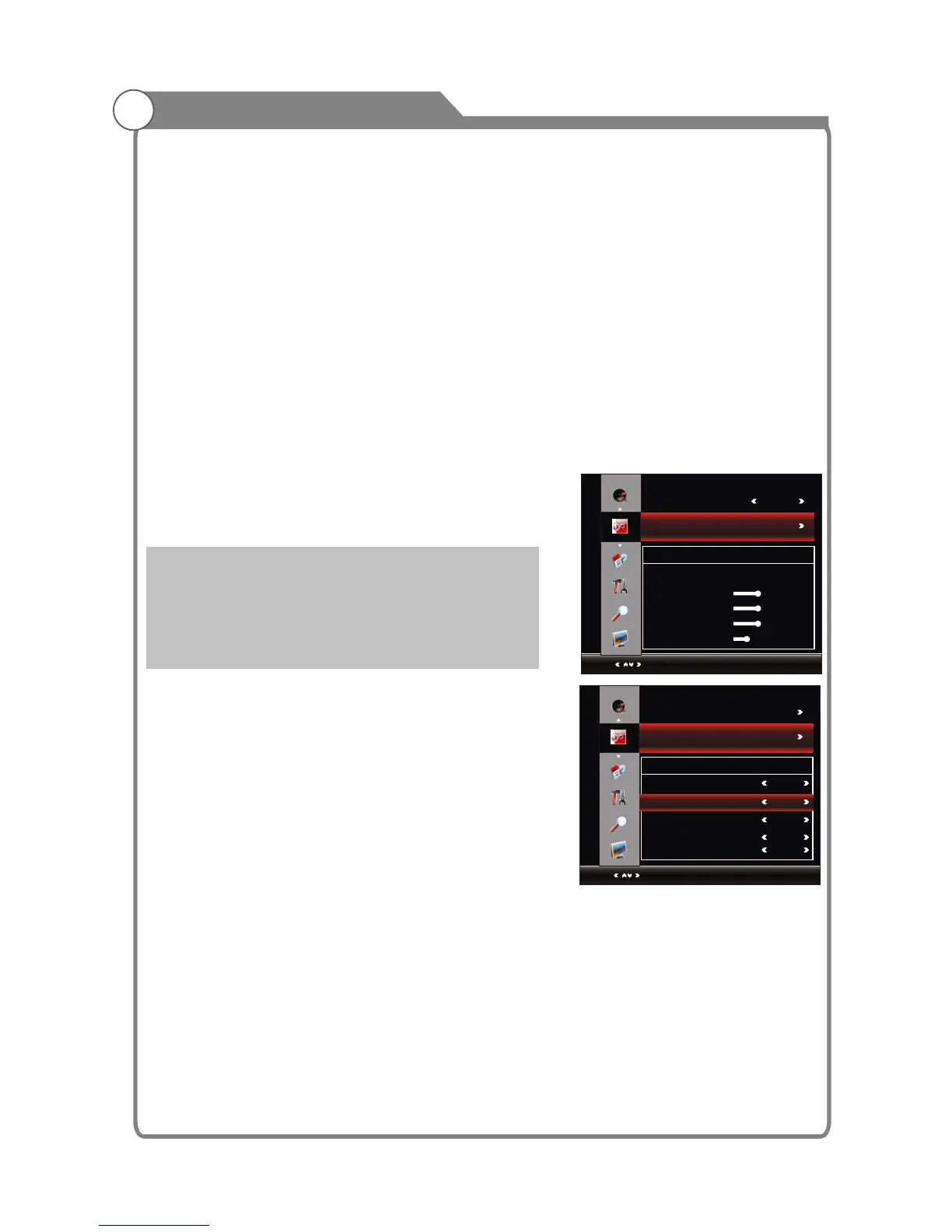
Window Adjust
This option is only used when PC mode has signal.
1. Press p/q key to select “Window" option.
2. Press OK or u key to display the “Window Adjust” menu.
-Auto Adjust: Allows you to set the TV to self-adjust to
the incoming PC video signal. The fine, coarse and
position values are adjusted automatically
-H-Postion: Set horizontal of picture.
-V-Postion: Set vertical of picture.
-Clock/Phase: Remove or reduce picture noise.
Advanced Setting
Pressp/qkey to select "Advanced Setting" ,then press
OK oru key to display the "Advanced Setting"menu.
TTX Language
1.Pressp/qkey to select "TTX Language" option.
2.Press / key to set TTX Language.
Primary Audio Language
1.Pressp/qkey to select "Primary Audio Language"
option.
2.Press / key to set Primary Audio Language.
Secondary Audio Language
1.Pressp/q key to select "Secondary Audio Language" option.
2.Press / key to set Secondary Audio Language.
Primary Subtitle Language
1.Pressp/q key to select "Primary Subtitle Language" option.
2.Press / key to set Primary Subtitle Language.
Secondary Subtitle Language
1.Pressp/q key to select "Secondary Subtitle Language" option.
2.Press / key to set Secondary Subtitle Language.
Motion
1.Pressp/q key to select “Motion” option.
2.Press / key to select “Motion” ,“Off”,“On”,“Demonstrate”.
position
position
t u
t u
t u
t u
t u
t u
FUNCTION
Select
Auto Adjust
Menu:Return
H-Position
V-Position
Clock
Phase
50
50
50
25
Window Adjust
NoAct PowerOff Off
Window Adjust
RGB Range
Change the brightness and saturation for a better picture.
1.Pressp/qkey to select "RGB Range" option.
2.Press / key to select "16~235" or "0~255".
Note: only available in HDMI mode, please select the appropriate setting according to the
DVD Player/STB.
NoSignal PowerOff
1. Press p/q key to select "NoSignal PowerOff" option.
2. Press / key to set it "On" or "Off". When “NoSignal PowerOff” is turned on, the TV set
will be Power Off 10 minutes later if there is no signal.
Note: The TV will be Power Off 15 minutes later if there is no signal.
The function is not available in USB mode.
NoACT PowerOff
1. Pressp/qkey to select "NoACT PowerOff" option.
2. Press / key to set it "Off" or "1 Hour","2 Hour","4 Hour". When “NoACT PowerOff” is
turned on, the TV set will be Power Off after the set-time if there is no action.
t u
t u
t u
FUNCTION
Select
Menu:Return
Window Adjust
West
Advanced Setting
Advanced Setting
TTX Language
Primary Audio Language
Secondary Audio Language
Primary Subtitle Language
Secondary Subtitle Language
English
English
English
English


 To Next Page
 Loading...