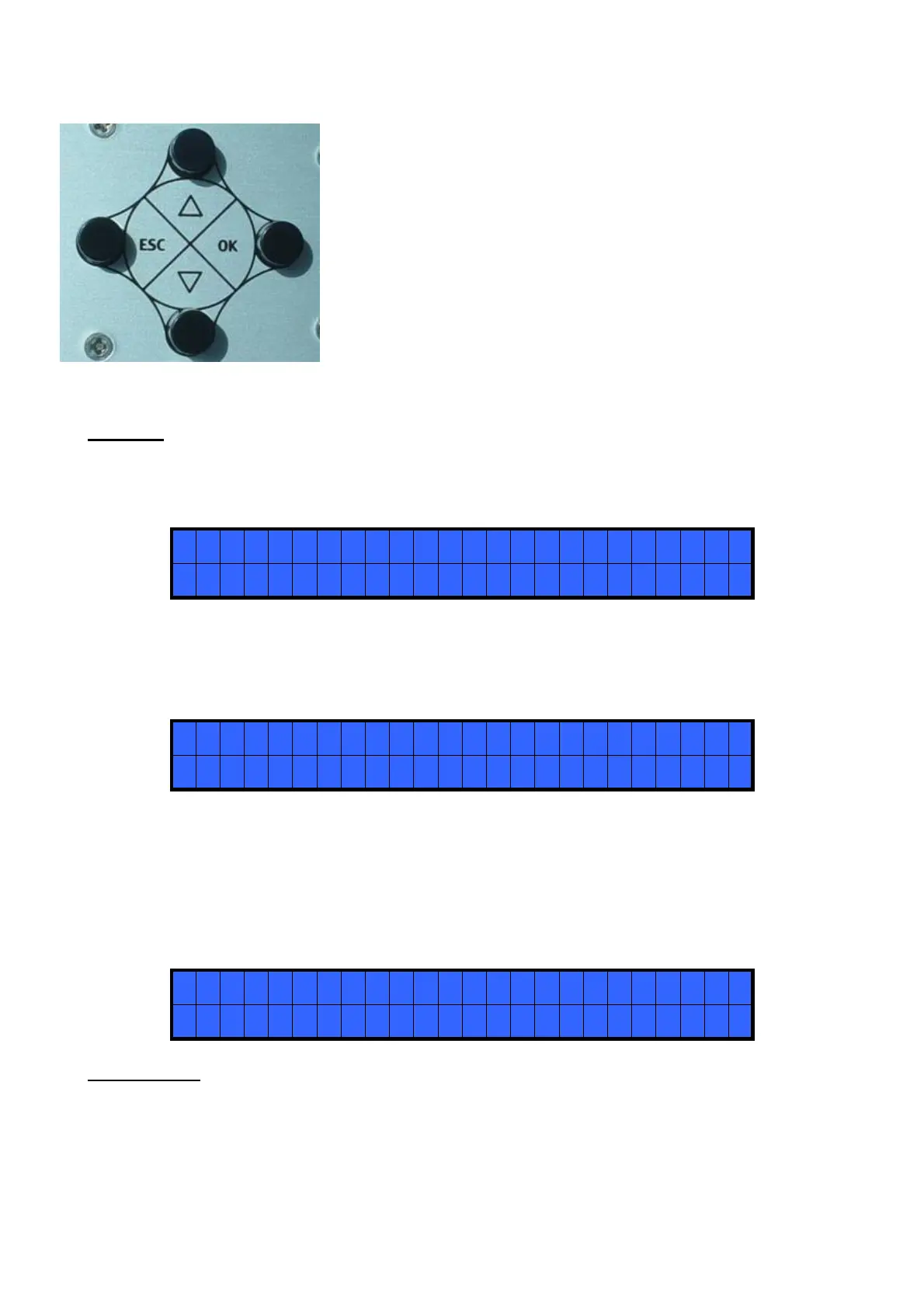
To enter the menu push the ESC key for 3 seconds
The menu consists of 8 lines. To move through the menu push the
∇ or Δ keys. Pusk the OK key to select a line ( the arrow → will
start blinking). Push the ∇ or Δ keys to select the required value
and then confirm thru the OK key (or ESC if you don’t want to
save the value). The selected value will be immediately operational
also if you are still in the menu screen. Repeat the sequence for all
the parameters you wish to change and then push the ESC key to
return to the main screen.
MENU
1)
MODEL: you can select the screwdriver to be used (Pluto10 or Pluto15). Your choice will
automatically change the default settings.
>
1
) M O D E L : P L U T O 1 0
2 ) T O R Q U E L E V E L : M I N
2) TORQUE LEVEL: you can select the desired torque as a percentage of the torque range of the selected
screwdriver. For example, for a Pluto10, a 50% setting on hard joint will result in a torque in the area of
6Nm.
Please confirm desired torque value with a Kolver digital torque tester. The torque level is indicated on
the main screen by “LEVEL” .
1
) M O D E L : P L U T O 1 0
> 2 ) T O R Q U E L E V E L : M I N
3) JOINT: You can select the type of joint (soft or hard) you are working on. A soft joint is typically a self
tapping screw on plastic or sheet metal, or a metric (machine) screw on a material subject to strain (for
example: gasket, o ring etc) A hard joint is typically a fastener joining metal with metal.
If you select the option SOFT the screwdriver will run the complete cycle at the selected speed (see point 6.).
When selecting the option HARD the screwdriver will maintain the selected speed for a selected time after
the start (see point 4.) and then the speed will be reduced automatically to apply a pre-torque before reaching
the preset torque (see point 2.)
>
3
) J O I N T : SO F T
4 ) B R A K E T I ME : OF F
IMPORTANT: An incorrect selection of the joint type can result in unaccurate torque output.



 To Next Page