OPERATION EXPLANATION OF COMPONENTS
3-25
METHOD OF USING PM CLINIC AUXILIARY MODE
CAUTION
When moving the work equipment or setting the transmission to the travel position for carrying out mea-
surements, check carefully that the situation is safe.
The PM clinic auxiliary mode displays the engine speed or hydraulic pressure on display panel B (multi-informa-
tion).
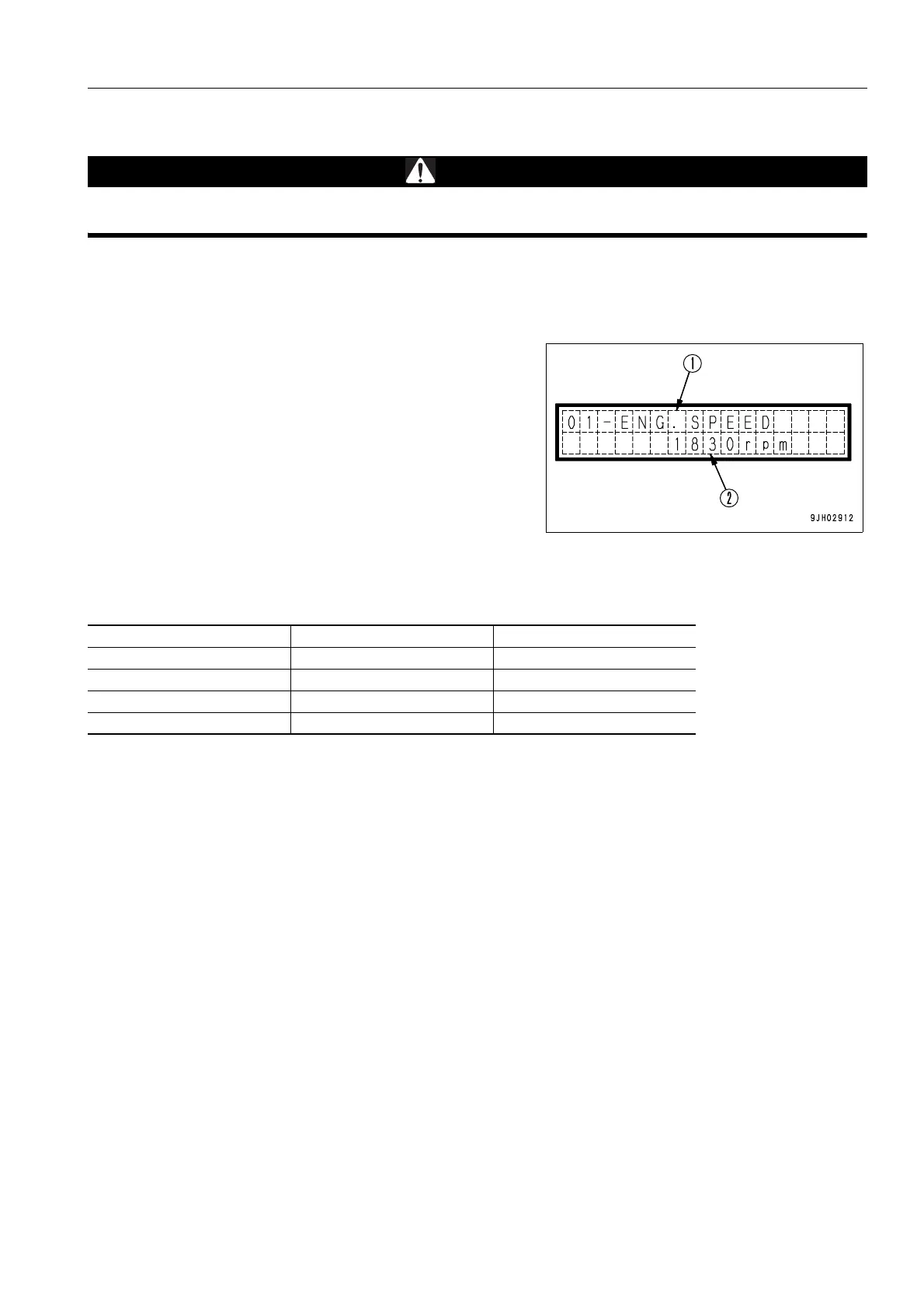
Display panel B (Malti-information) displays the item on the top
line (1) and the measured value on the bottom line (2).
The display items consist of the four items in the table below.
The items can be selected by operating the information switch (<, >).
REMARK
Items such as the engine speed fluctuate and are difficult to see during the measurement. In such cases, operate
the buzzer cancel switch to . This makes it possible to hold the display of the value.
To cancel this mode, operate the buzzer cancel switch again to .
To return to the maintenance mode, operate the buzzer cancel switch to .
When switching the display item of the PM clinic auxiliary mode, set the safety lock lever to the LOCK position. If
the safety lock lever is not at the LOCK position, the display item will not change when the information switch is
operated.
Display Item Measured value
01-ENG.SPEED Engine speed rpm
02-BATTERY VOLT Battery voltage mV
03-HST TEMP HST oil temperature °C
04-VEHICLE SPEED Vehice speed km/h









 To Next Page