English
Deutsch
FrançaisNederlandsItalianoEspañolMagyarSuomiSvenskaČeskyRomânăΕλληνικά
2
ENGLISH
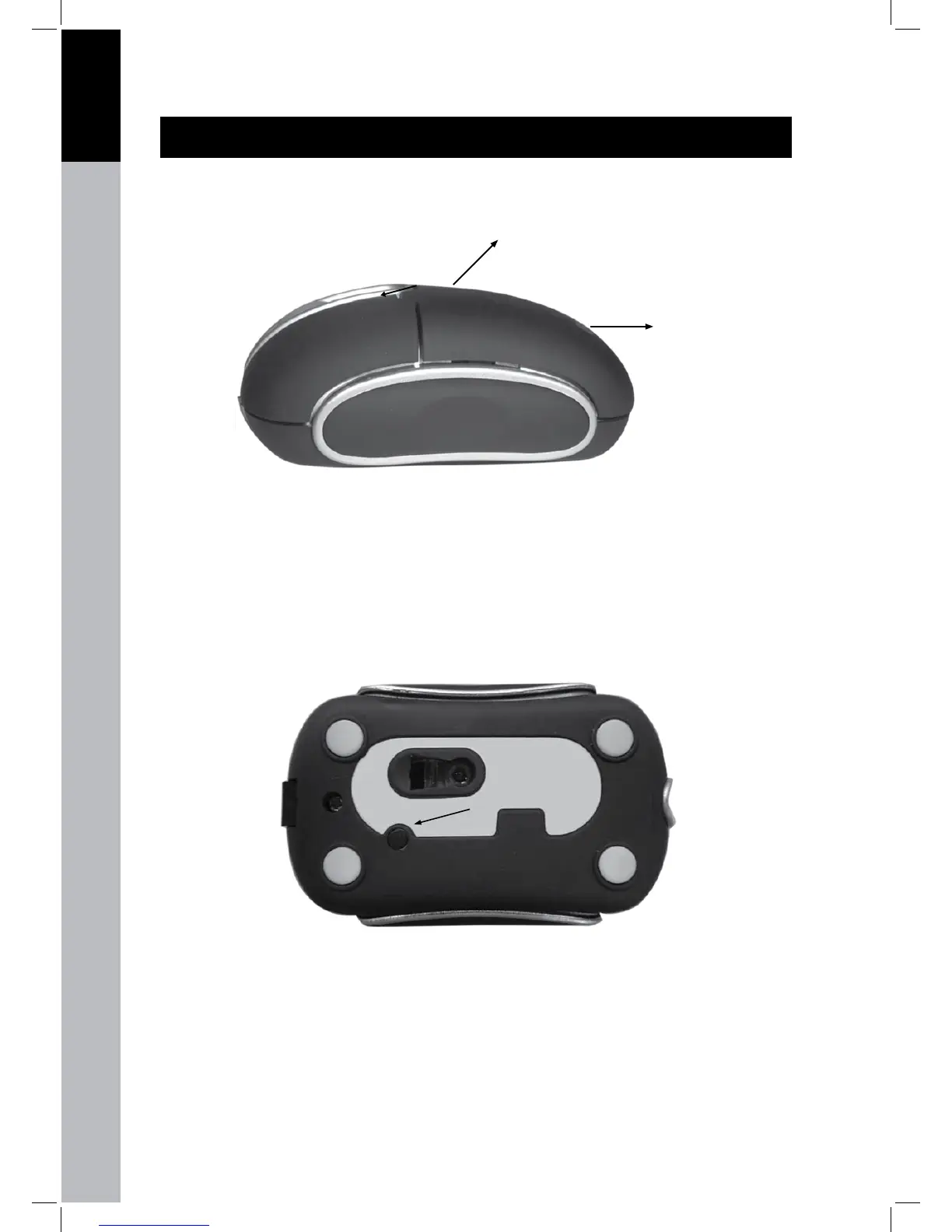
Installing the batteries
To install the 2 AAA batteries you have to shift the top lid to the right (1), and then pull the lid upward to
access the battery compartment (2).
2
1
Installing the Bluetooth mouse to your computer
First make sure your Bluetooth device is installed and searching for Bluetooth® devices. •
Then press the connect button on the bottom of the Bluetooth® mouse and the optical sensor light •
will go on and off repeatedly.
When the Bluetooth® software on your computer nds this Bluetooth® mouse it either will show a •
password select screen or a choice option for passwords. When you have an option screen select
no password needed and if you have to insert a password select ‘0000’. Now the Bluetooth®
mouse is connected and ready for use.



 To Next Page