EasyManua.ls Logo

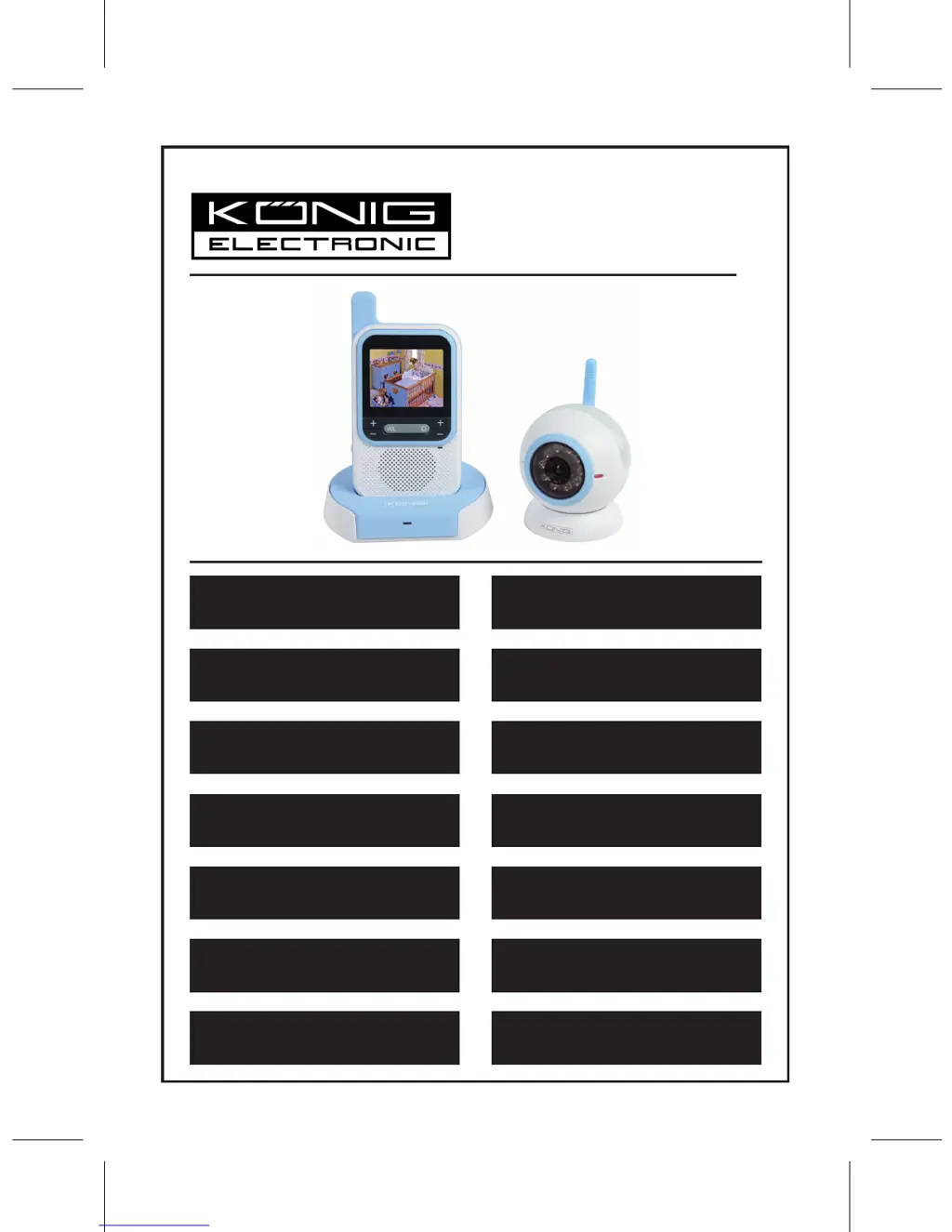
Konig HC-BM50 - User Manual

Konig HC-BM50
81 pages
Print Icon
To Next Page IconTo Next Page
Loading...
HC-BM50/51
MANUAL (p. 2)
Baby Monitor
MODE D’EMPLOI (p. 13)
Baby Monitor
MANUALE (p. 24)
Baby Monitor
BRUKSANVISNING (s. 47)
Elektronisk barnvakt
MANUAL DE UTILIZARE (p. 58)
Aparat monitorizare copii
BRUGERVEJLEDNING (p. 69)
Baby overvågningssystem
HASZNÁLATI ÚTMUTATÓ (o. 36.)
Bébiőrző
KÄYTTÖOHJE (s. 41)
Itkuhälytin
ANLEITUNG (s. 7)
Baby Monitor
GEBRUIKSAANWIJZING (p. 19)
Babyfoon
MANUAL DE USO (p. 30)
Monitor para bebés
NÁVOD K POUŽITÍ (s. 52)
Dětská chůvička
ΕΓΧΕΙΡΙΔΙΟ XPHΣHΣ (σελ. 63)
Ασύρματο Σύστημα Ενδοεπικοινωνίας
(Παρακολούθησης Μωρού)
VEILEDNING (p. 75)
Babymonitor

Questions and Answers

  • M
    Mitchell LynnAug 10, 2025
    Why is my Konig Baby Monitor not receiving signal?
    • A
      Andrea TorresAug 10, 2025
      If your Konig Baby Monitor's monitor unit isn't receiving a signal, there are several things to check: * Ensure the monitor unit is powered on. * Verify the AC/DC adapter is properly connected. * Confirm the camera is powered on and not in voice activation mode. * Make sure the monitor is set to Channel '1', as this is the manufacturer's preset channel.
  • A
    amyyoungAug 19, 2025
    What to do if my Konig Baby Monitor camera is not transmitting?
    • K
      Keith QuinnAug 19, 2025
      If your Konig Baby Monitor camera isn't transmitting, please check the following: * Ensure the camera unit is switched on. * Verify the AC/DC adapter is properly connected. * Confirm that the voice activation mode is switched to Auto Mode.
  • J
    Jillian ButlerAug 29, 2025
    How to fix black and white picture on Konig HC-BM50?
    • A
      Andrew HarrisAug 29, 2025
      If your Konig Baby Monitor is only displaying black and white pictures, it's likely that the camera has switched to “Infra-red Night Vision” mode. To resolve this, switch the camera back to normal mode.

Summary

Safety and Usage Guidelines

Environmental and Usage Precautions

Covers precautions for water, ventilation, heat, object entry, and cleaning.

Power and Maintenance Advice

Details correct power source usage and advice for periods of non-use.

Critical Use and Service Warnings

Highlights adult supervision, service conditions, and dependency risks.

Regulatory and Interference Information

Addresses radio frequency interference and corrective measures.

Installation and Operation

Connecting the Power Adapter

Steps to connect the power adapter to the unit and outlet.

Using the Rechargeable Battery

Information on the Li-ion battery for the monitor's portable function.

Camera Unit Functions

Covers camera power, voice activation, night light, and auto night vision.

Monitor Unit Functions

Details monitor power, display control, and channel selection.

Control Features and Troubleshooting

Monitor Unit Controls

Explanation of volume, brightness, and reset button functions.

Pairing Procedure

Steps for re-matching the monitor and camera units if necessary.

Common Issues and Solutions

Troubleshooting guide for common problems like no reception or image issues.

Konig HC-BM50 Specifications

General IconGeneral
BrandKonig
ModelHC-BM50
CategoryBaby Monitor
LanguageEnglish

Related product manuals