15
ISTRUZIONI PER L’USO
1. Impostazione orologio
Quando il forno a microonde è elettrificato, il LED visualizza “0:00”, il
cicalino suona una volta.
1) Premere “Clock/Pre-set*”, le cifre delle ore lampeggiano e l’indica-
tore dell’orologio si accende.
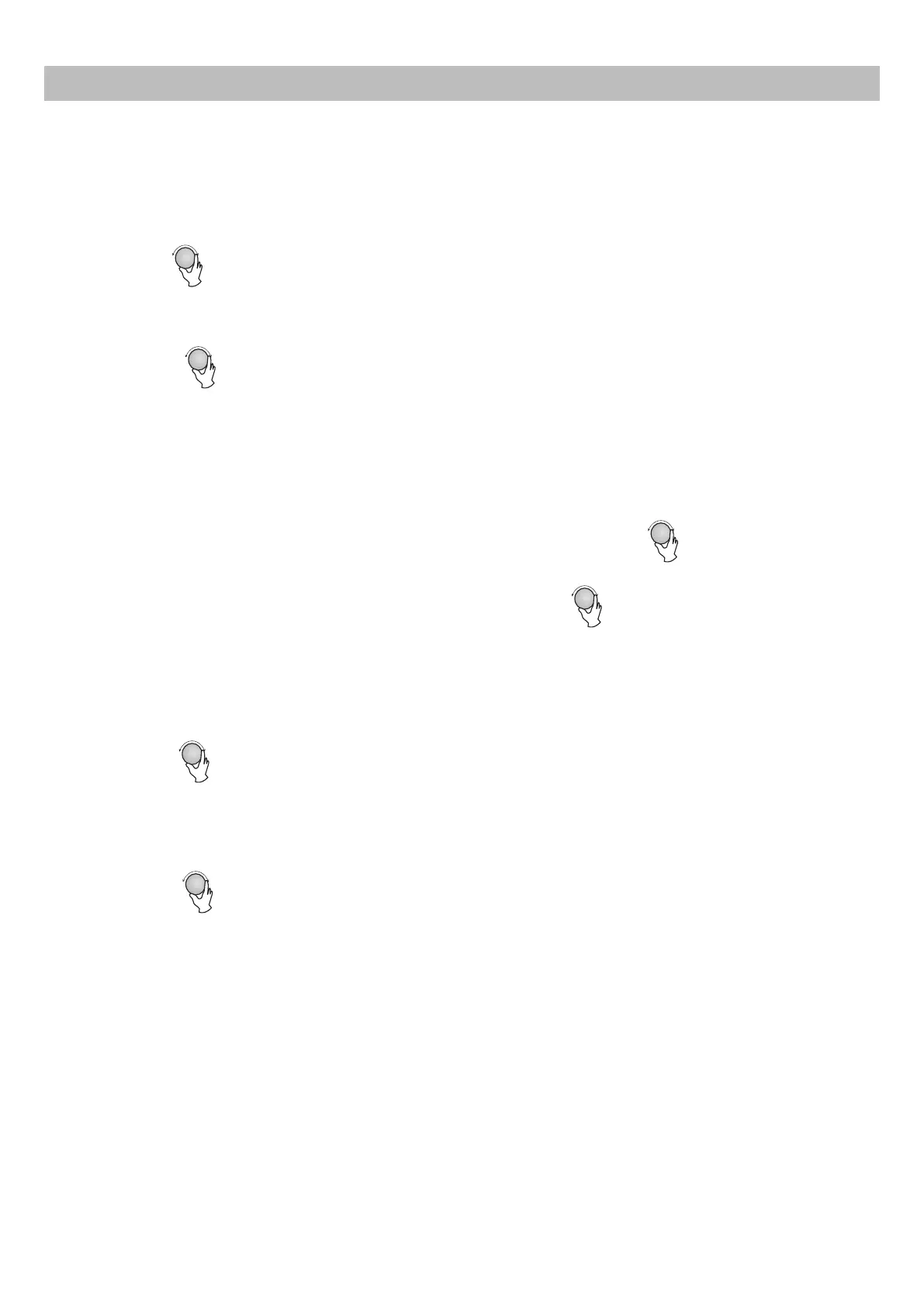
2) Ruotare
Operation Instructions
1) Press " ", the screen display "P100".
2) Turn " " to adjust the hour figures, the input time should be
within 0--23.
3) Press " ", the minute figures will flash.
2) Turn " " to adjust 80% microwave power until the oven displays
"P 80".
3) Press " " to confirm, the screen displays "P 80".
4) Turn " " to adjust the cooking time until the oven displays
"20:00".
5) Press " " to start cooking or press " "
to cancel the settings.
1. Clock Setting
When the microwave oven is electrified, the LED will display "0:00", buzzer will ring once.
1) Press " ", the hour figures will flash, and the indicator for
clock will light.
4) Turn " " to adjust the minute figures, the input time should
be within 0--59.
5) Press " " to finish clock setting. The indicator for clock
will go out, ":" will
Note: the step quantities for the adjustment time of the coding switch are as follow:
0---1 min : 5 seconds
1---5 min : 10 seconds
5---10 min : 30 seconds
10---30 min : 1 minute
30---95 min : 5 minutes
2. Cooking food
Press " " and then turn " " to select the function you want.
Press
" " and turn " " to select the cooking time. Press "
" "to start cooking.
Example: If you want to use 80% microwave power to cook for 20 minutes, you can
operate the oven as the following steps.
Clock/ Pre-set
Clock/ Pre-set
Clock/ Pre-set
Grill/Combi./
Quick Start/Start
Cancel/Stop
Quick Start/Start
flash, and the time will light.
Microwave
Grill/Combi./
Microwave
Grill/Combi./
Microwave
Grill/Combi./
Microwave
per regolare le cifre delle ore, l’orario inserito deve es-
sere compreso tra 0 e 23.
3) Premere “Clock/Pre-set”, le cifre dei minuti lampeggiano.
4) Ruotare
Operation Instructions
1) Press " ", the screen display "P100".
2) Turn " " to adjust the hour figures, the input time should be
within 0--23.
3) Press " ", the minute figures will flash.
2) Turn " " to adjust 80% microwave power until the oven displays
"P 80".
3) Press " " to confirm, the screen displays "P 80".
4) Turn " " to adjust the cooking time until the oven displays
"20:00".
5) Press " " to start cooking or press " "
to cancel the settings.
1. Clock Setting
When the microwave oven is electrified, the LED will display "0:00", buzzer will ring once.
1) Press " ", the hour figures will flash, and the indicator for
clock will light.
4) Turn " " to adjust the minute figures, the input time should
be within 0--59.
5) Press " " to finish clock setting. The indicator for clock
will go out, ":" will
Note: the step quantities for the adjustment time of the coding switch are as follow:
0---1 min : 5 seconds
1---5 min : 10 seconds
5---10 min : 30 seconds
10---30 min : 1 minute
30---95 min : 5 minutes
2. Cooking food
Press " " and then turn " " to select the function you want.
Press
" " and turn " " to select the cooking time. Press "
" "to start cooking.
Example: If you want to use 80% microwave power to cook for 20 minutes, you can
operate the oven as the following steps.
Clock/ Pre-set
Clock/ Pre-set
Clock/ Pre-set
Grill/Combi./
Quick Start/Start
Cancel/Stop
Quick Start/Start
flash, and the time will light.
Microwave
Grill/Combi./
Microwave
Grill/Combi./
Microwave
Grill/Combi./
Microwave
per regolare le cifre dei minuti, l’orario inserito deve
essere compreso tra 0 e 59.
5) Premere “Clock/Pre-set” per terminare l’impostazione dell’orologio.
L’indicatore dell’orologio si spegne, “:” lampeggia e l’ora si accende.
2. Cucinare i cibi
Premere “Grill/Combi/Microonde”, quindi ruotare
Operation Instructions
1) Press " ", the screen display "P100".
2) Turn " " to adjust the hour figures, the input time should be
within 0--23.
3) Press " ", the minute figures will flash.
2) Turn " " to adjust 80% microwave power until the oven displays
"P 80".
3) Press " " to confirm, the screen displays "P 80".
4) Turn " " to adjust the cooking time until the oven displays
"20:00".
5) Press " " to start cooking or press " "
to cancel the settings.
1. Clock Setting
When the microwave oven is electrified, the LED will display "0:00", buzzer will ring once.
1) Press " ", the hour figures will flash, and the indicator for
clock will light.
4) Turn " " to adjust the minute figures, the input time should
be within 0--59.
5) Press " " to finish clock setting. The indicator for clock
will go out, ":" will
Note: the step quantities for the adjustment time of the coding switch are as follow:
0---1 min : 5 seconds
1---5 min : 10 seconds
5---10 min : 30 seconds
10---30 min : 1 minute
30---95 min : 5 minutes
2. Cooking food
Press " " and then turn " " to select the function you want.
Press
" " and turn " " to select the cooking time. Press "
" "to start cooking.
Example: If you want to use 80% microwave power to cook for 20 minutes, you can
operate the oven as the following steps.
Clock/ Pre-set
Clock/ Pre-set
Clock/ Pre-set
Grill/Combi./
Quick Start/Start
Cancel/Stop
Quick Start/Start
flash, and the time will light.
Microwave
Grill/Combi./
Microwave
Grill/Combi./
Microwave
Grill/Combi./
Microwave
per selezionare
la funzione desiderata.
Premere “Grill/Combi/Microonde” e ruotare
Operation Instructions
1) Press " ", the screen display "P100".
2) Turn " " to adjust the hour figures, the input time should be
within 0--23.
3) Press " ", the minute figures will flash.
2) Turn " " to adjust 80% microwave power until the oven displays
"P 80".
3) Press " " to confirm, the screen displays "P 80".
4) Turn " " to adjust the cooking time until the oven displays
"20:00".
5) Press " " to start cooking or press " "
to cancel the settings.
1. Clock Setting
When the microwave oven is electrified, the LED will display "0:00", buzzer will ring once.
1) Press " ", the hour figures will flash, and the indicator for
clock will light.
4) Turn " " to adjust the minute figures, the input time should
be within 0--59.
5) Press " " to finish clock setting. The indicator for clock
will go out, ":" will
Note: the step quantities for the adjustment time of the coding switch are as follow:
0---1 min : 5 seconds
1---5 min : 10 seconds
5---10 min : 30 seconds
10---30 min : 1 minute
30---95 min : 5 minutes
2. Cooking food
Press " " and then turn " " to select the function you want.
Press
" " and turn " " to select the cooking time. Press "
" "to start cooking.
Example: If you want to use 80% microwave power to cook for 20 minutes, you can
operate the oven as the following steps.
Clock/ Pre-set
Clock/ Pre-set
Clock/ Pre-set
Grill/Combi./
Quick Start/Start
Cancel/Stop
Quick Start/Start
flash, and the time will light.
Microwave
Grill/Combi./
Microwave
Grill/Combi./
Microwave
Grill/Combi./
Microwave
per selezionare il tem-
po di cottura. Premere “Avvio rapido/Avvio” per avviare la cottura.
Esempio: Se si desidera utilizzare l’80% potenza delle microonde per
cuocere per 20 minuti, è possibile azionare il forno come segue.
1) Premere “Grill/Combi/Microonde”, lo schermo visualizza “P100”.
2) Ruotare
Operation Instructions
1) Press " ", the screen display "P100".
2) Turn " " to adjust the hour figures, the input time should be
within 0--23.
3) Press " ", the minute figures will flash.
2) Turn " " to adjust 80% microwave power until the oven displays
"P 80".
3) Press " " to confirm, the screen displays "P 80".
4) Turn " " to adjust the cooking time until the oven displays
"20:00".
5) Press " " to start cooking or press " "
to cancel the settings.
1. Clock Setting
When the microwave oven is electrified, the LED will display "0:00", buzzer will ring once.
1) Press " ", the hour figures will flash, and the indicator for
clock will light.
4) Turn " " to adjust the minute figures, the input time should
be within 0--59.
5) Press " " to finish clock setting. The indicator for clock
will go out, ":" will
Note: the step quantities for the adjustment time of the coding switch are as follow:
0---1 min : 5 seconds
1---5 min : 10 seconds
5---10 min : 30 seconds
10---30 min : 1 minute
30---95 min : 5 minutes
2. Cooking food
Press " " and then turn " " to select the function you want.
Press
" " and turn " " to select the cooking time. Press "
" "to start cooking.
Example: If you want to use 80% microwave power to cook for 20 minutes, you can
operate the oven as the following steps.
Clock/ Pre-set
Clock/ Pre-set
Clock/ Pre-set
Grill/Combi./
Quick Start/Start
Cancel/Stop
Quick Start/Start
flash, and the time will light.
Microwave
Grill/Combi./
Microwave
Grill/Combi./
Microwave
Grill/Combi./
Microwave
per regolare la potenza delle microonde all’80% fino a
quando il forno non visualizza “P 80”.
3) Confermare premendo “Grill/Combi/Microonde”, lo schermo vi-
sualizza “P 80”.
4) Ruotare
Operation Instructions
1) Press " ", the screen display "P100".
2) Turn " " to adjust the hour figures, the input time should be
within 0--23.
3) Press " ", the minute figures will flash.
2) Turn " " to adjust 80% microwave power until the oven displays
"P 80".
3) Press " " to confirm, the screen displays "P 80".
4) Turn " " to adjust the cooking time until the oven displays
"20:00".
5) Press " " to start cooking or press " "
to cancel the settings.
1. Clock Setting
When the microwave oven is electrified, the LED will display "0:00", buzzer will ring once.
1) Press " ", the hour figures will flash, and the indicator for
clock will light.
4) Turn " " to adjust the minute figures, the input time should
be within 0--59.
5) Press " " to finish clock setting. The indicator for clock
will go out, ":" will
Note: the step quantities for the adjustment time of the coding switch are as follow:
0---1 min : 5 seconds
1---5 min : 10 seconds
5---10 min : 30 seconds
10---30 min : 1 minute
30---95 min : 5 minutes
2. Cooking food
Press " " and then turn " " to select the function you want.
Press
" " and turn " " to select the cooking time. Press "
" "to start cooking.
Example: If you want to use 80% microwave power to cook for 20 minutes, you can
operate the oven as the following steps.
Clock/ Pre-set
Clock/ Pre-set
Clock/ Pre-set
Grill/Combi./
Quick Start/Start
Cancel/Stop
Quick Start/Start
flash, and the time will light.
Microwave
Grill/Combi./
Microwave
Grill/Combi./
Microwave
Grill/Combi./
Microwave
per regolare il tempo di cottura fino a quando il forno
non visualizza “20:00”.
5) Premere “Avvio rapido/Avvio*” per avviare la cottura o “Annulla/
Spegni” per annullare le im-postazioni.
NOTA: la quantità di passi per la regolazione del tempo del cambio di
codice è come segue:
0-1 min 5 secondi
1-5 min 10 secondi
5-10 min 30 secondi
10-30 min 1 minuto
30-95 min 5 minuti
* corrisponde alla funzione “Start +30 OK”


 To Next Page
 Loading...