VOORUI
Connecting and using a PC
Choose the connection method that suits your PC.
Connecting parts may vary from product to product.
HDMI Port supports up to 1920x1080, 144Hz;
DP port supports up to 1920x1080, 165Hz;
Connecting and using source devices
Read below before installing the product.
Before installing the product, check the shapes of both ports of the supplied
signal cables and the shapes and locations of the ports on the product and
external device.
Before connecting signal cable, make sure you remove the power cables from
both the product and the external device to prevent damage to the product
due to a short circuit or over current.
After all signal cables have been properly connected, connect the power
cables back to the product and the external device.
After installation is completed, make sure you read the user guide to acquaint
yourself with the product functions, precautions and other information required
to use the product properly.
Please read the user guide provided by the source device for the operation mode
of the source device. The original device signal is abnormal. It is recommended to
contact the source device manufacturer first.
If you need assistance, please contact Koorui customer services.
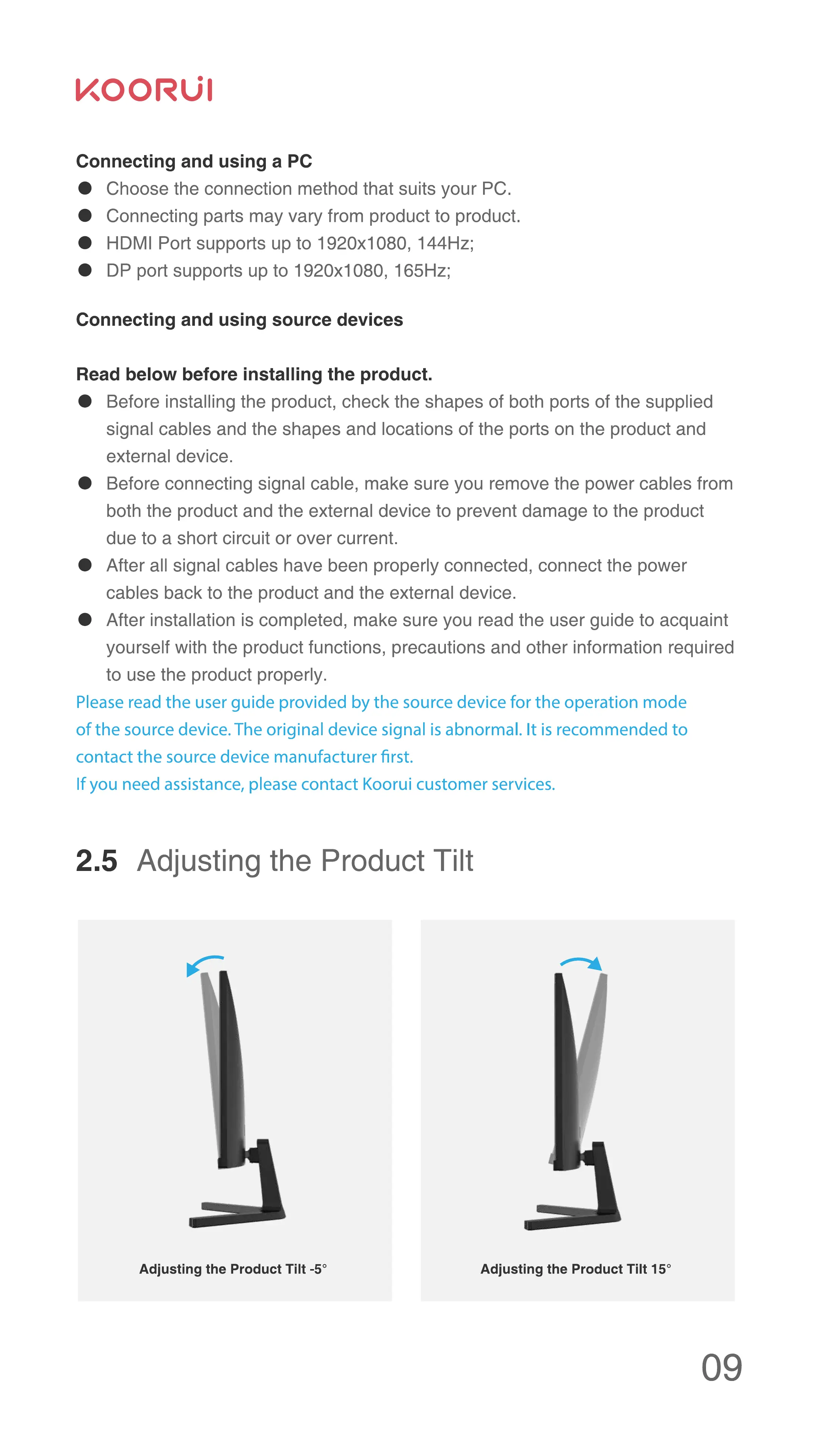
2.5 Adjusting the Product Tilt
Adjusting the Product Tilt -50 Adjusting the Product Tilt 150
09


 To Next Page
 Loading...

