VOORUI
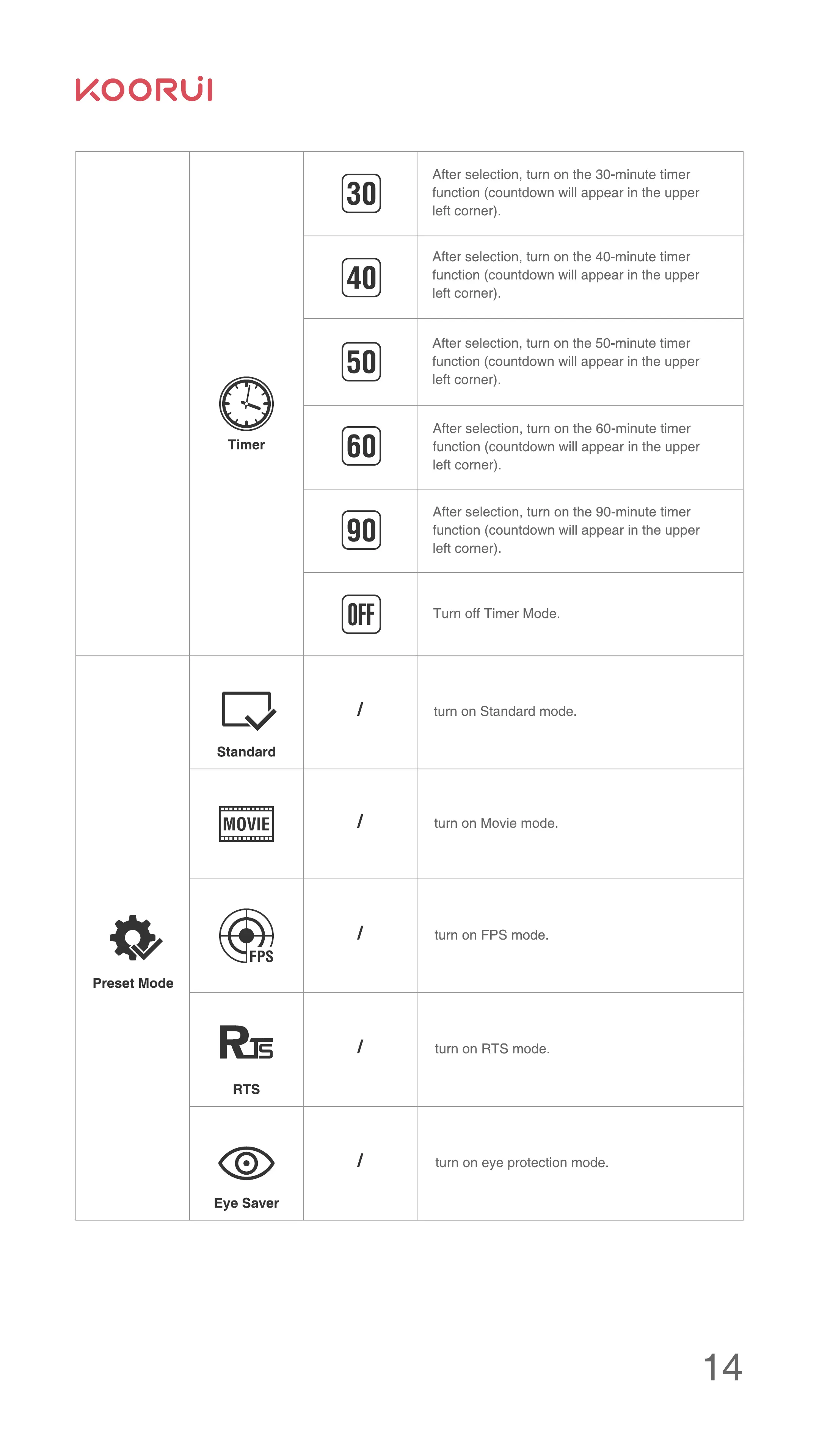
Preset Mode
Timer
Standard
MOVIE
FPS
s
RTS
Eye Saver
After selection, turn on the 30-minute timer
function (countdown will appear in the upper
left corner).
After selection, turn on the 40-minute timer
function (countdown will appear in the upper
left corner).
After selection, turn on the 50-minute timer
function (countdown will appear in the upper
left corner).
After selection, turn on the 60-minute timer
function (countdown will appear in the upper
left corner).
After selection, turn on the 90-minute timer
function (countdown will appear in the upper
left corner).
Turn off Timer Mode.
turn on Standard mode.
turn on Movie mode.
turn on FPS mode.
turn on RTS mode.
turn on eye protection mode.


 To Next Page
 Loading...

