VOORUI
When resting, leave your eyes away from the monitor and look at the distance
for 20 seconds.
When resting, stretch or relieve your neck, arms, back and shoulders.
Low blue light description
The blue light wavelength is in the blue light band, and the display has the
function of reducing blue light emission. Can select "eye protection mode" in the
menu to protect your eyes.
Cleaning your monitor
To clean your screen, lightly dampen a soft, clean cloth with water. If possible,
use a special screen-cleaning tissue or solution suitable for the anti static coating.
Do not use benzene, thinner, ammonia, abrasive cleaners or compressed air.
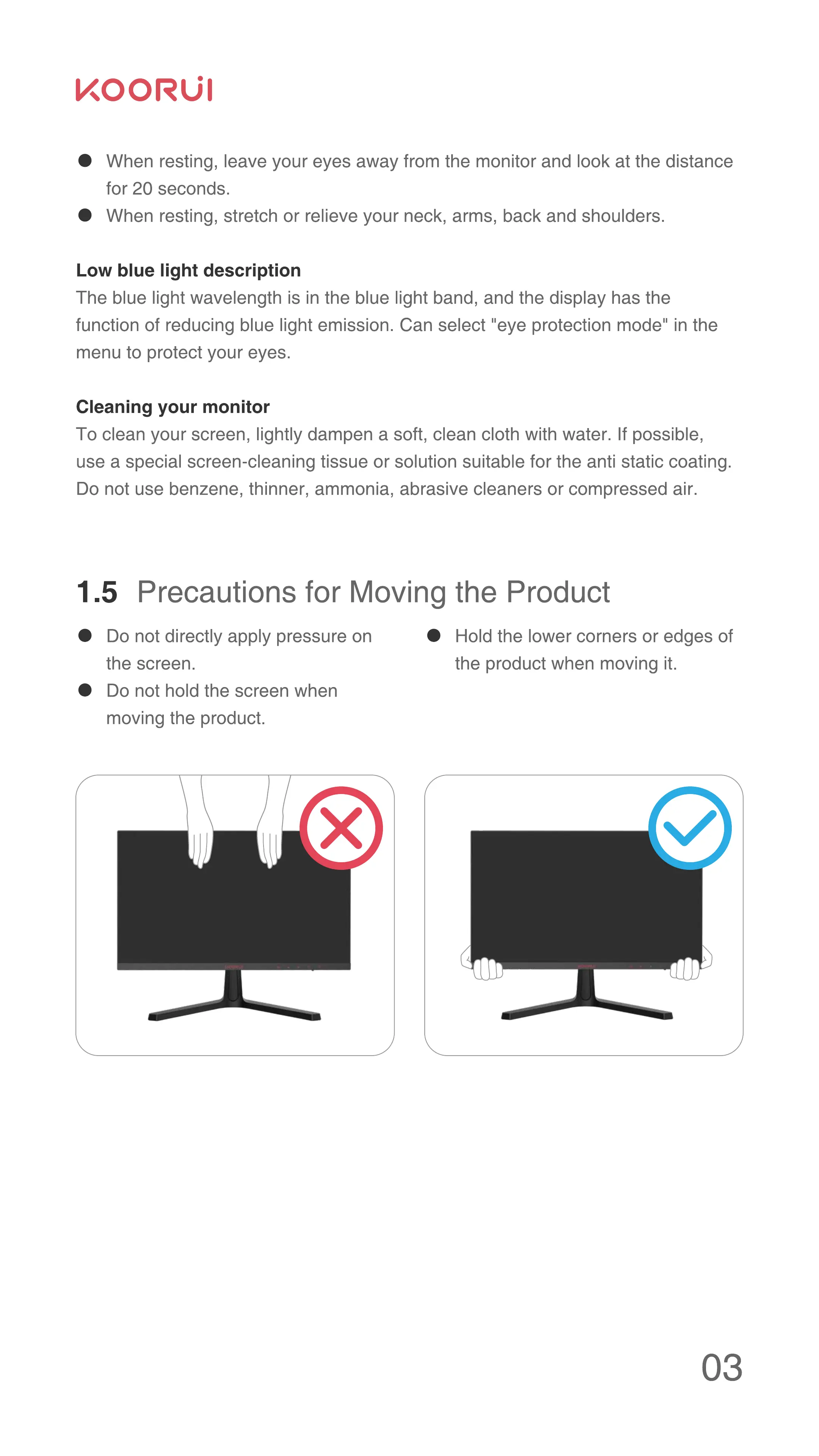
1.5 Precautions for Moving the Product
Do not directly apply pressure on
the screen.
Do not hold the screen when
moving the product.
O
Hold the lower corners or edges of
the product when moving it.
03



 To Next Page