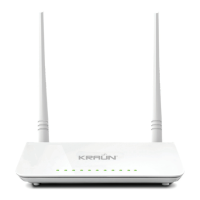
Router ADSL 2/2+ Wireless-N 300Mbps KN.3R
www.kraun.it
4. HARDWARE CONNECTION
Pictures here are for references only.
The ADSL2 / 2 + Wireless-N 300MBS works in DSL mode. To use the de-
vice, connect the RJ11 port to the ADSL filter (already connected to the
phone line and the phone itself ).
If you are using a desktop PC, use the RJ45 network cable to connect the PC
to one of the 4 LAN ports on the router. Then, connect the power adapter
to the main and to the router’s power IN. You can turn on the device and go
on with the configuration.
In case you use your notebook or other devices with WiFi these will
connect to the router via wireless.
CONNECTION METHOD
DSL mode
Follow the diagram below to connect your network devices when using DSL uplink ac-
cess mode (through telephone line).
Power
Outlet
Network Cable
Network Cable
Telephone Line
Telephone
Line


 To Next Page
 Loading...