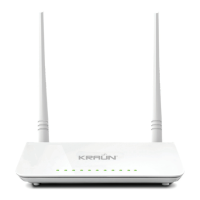
Router ADSL 2/2+ Wireless-N 300Mbps KN.3R
www.kraun.it
6. CLIENT CONNECTION CONFIGURATION
WIRED CLIENT CONNECTION:
1. Enter “My Network Places”, right
click “Local Area Connection” and
select “Properties”.
3. Select “Obtain an IP address
automatically”, and “Obtain
DNS server’s address automa-
tically” and then click “OK”.
2.Select “Internet Protocol (TCP/IP)”
on the appearing window and click
the “Properties” button.
4. Connection succeeds.


 To Next Page
 Loading...