See the table below for code description
Technical Parameters
Error code Problem description Solution
E 0
E 1
E 2
E 3
E 4
E 5
Check or replace the tem-
perature sensor
Check the input voltage
Check the cooling fan
Power off and stand for 30
minutes to restart
Adjust compressor operat-
ing mode(MAX/ECO)
Move the refrigerator to a
ventilated
The temperature sensor
is damaged
The input voltage is too low
DC fan overcurrent protec-
tion
Compressor start abnormal
protection
Compressor speed abnor-
mal protection
Module temperature is too
high
Model ED40 ED50 ED60
Input voltage
Temperature control range
Refrigerant
Insulation materials
Electricity power
Rated current
Net weight
Product size(L*W*H)mm
Packing size(L*W*H)mm
DC 12V/24V, AC 100-240V
-20<C~20<C(-4℉~68℉)
R134a
Polyurethane foam
60W±20%
5.0A/2.5A
15.5Kg 15.9Kg 16.3Kg
674*409*466 674*409*516 674*409*583
770*520*525 770*520*575 770*520*642
ENGLISH - 010ENGLISH - 009
Error code description
When the compressor, module, fan, temperature sensing head are abnormal
and the input voltage is too low, an error code will appear on the display
screen, and the compressor will stop working. When the abnormality is elimi-
nated, unplug the power supply and plug it back in to return to the temperature
display in the box and the compressor cooling mode will start to work after 1
minute.
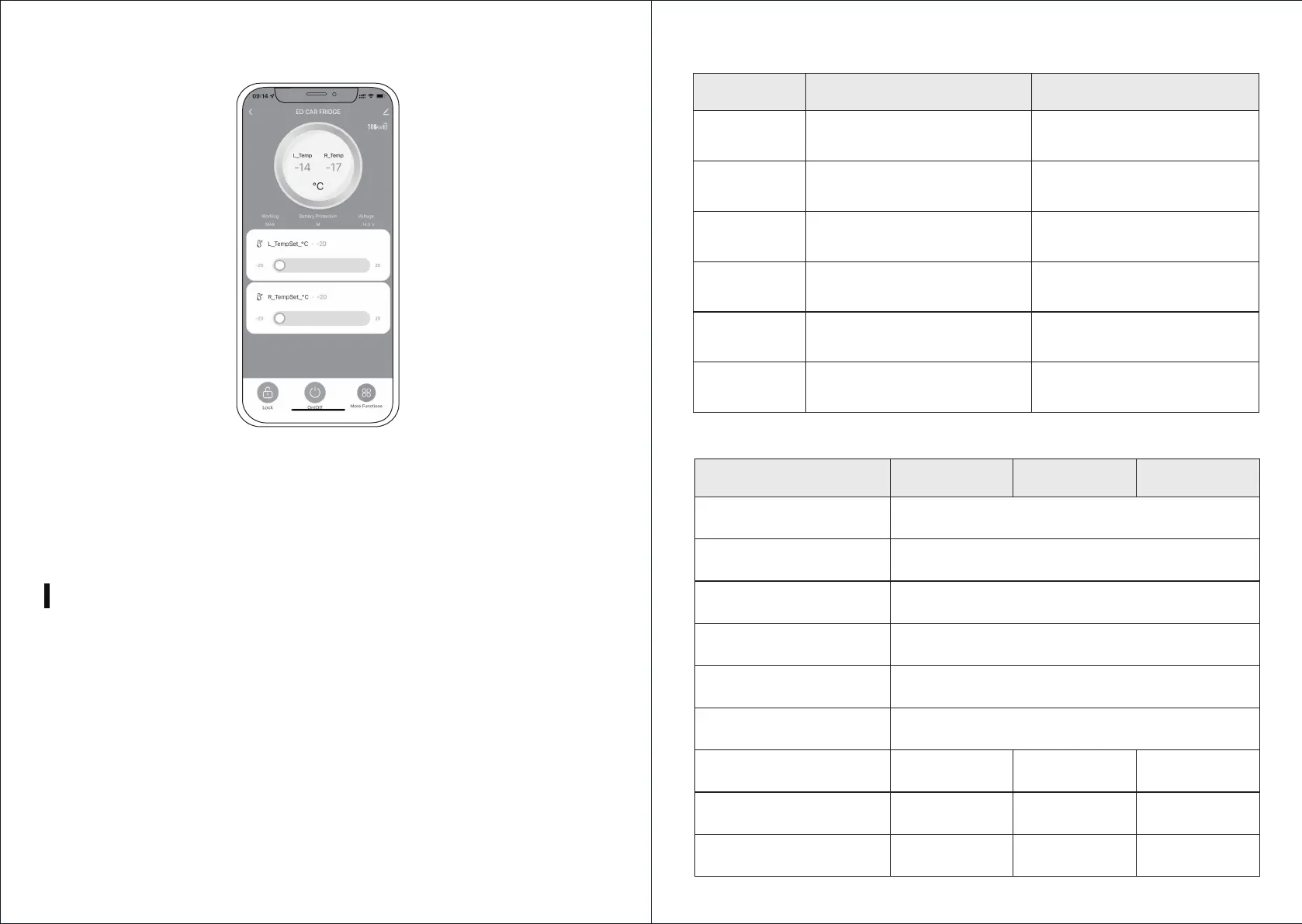
6) Enter the Bluetooth APP control interface
If the Bluetooth connection is not successful, you can press and hold the
"Settings" and "Power On/Off" buttons at the same time for three seconds, and
wait for the Bluetooth logo on the screen to reset and flash, and then connect
again.



 To Next Page