Owner’s manual
30
Owner’s manual
31
ENEN
6. Select a network and input the password.
Attention: make sure that the router is working on 2,4 GHz band (5 GHz
is not supported).
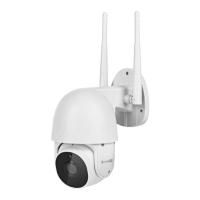
7. Show the QR code to the camera. Make sure that the distance between the
camera and the phone is around 15-20
cm, and the camera is pointing directly at
the phone. The camera will play a chime,
once it establishes the connection.
Attention: if the camera will not detect
the QR code, try turning the camera by
180°.
8. Press the I Heard a Prompt button. Wait until the app add the camera.
9. Ready! The camera has been added. If you want to change the name of
the camera, press the Edit button and input the name. Press the Done
button.
3. Press the Add new device button.
4. Go to the Security & Video Surveillance category and select the Smart
Camera option.
5. Check the mark and press the Next button.


 To Next Page
 Loading...