Need help?
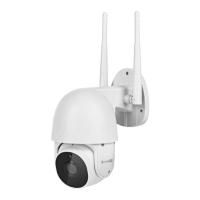
Do you have a question about the Krüger & Matz Connect C40 and is the answer not in the manual?
Follow app prompts to add the camera, select its category, and scan the QR code.
Present the QR code to the camera and confirm hearing the prompt sound.
Unscrew cover, lift carefully, slide card into slot, and secure cover.
Open reset cover, press and hold reset button for 5 seconds.
Move lens up, use thin object to press reset button for 5 seconds.
 General
| Brand | Krüger & Matz |
|---|---|
| Model | Connect C40 |
| Category | Security Camera |
| Language | English |


 To Next Page