3 Replacing the LevelControl Basic 2 BC Control Unit
9 of 12
Compacta / mini-Compacta
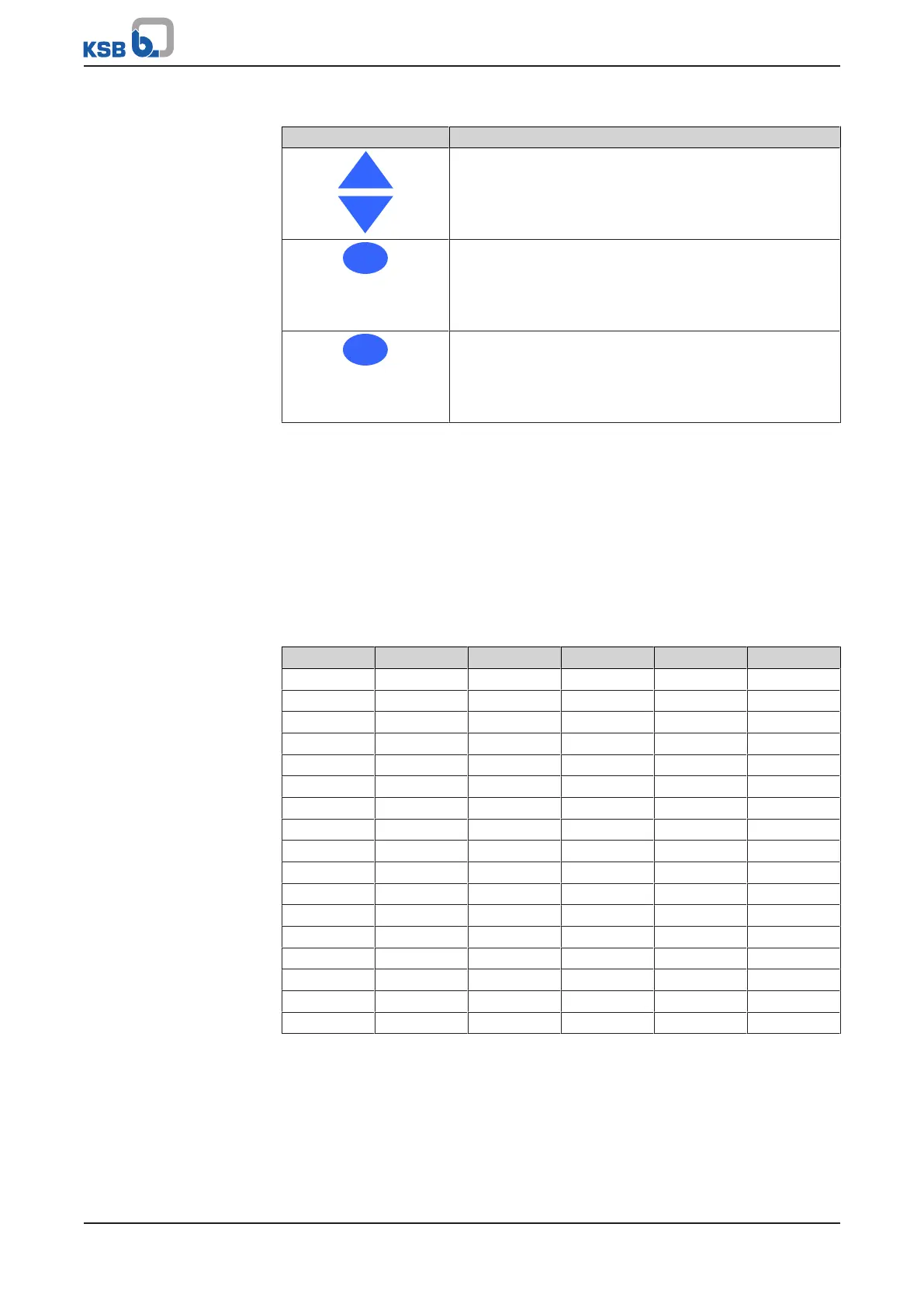
Table3: Control unit: Navigation keys
Key Description
Arrow keys (up/down):
▪ Move up/down in the menu options.
▪ Increase/decrease a numerical value
Escape key:
▪ Cancel entry without saving it.
▪ When entering numbers: Go to the previous digit.
▪ Move up one menu level.
OK key:
▪ Confirm entries.
▪ Confirm a menu selection.
▪ When entering numbers: Go to the next digit.
1. Switch on LevelControl Basic 2.
2. Press the "ESC" and "OK" keys simultaneously: P3.1.2.1 is displayed.
3. Press "OK": The display of the lifting unit starts to flash.
4. Refer to the lifting unit's name plate for the unit type (e.g. UZ10.450D), look up
the relevant setting in the table shown below (e.g. 39 for UZ10.450D) and make
the appropriate setting (e.g. 39) using the "Up" and "Down" keys of the control
unit.
5. To confirm, press "OK".
6. Press "ESC" to exit parameterisation.
Table4: Setting the unit type
Unit Setting Unit Setting Unit Setting
U1.100 E 1 U5.300 D 18 UZ5.450 D 35
U1.100 D 2 UZ1.150 E 19 UZ3.900 D 36
U2.100 E 3 UZ1.150 D 20 UZ4.900 D 37
U2.100 D 4 UZ2.150 E 21 UZ5.900 D 38
U3.100 D 5 UZ2.150 D 22 UZ10.450 D 39
U4.100 D 6 UZ3.150 D 23 UZ11.450 D 40
U5.100 D 7 UZ4.150 D 24 UZ12.450 D 41
US1.100 E 8 UZ5.150 D 25 UZ13.450 D 42
US1.100 D 9 UZS1.150 E 26 UZ14.450 D 43
US2.100 E 10 UZS1.150 D 27 UZ15.450 D 44
US2.100 D 11 UZS2.150 E 28 UZ10.900 D 45
U1.150 E 12 UZS2.150 D 29 UZ11.900 D 46
U1.150 D 13 UZ3.300 D 30 UZ12.900 D 47
U2.150 E 14 UZ4.300 D 31 UZ13.900 D 48
U2.150 D 15 UZ5.300 D 32 UZ14.900 D 49
U3.300 D 16 UZ3.450 D 33 UZ15.900 D 50
U4.300 D 17 UZ4.450 D 34



 To Next Page