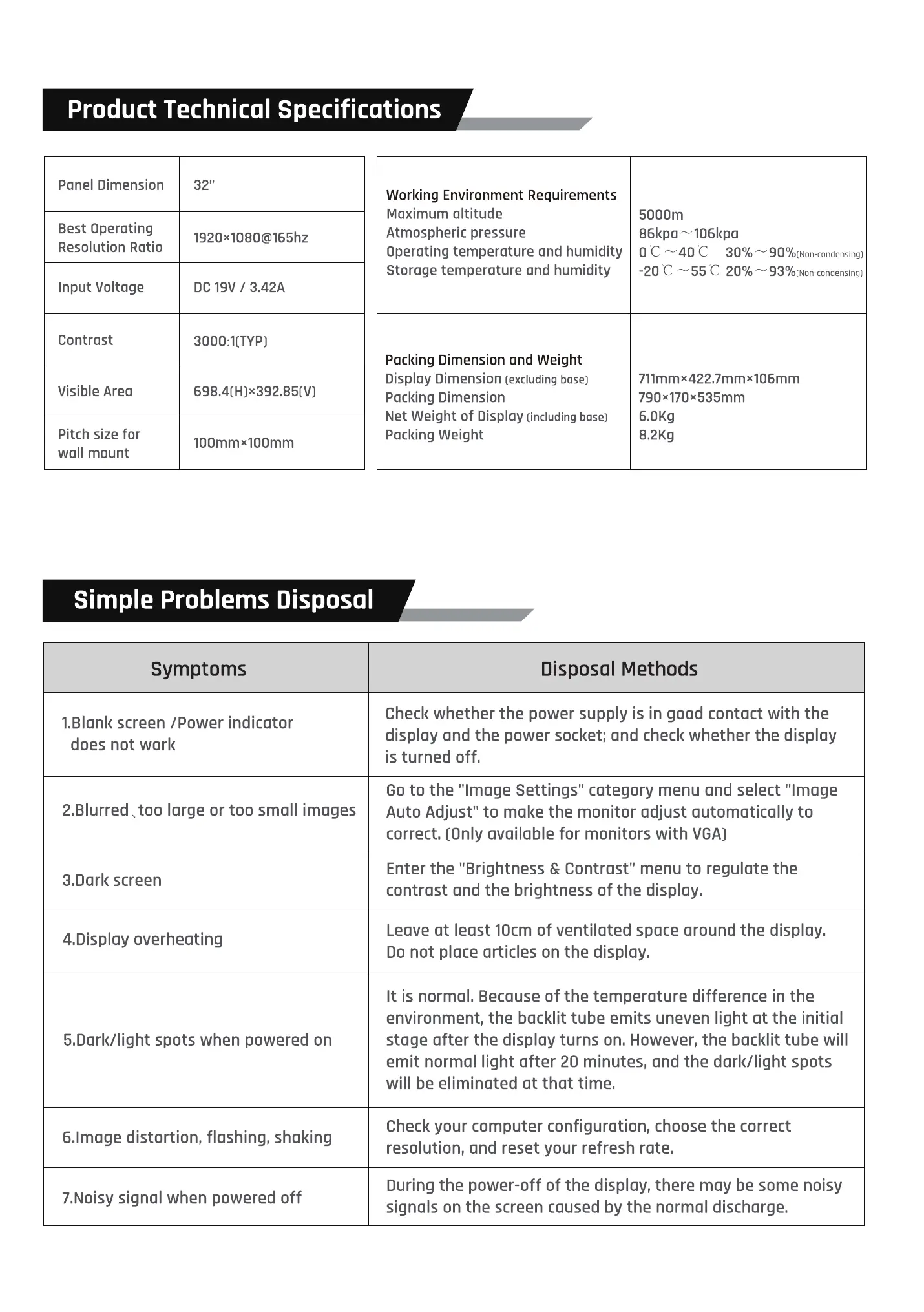
Product Technical Specifications
Panel Dimension
Best Operating
Resolution Ratio
Input Voltage
Contrast
Visible Area
Pitch size for
wall mount
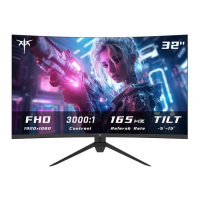
32"
1920x1080@165hz
DC / 3.42A
100mmx100mm
Working Environment Requirements
Maximum altitude
Atmospheric pressure
Operating temperature and humidity
Storage temperature and humidity
Pocking Dimension and Weight
Display Dimension (excludingbase)
Packing Dimension
Net Weight of Display (includingbase)
Pocking Weight
5000m
86kpa 106kpa
oc 40C
-20C 55C 20%
900/0(Non-condensing)
930/0(Non-condensing)
711mmx422.7mmx106mm
790x170x535mm
6.0Kg
8.2Kg
Simple Problems Disposal
Symptoms
I.Blonk screen /Power indicator
does not work
2.Blurred large or too small images
3.Dark screen
4.Disploy overheating
5.Dork/light spots when powered on
6.1moge distortion, flashing, shaking
7.Noisy signal when powered off
Disposal Methods
Check whether the power supply is in good contact with the
display and the power socl<et; and check whether the display
is turned off.
Go to the "Image Settings" category menu and select "Image
Auto Adjust" to make the monitor adjust automatically to
correct. (Only available for monitors with VGA)
Enter the "Brightness & Contrast" menu to regulate the
contrast ond the brightness of the display.
Leave at least 10cm of ventilated space around the display.
Do not place articles on the display.
It is normal. Because of the temperature difference in the
environment, the backlit tube emits uneven light ot the initial
stoge after the display turns on. However, the backlit tube will
emit normal light after 20 minutes, ond the dark/light spots
will be eliminated at that time.
Check your computer configuration, choose the correct
resolution, and reset your refresh rate.
During the power-off of the display, there may be some noisy
signals on the screen caused by the normol discharge.


 To Next Page
 Loading...