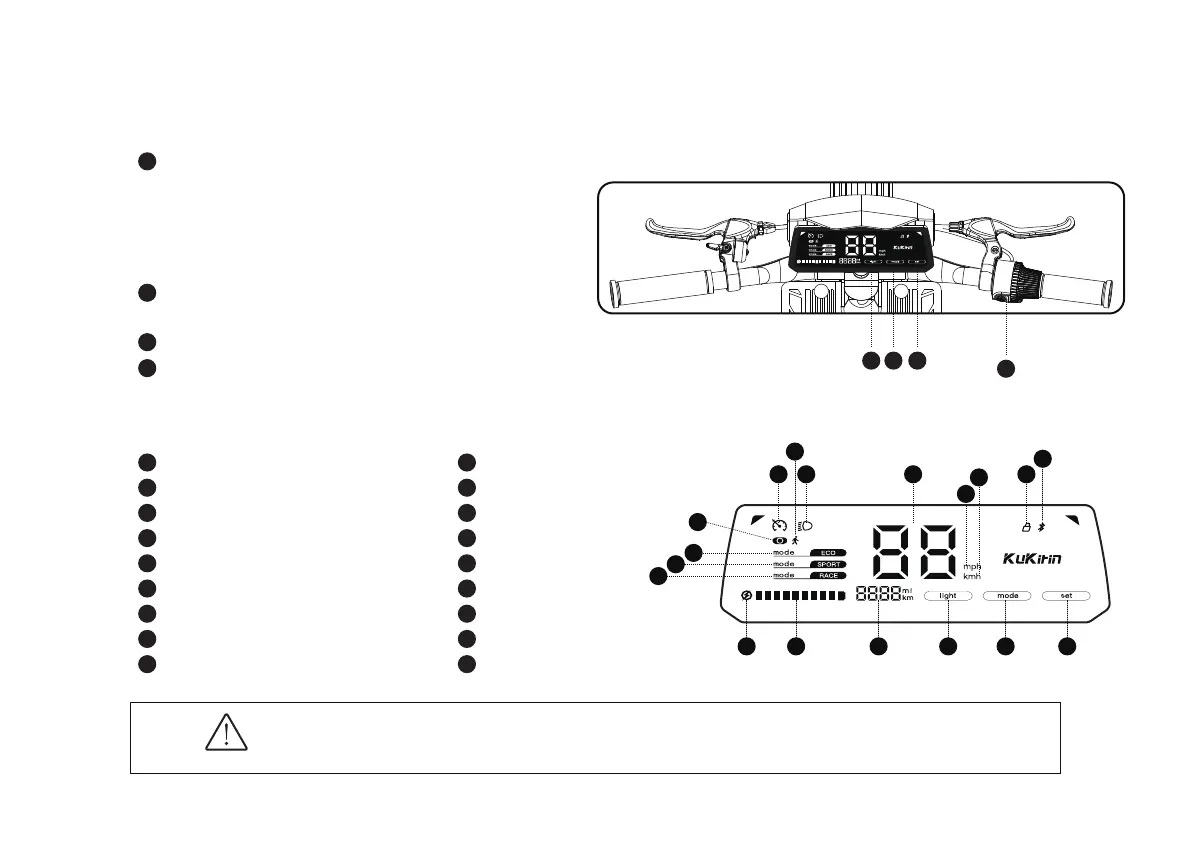
2.3 Button information
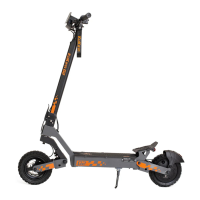
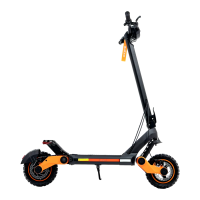
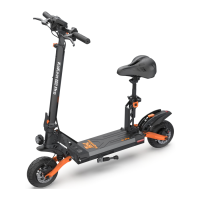
Before riding, you must understand the dierent function keys and display meanings of Kukirin G4
Please charge the electric scooter regularly. If it is not used for a long time, please keep the electric
scooter with more than 60% power. If there is no power, please charge it in time. Battery protection
problems caused by long-term power loss and over-discharge shall be borne by the user.
Constant speed cruise
Headlight status
Zero and non-zero modes
Gear mode - economy
Gear mode - sport
Gear mode - race
Low battery warning
Power
Total mileage
Pedestrian mode
Real-time speed
Bluetooth lock
Bluetooth link
mile
kilometre
Light switch
Gear mode adjustment button
Set button
On/o button: power-on key/function combination key
Click to open the electric scooter in the shutdown state
In the power-on state, double-click to switch the gear
mode, click to briey press the headlamp switch, and click
to turn o the electric scooter
Turn on/o the headlights when the scooter is powered on
Settings: click to switch units (miles and kilometers)
Press and hold to turn cruise control on/o
Mode: click to change the speed mode (1-2-3-1)
Lights: Click to turn on/o the headlights
2.4 Display information
1
2
3
4
1
2
3
4
5
6
7
8
9
1
234
10
11
12
13
14
15
16
17
18
21 11 12
14
15
13
10
7 8 9 16 17 18
4
3
5
6



 To Next Page