Symptom Possible Cause Possible Solution
No discharge of air Cord is not plugged in Make sure cord is plugged in and try to turn the unit on pressing
POWER button on control panel and remote control.
Power is not on Check the circuit breaker or check
Circuit breaker/GFCI GFCI reset button.
Not cooling Water ow regulator at MIN setting Change the water regulator setting to MAX.
Low/No water Check Water
Odor emission Brand new unit Brand new cooling pad will initially have an odor which will dissipate
within a week of initial use.
Old unit with algae If the unit is not new, there may be an algae issue
– replace the pad and maintain regularly.
Water droplets coming Calcium saturated water Drain water, deep clean and clean the cooling pad.
out of air outlet Cooling pad installed wrong Adjust pad in back and install pad securely in place.
Clogged cooling pad Cooling pad may need to be replaced.
The unit will not respond Damaged PCB Try with remote control. If the unit responds, PCB board fasteners
loose. If neither control panel nor remote control command works,
PCB board damaged - contact service technician.
Moisture in PCB Try using remote control to see if the unit responds. If the unit
responds briey, likely cause is the moisture in the PCB. Turn off
unit by unplugging it from the power. Drain, clean and dry the unit,
possibly replace the pad. Rell it with fresh water.
Remote control batteries Check Batteries
Unit is making noise Calcium build up in blower Deep clean the unit -remove calcium debris.
Loose pump impeller cover
Securely fasten the impeller cover in the reservoir
Water Flow Regulator knob is at Close the water distribution compartment cover.
MIN position and the water
distribution compartment cover
is open
The unit will not Damaged PCB Damaged PCB - contact service technician.
turn off Remote Control Batteries Check batteries
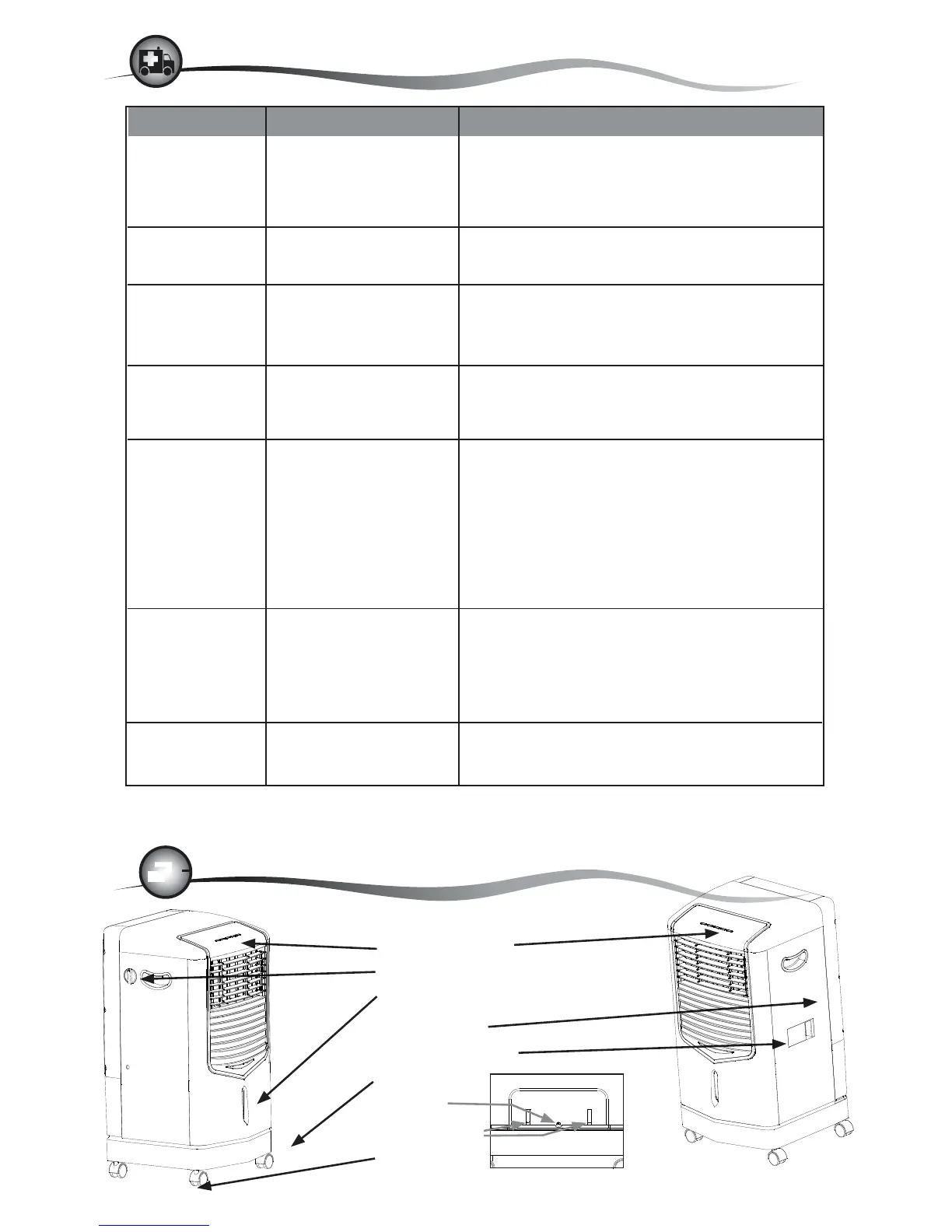
1. Control Panel
2. Water Flow Regulator Knob
3. Water Level Gauge
4. Rear Cover
5. Water Fill Door
6. Base
7. Drain
8. Cord Wrap
9. Casters


 To Previous Page
 Loading...