EasyManua.ls Logo

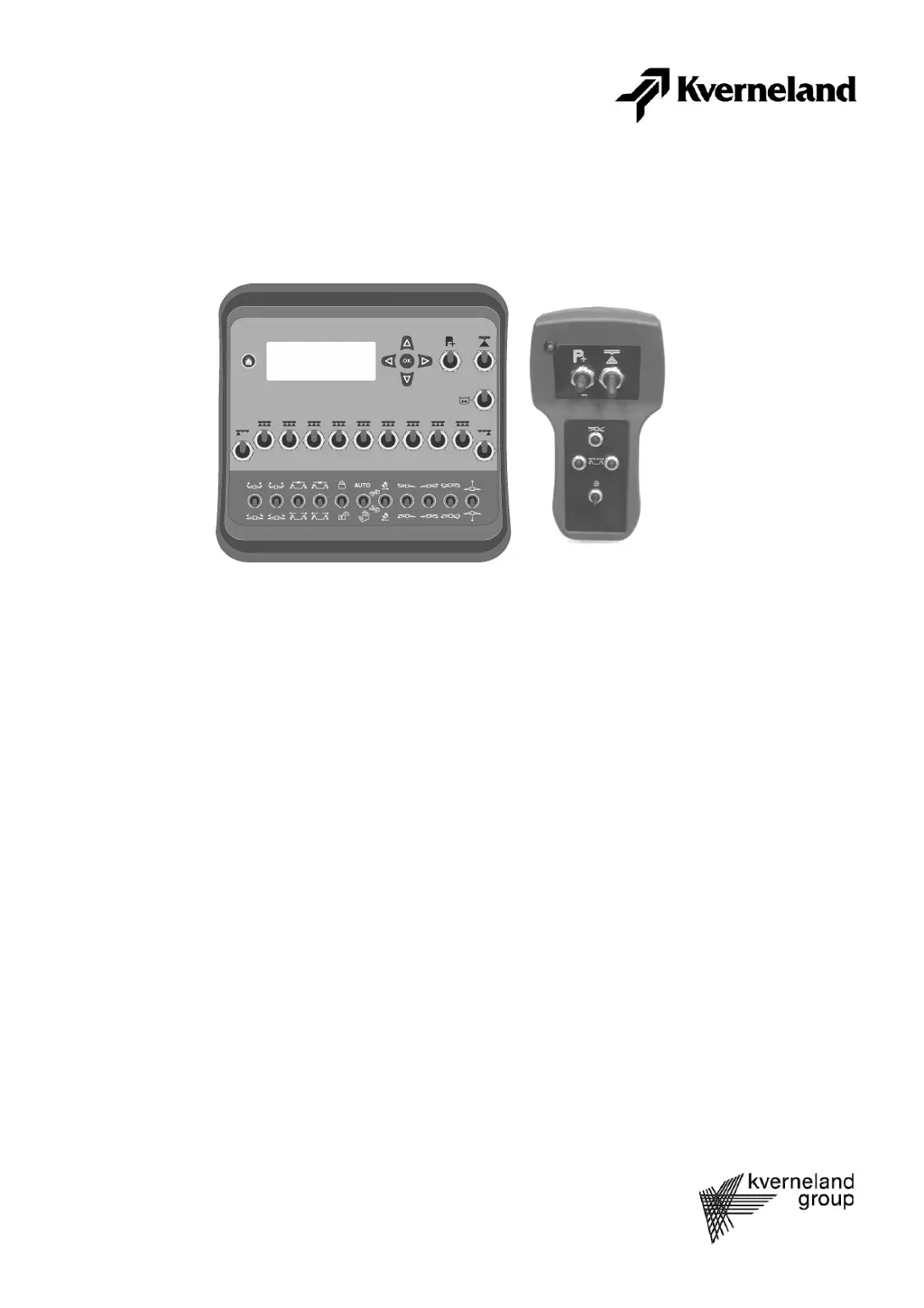
Kverneland Flowmate Control FMC - User Manual

Kverneland Flowmate Control FMC
69 pages
Print Icon
To Next Page IconTo Next Page
Loading...
Operation manual
Article number: 70051422
Production year: 2008
Effective: 01001 Mach ID
Prod. Series nr:
Flowmate Control FMC/EC/GZD-EC

Table of Contents

Questions and Answers

  • P
    pdavisAug 17, 2025
    Why is there no transmission of data on my Kverneland Controller?
    • J
      jenniferortizAug 17, 2025
      If there is no transmission of data, verify the following: * Ensure the energy supply is working. * Check that all wires are correctly connected. * See if the Run LED on the motherboard of the SHC box is flashing. * Check if the Run LED on the motherboard of the control box is flashing.
  • A
    Alfred BrownAug 20, 2025
    How to fix faulty display of the driving speed on Kverneland Controller?
    • S
      Sheena RuizAug 20, 2025
      To resolve a faulty driving speed display, consider the following: * Confirm the sensor is working correctly. * Verify the setting is correct. * Ensure the wheel/radar setting is correct. * Check if the calibration was done correctly. * Test if the system works at simulation speed.
  • C
    Casey PopeAug 22, 2025
    What to do if sections cannot be switched via the Kverneland Controller control box?
    • B
      brooksjoanneAug 22, 2025
      If sections cannot be switched, check the following: * Ensure all the wires are connected correctly. * Verify the Run LED on the motherboard of the SHC box is flashing. * Confirm the switch of the control box is set to “ON”. * Check the output signal of the SHC box. * See if the output works in test operation.
  • M
    Melody JacksonAug 25, 2025
    Why is there a difference between nominal and actual value of the application rate on Kverneland Controller?
    • L
      Luis MullinsAug 26, 2025
      If there is a difference between the nominal and actual value of the application rate, check if: * The pressure regulator works without faults. * The through flow sensor works without faults.
  • L
    loganbrownAug 27, 2025
    How to resolve malfunction of the through flow regulation on Kverneland Controller?
    • C
      Cynthia ParkerAug 27, 2025
      To address a malfunction in through flow regulation, consider the following: * Ensure the speed sensor is working correctly. * Verify the through flow and pressure sensors are working correctly. * Confirm the "Through flow quantity/Pressure" setting is correct. * Check if the system works at simulation speed. * Verify the pressure regulator is working correctly. * Ensure all the settings are correct. * Confirm all the calibration processes have been done correctly.
  • J
    John MillerAug 30, 2025
    How to fix faulty display of the through flow on Kverneland Controller?
    • J
      Justin EvansAug 30, 2025
      To fix a faulty display of the through flow, check if: * The sensor is working. * The computer is set to "through flow quantity". * Calibration was done correctly.
  • J
    Jacob FritzSep 1, 2025
    How to resolve wheel sensor and through flow sensor issues on Kverneland Controller?
    • S
      shernandezSep 1, 2025
      If the wheel sensor or through flow sensor are not working, consider the following checks: * Ensure a voltage of 12 V is available on the connection jack of the SHC box for the sensor. * Check if the LED of the sensor is on (N/A for through flow sensor). * Verify the input signal on the SHC box. * Determine if the sensor works in test operation. * Confirm that all the wires are connected correctly.
  • A
    Ashley Oconnor DDSSep 4, 2025
    What causes faulty display of the pressure on Kverneland Controller?
    • T
      Travis DouglasSep 4, 2025
      If the pressure display is faulty, verify: * The sensor is working. * Calibration was done correctly.
  • K
    Kim FreySep 6, 2025
    What to do if filling/rinsing function is not implemented correctly on Kverneland Controller?
    • K
      Kristine McmahonSep 7, 2025
      If the filling/rinsing function is not implemented correctly, check: * If all the settings for filling/rinsing function are correct. * If the "Filling/rinsing function" setting is correct.
  • J
    James WilliamsonSep 9, 2025
    What to do if pressure sensor does not work on Kverneland Controller?
    • R
      rogersjoseSep 9, 2025
      If the pressure sensor is not working, ensure that: * A voltage of 5/12 V is available on the connection jack of the SHC box for the sensor. * All the wires are connected correctly.

Kverneland Flowmate Control FMC Specifications

General IconGeneral
Power supply12 VDC
Protection classIP65
Dimensions200 x 150 x 80 mm
Current consumptionMax 1 A
CommunicationCAN bus