EasyManua.ls Logo

KVH Industries DIRECTV - User Manual

KVH Industries DIRECTV
127 pages
Print Icon
To Next Page IconTo Next Page
Loading...
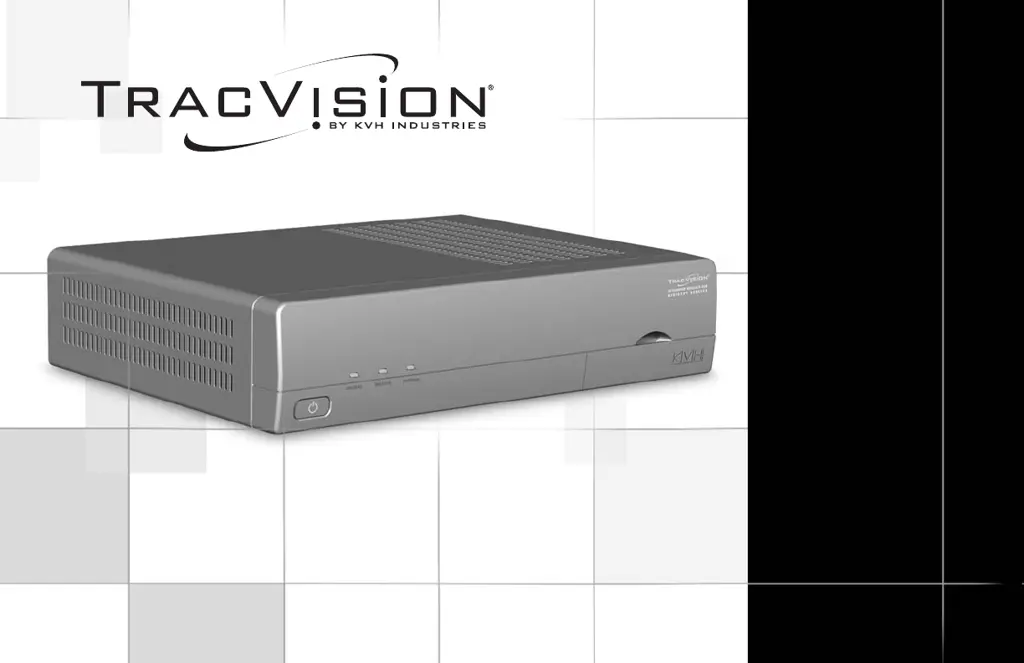
DIRECTV
®
Mobile
Receiver/Controller
User’s Guide

Table of Contents

Questions and Answers

  • J
    Jeffrey PhelpsJul 26, 2025
    What to do if my KVH Industries Receiver displays 'Please Call Ext. 722'?
    • C
      Chad JenkinsJul 26, 2025
      If your KVH Industries Receiver displays 'Please Call Ext. 722', this indicates that the receiver may have lost its activation data. To resolve this, call DIRECTV customer service at 1-800-DIRECTV (347-3288). Ensure that the antenna is actively tracking the satellite when you make the call.
  • R
    ruiznicoleAug 1, 2025
    Why is my KVH Industries Receiver signal weak when it's raining?
    • M
      Mike WillisAug 2, 2025
      Heavy rain or snow can weaken satellite TV signals for your KVH Industries Receiver. Reception should improve once the inclement weather subsides.
  • J
    Jason ScottAug 7, 2025
    What to do if my KVH Industries Receiver and TV are not connecting?
    • F
      Felicia StrongAug 8, 2025
      Make sure the power switch on the front of the KVH Industries mobile receiver/controller is turned on (the VOLTAGE light should be green). Also, ensure your TV is turned on and set to the correct satellite input. Check all connecting cables to confirm they are securely attached.
  • A
    Ashley HaleyAug 14, 2025
    How to reset KVH Industries DIRECTV Receiver?
    • V
      Valerie ClarkAug 14, 2025
      To reset your KVH Industries Receiver: 1. Stop in an area free of blockages. 2. Turn off the receiver’s power switch (located on the front panel, not the remote). 3. Wait one minute, then turn the receiver’s power switch back on. 4. If the TracVision antenna is turned off, turn it on (press SAT then PWR). 5. Wait one minute for initialization.
  • L
    Lisa TaylorAug 19, 2025
    How to clean the KVH Industries DIRECTV Receiver antenna dome?
    • D
      Diana AtkinsAug 20, 2025
      Clean the exterior of the KVH Industries Receiver dome periodically to remove excessive dirt or moisture. If you have a TracVision R6, keep DewShield set to AUTO to ensure optimum reception.

Summary

Important Safety Instructions

Avoid Driver Distraction

Warning about operating the system while driving a vehicle or piloting a vessel.

Do Not Attempt Repairs Yourself

Advice to refer all servicing needs to qualified personnel to avoid voiding warranty.

FCC Regulatory Information

Receiver;Controller Activation

Activation Process

Step-by-step guide to activate the receiver/controller for DIRECTV service.

Technical Support Contact

Information on how to contact KVH for technical assistance with the system.

2 Getting Started

2-1 Turning On the Antenna

Step-by-step guide to power up the system, including status lights, receiver beeps, and basic messages.

3 Using the Remote Control

3-2 Programming Remote for Other Components

Steps to program the remote to control external devices like TVs or VCRs.

3-3 Controlling Multiple Receivers

How to set unique remote control IDs to manage multiple receivers without interference.

6 Setting Favorites and Filters

7 Access Controls

7-1 Locking and Unlocking the System

Procedures for setting a passcode to lock and unlock the system, and overriding the lock.

7-2 Setting Ratings Limits

How to restrict viewing based on program content ratings for different categories.

7-3 Setting Time Limits

Configuring limits on daily viewing hours or specific time periods for system access.

8 Other Menu Functions

9 Antenna Controls

9-4 Designating Receiver as Primary;Secondary

Setting receiver roles and understanding antenna light status on secondary units.

10 Troubleshooting

10-1 Five Simple Checks

Initial troubleshooting steps for common issues like antenna view, power, connection, and activation status.

10-2 Troubleshooting Matrix

A correlation matrix of symptoms and possible causes for quick problem diagnosis.

10-3 Common Problems & Solutions

Detailed explanations and solutions for issues like blown fuses, low power, cable problems, and activation loss.

10-8 Technical Support

Contact information and guidance for obtaining technical assistance from KVH support.

KVH Industries DIRECTV Specifications

General IconGeneral
BrandKVH Industries
ModelDIRECTV
CategoryReceiver
LanguageEnglish