Go to Calibrator and set to AUTO.
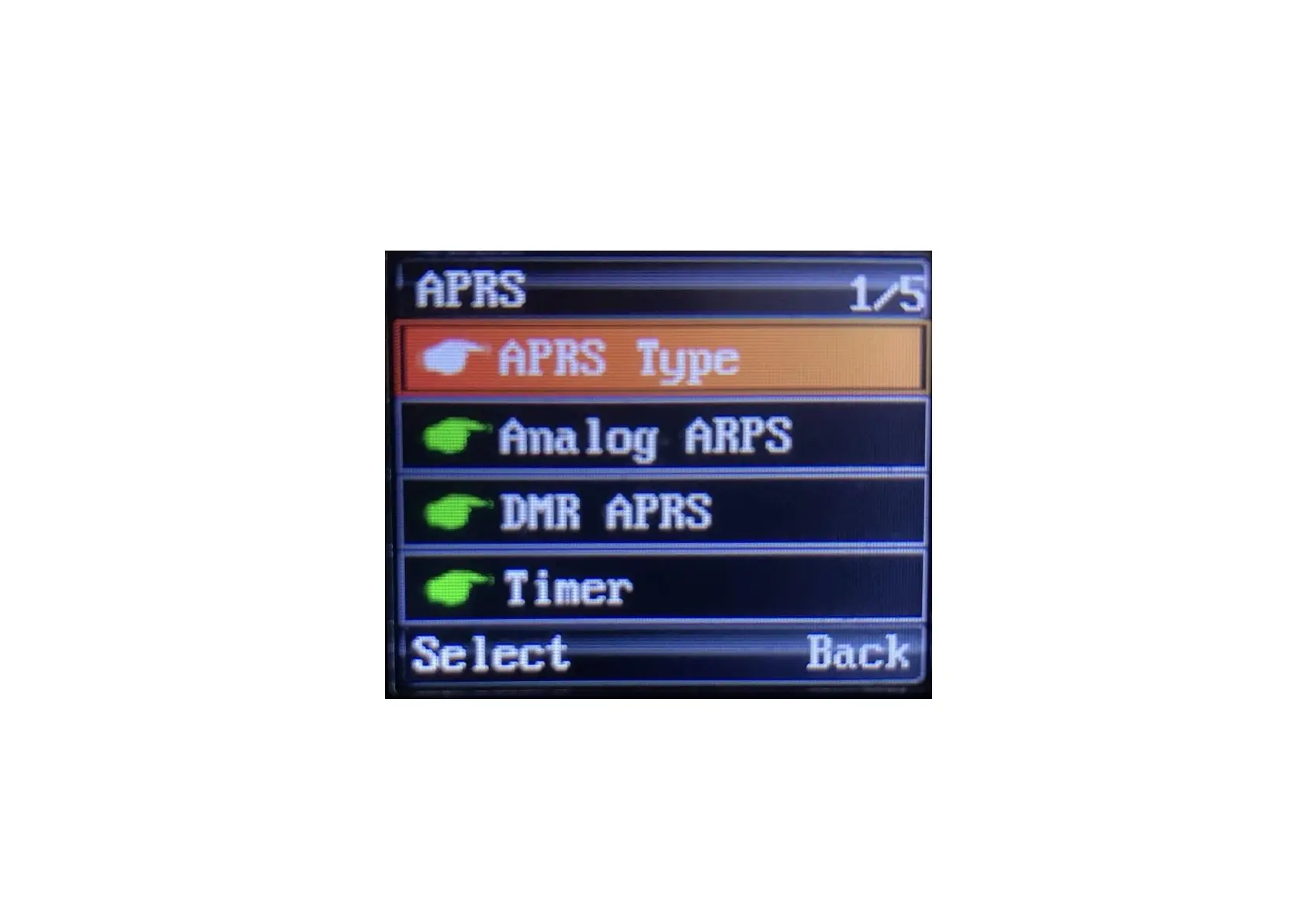
Now go back to appendix menu and choose APRS
In APRS Menu you have 5 options: APRS Type, Analog APRS, DMR APRS, Timer and Beacon
Select APRS Type, you will see 4 options, select DMR+Analog APRS
Under Analog APRS choose PTT Upload and choose TX End
All other settings we will made in CPS


 To Next Page