38 Storing Contacts
Entering letters, numbers, and symbols
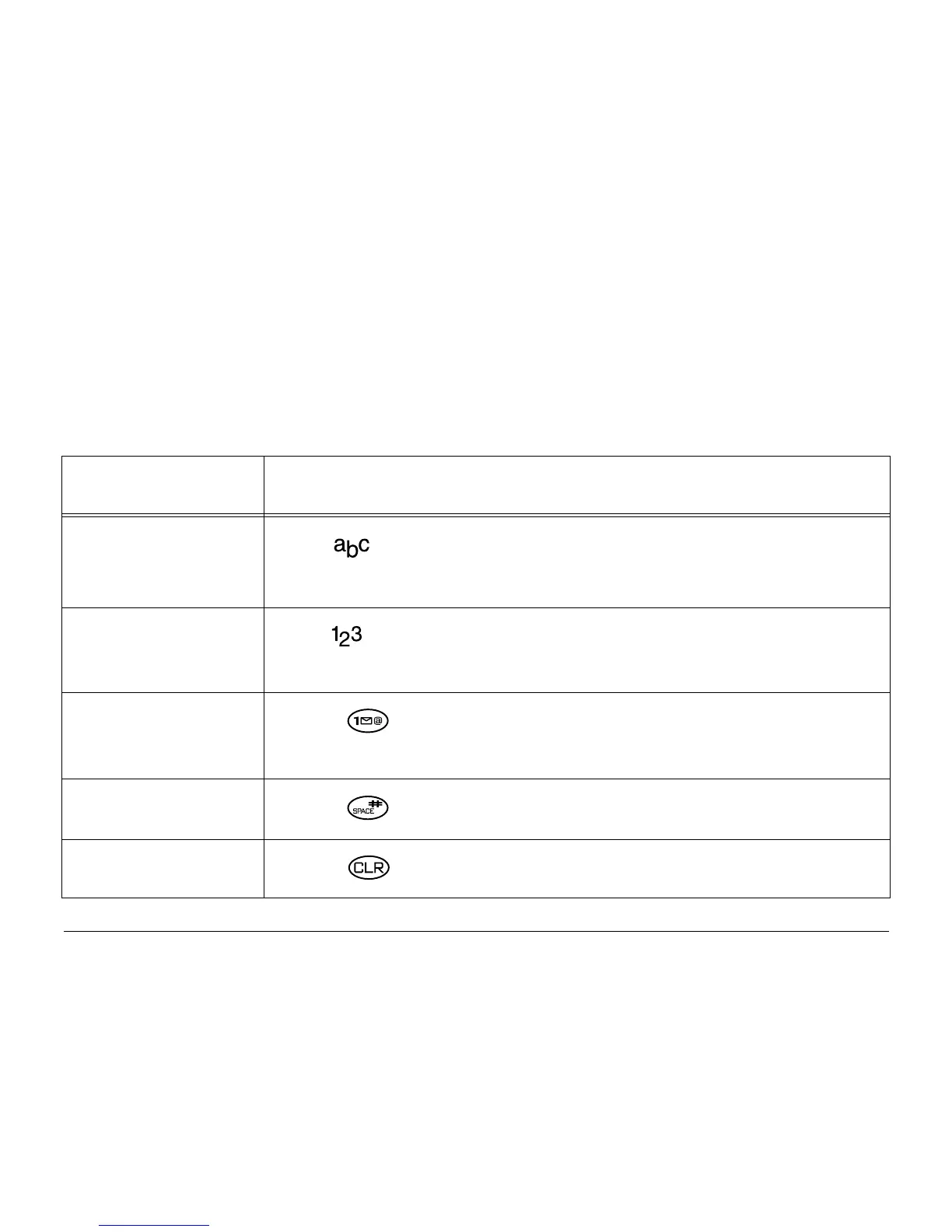
Use this table for general instructions for entering letters, numbers, and
symbols in a contact card. For more detailed information on using text entry
modes, see page 40.
To... Do this...
Enter a letter
Use mode and press a key until you see the letter you
want. For more information, see page 40.
Enter a number
Use mode and press a key once to enter its number.
For more options, see page 40.
Enter a symbol
Press until you find the symbol you want. There are
more symbols under the symbol text mode. See page 43.
Enter a space
Press .
Erase a character
Press .




 To Next Page