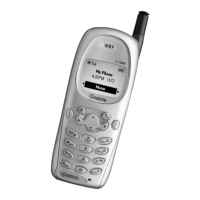
User Guide for the Kyocera 1135 Phone 55
3. Press to accept the message text.
– For help including a callback number, see page 49.
– For help scheduling an amount of time to wait before sending the
message, see page 52.
– For help requesting delivery notification or labeling the message as
urgent, see page 45.
4. When you are ready, select
Send Message.
A copy is saved to your Text OutBox.
Retrieving a text message
When a text message is received, it is sent to your Text Inbox and you are
alerted by:
• A note: “New Message: 1 Text”
• A symbol: , which flashes if the message is urgent



 To Next Page