176 Tools and Calendar
•
Edit folder name/Edit le name: Changes the folder or le name. Enter a name
and tap Save.
•
Set as: Uses the le for the Contacts image or wallpaper (Images le only).
•
Use as phone ringtone: Uses the le as the phone ringtone (Sounds le only).
•
Details: Shows the details such as size, format, or date.
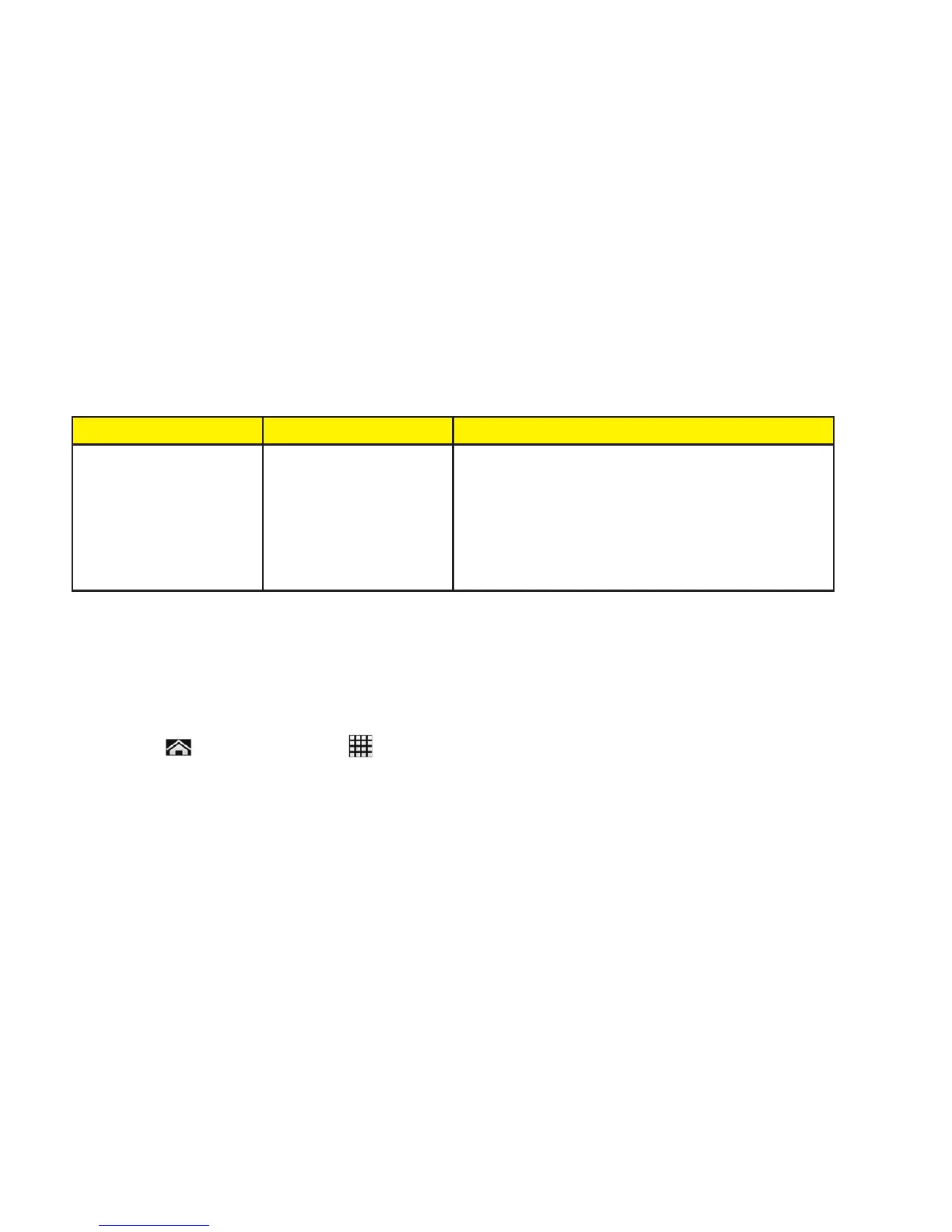
Supported Formats
Following image, video and audio formats are supported by the phone.
Image Video Audio
• BMP
• GIF
• JPEG
• PNG
• WEBP
• H.263
• H.264
• MPEG-4
• WMV
• AAC
• AAC+
• eAAC+
• AMR-WB
• AMR-NB
• MID
• MP3
• OGG
• WAV
• WMA
• QCP
Update Your Phone
From time to time, updates may become available for your phone. You can download and
apply updates through the System update menu.
1. Tap >
Tools or Apps
>
Settings > About phone > System updates.
▪ Check Status: Checks the status of your phone.
▪ Install Deferred Software: Installs updates for your phone.
▪ Check New: Checks if there are updates for your phone.




 To Next Page