User Guide 15
Main Menu
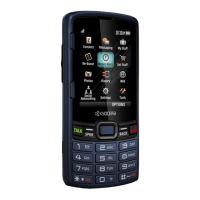
From the home screen, press the
OK
key or select
Menu
to access the main menu.
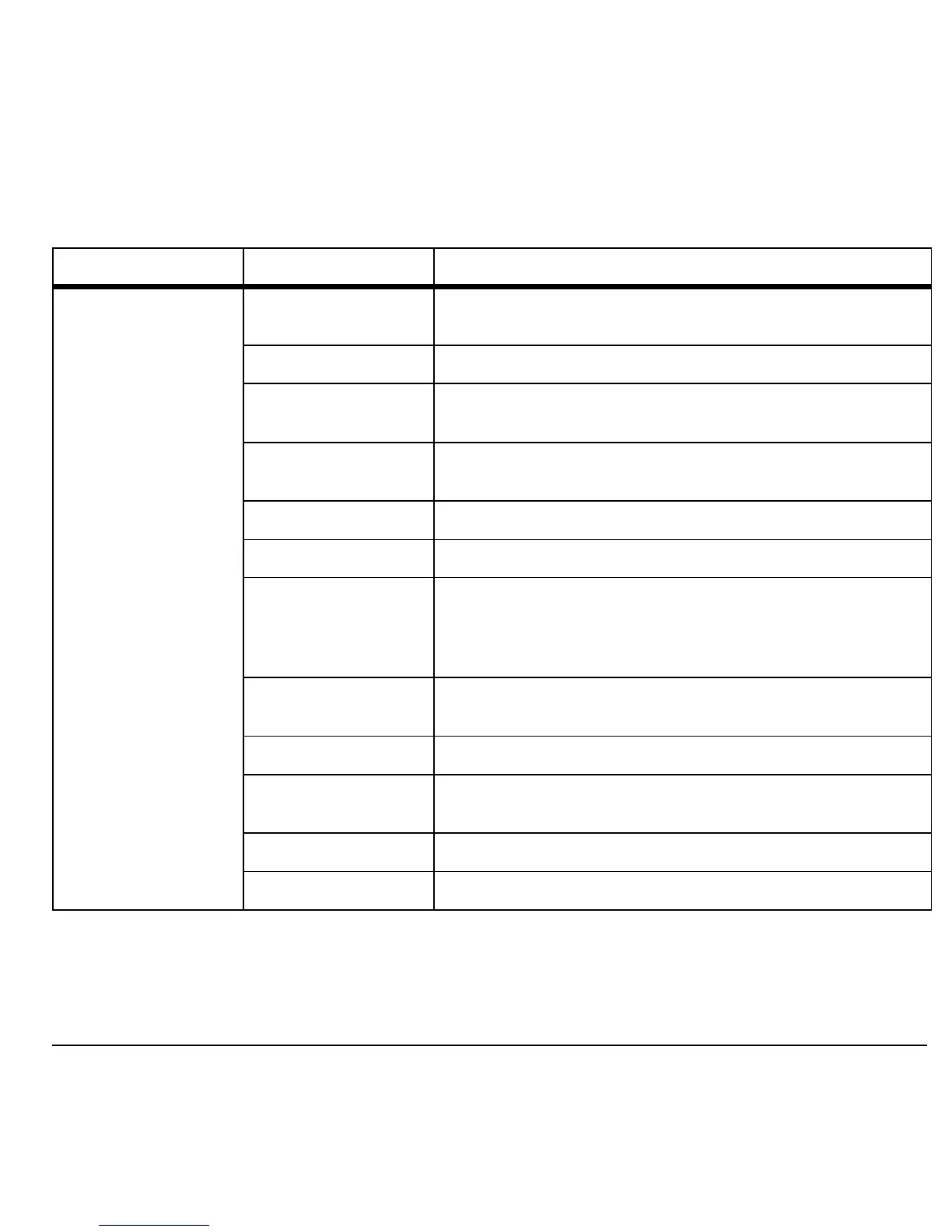
Idle State > Level 1 > Level 2
Menu My Stuff
Access these options:
Ringtones
,
Ringback Tones
,
Games
,
Graphics
,
Apps
,
Themes
, and
Help
.
Maps
Launches the Virgin Mobile Navigator application.
My Account
Access these options:
Top-Up
,
Balance & Usage
, and
Account Settings
.
Pictures
Access these options:
Take a Picture
,
Send Pic Msg
,
Pictures
,
MyPix Web Album
and
Help
.
Surf the Web
Browse the web.
Downloads
Download an application, ringtone, or graphic.
Messaging
Access these options:
Inbox
,
Send Text Msg
,
Send Pic Msg
,
Email + IM
,
Voicemail
,
Virgin Alerts
,
Sent
,
Outbox
,
Saved
,
Drafts
,
Msg Settings
,
Erase Msgs
,
Message Count
,
and
Help
.
Contacts
Access these options:
Find
,
Add New
,
Groups
,
Speed Dial
List
,
Voice Dial List
,
My Number
, and
Help
.
Tools + Settings
Access these options:
Tools
and
Settings
.
Recent Calls
Access these options:
Missed Calls
,
Received Calls
,
Outgoing Calls
,
All Calls
,
Call Timers
, and
Help
.
Email + IM
Launches the email and instant messaging applications.
Connect
Launches the social networking application.











 To Next Page