13
Tips:
1. The Roast button is for AF600T (without Wi-Fi), and the Recipe button is for AF600
(with Wi-Fi).
2. After connecting the air fryer AF600 (with Wi-Fi) to Kyvol App, you can pick a specific
online recipe, then the default temperature and time will be changed accordingly.
Setting Temperature
1. After powering on and selecting the program, tap On the panel to start setting
the temperature for cooking.
The temperature value on the LED display will start flashing.
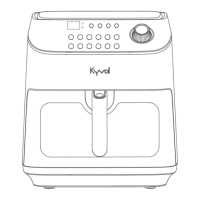
2. Rotate the Control Knob clockwise to increase the temperature.
Rotate the Control Knob counter clockwise to decrease the temperature.


 To Next Page