23
Note:
Only one recipe can be set as a quick recipe at a time.
Cooking Countdown Timer
Step 1: Launch Kyvol App.
Step 2: Select a preset program from Vegetable/Chicken/Beef/Seafood/Dessert/French
Chip/ Defrost/Toast/Reheat/Dehydrate/Recipe/Preheat or go to Recipes and select one
of the recipes to enter the details page.
Step 3: Tap Timer.
Step 4: Set the countdown timer from 1MIN to 360MIN. Step 5: Tap Confirm.
Step 6: It will automatically jump to the countdown page and start the countdown. When
the time's up, the air fryer will start working automatically.
Tip:
During countdown, you can tap the temperature and time to customize them as
needed; tap Cancel to cancel the timer; tap Cook to start cooking immediately.
Maintenance and Car
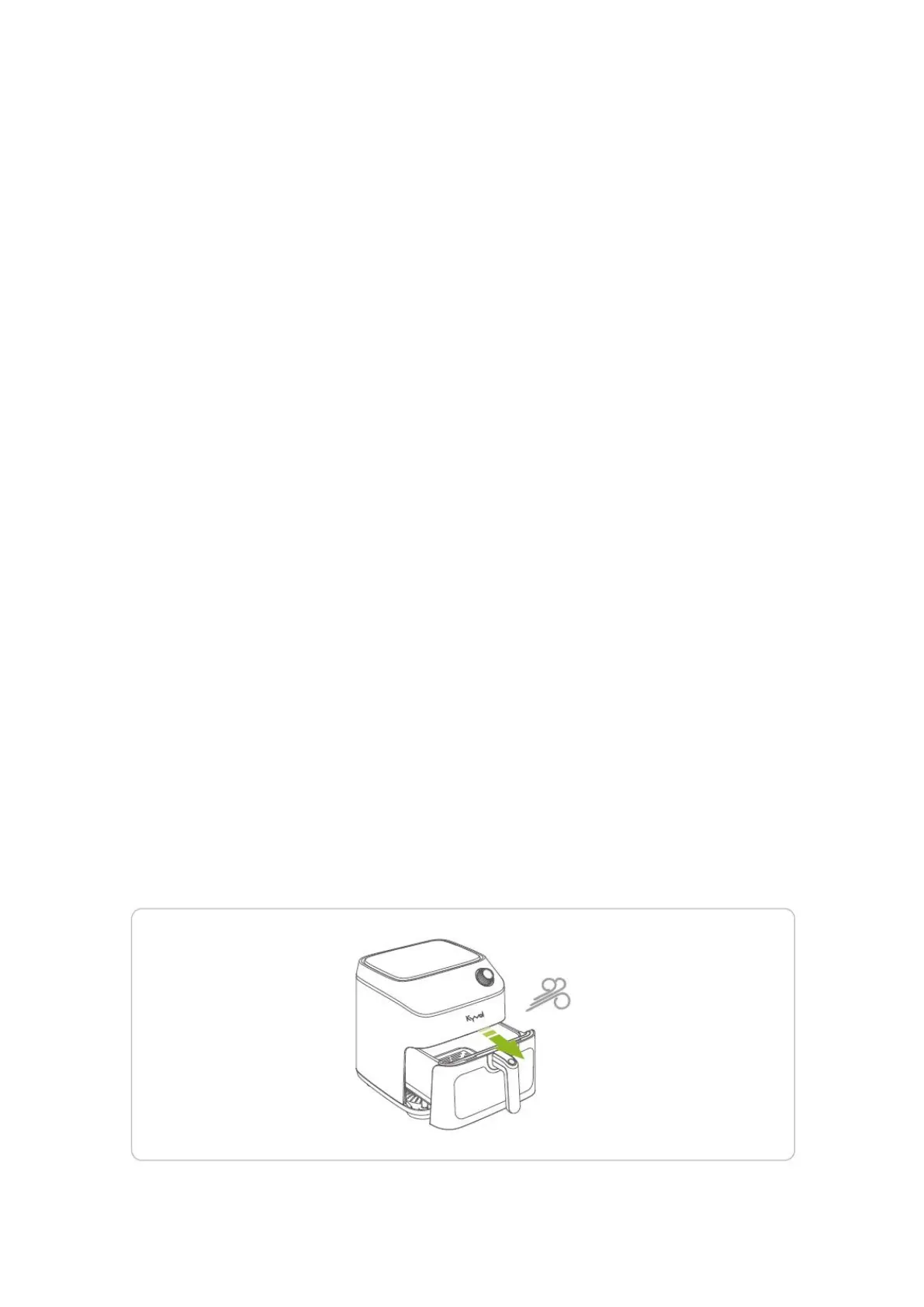
1. Before cleaning, unplug your air fryer and wait until it cooks completely. You may
draw out the fryer basket for faster cooling.


 To Next Page