7.4 LOAD PRESET
This LOAD PRESET menu is for loading a preset from the 99 onboard memory locations:
11 to 99: Allocated memory locations for L-ACOUSTICS
®
factory presets.
1 to 10: Allocated memory locations for user presets (initialized from a factory preset).
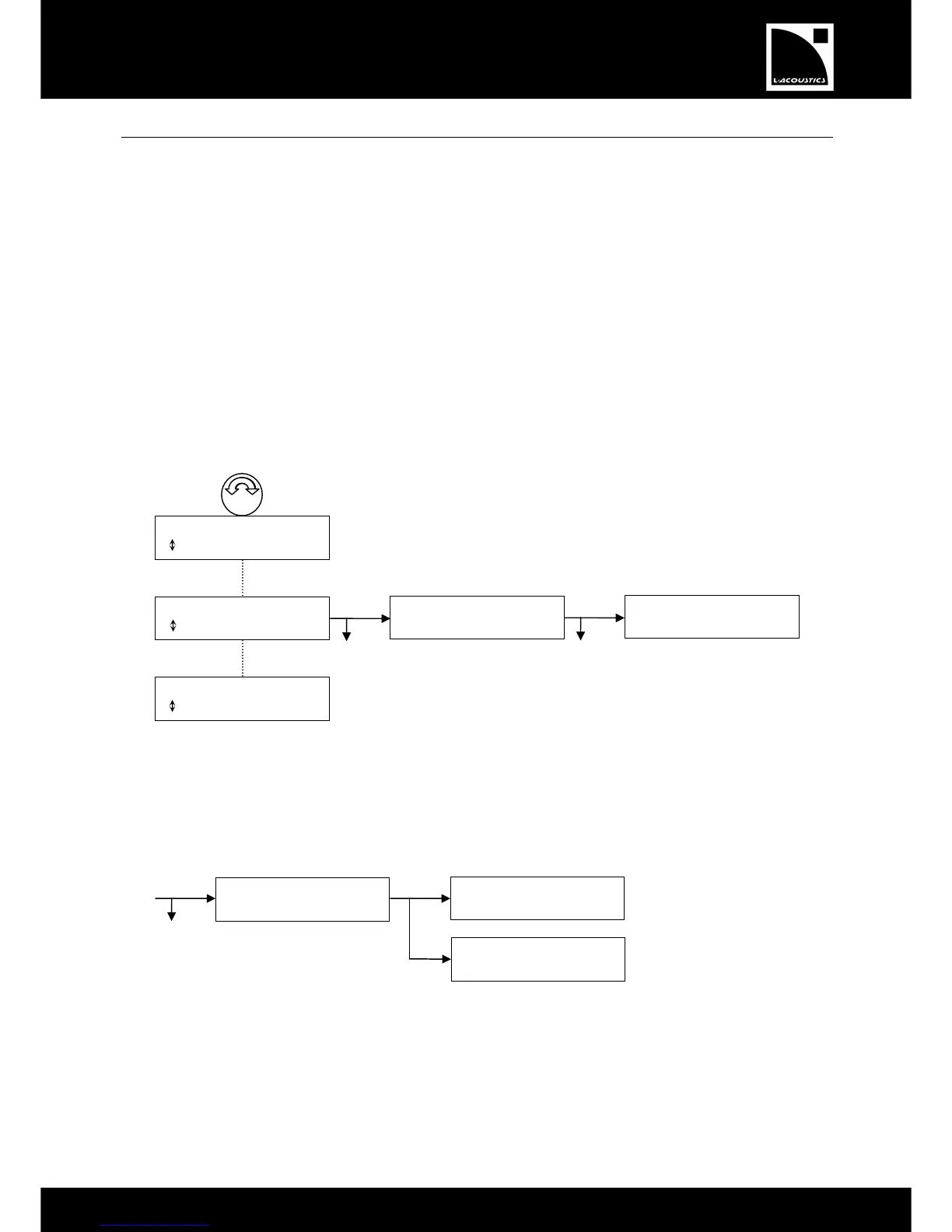
To load a preset, select the LOAD PRESET menu and apply the following procedure (see also Figure 23):
1. Turn the encoder wheel to display the desired preset.
2. Press the OK key or the encoder wheel to select the preset (or press the ESC key to cancel and return to
the last menu). The ARE YOU SURE? message will be displayed.
3. Press the OK key or the encoder wheel to load the preset (or press the ESC key to cancel and return to the
last menu).
When the preset is loaded and activated, the LCD screen will go back to the Main screen.
Figure 23: Loading a preset
Note: The upper line of the LCD displays the preset family while the bottom line displays the preset name.
* If the controller has been assigned to a group [7.8] the sequence is continued as follows:
Figure 24: Controller assigned to a group


 To Next Page
 Loading...


