EasyManua.ls Logo

L-Acoustics LA4X - User Manual

L-Acoustics LA4X
83 pages
Print Icon
To Next Page IconTo Next Page
Loading...
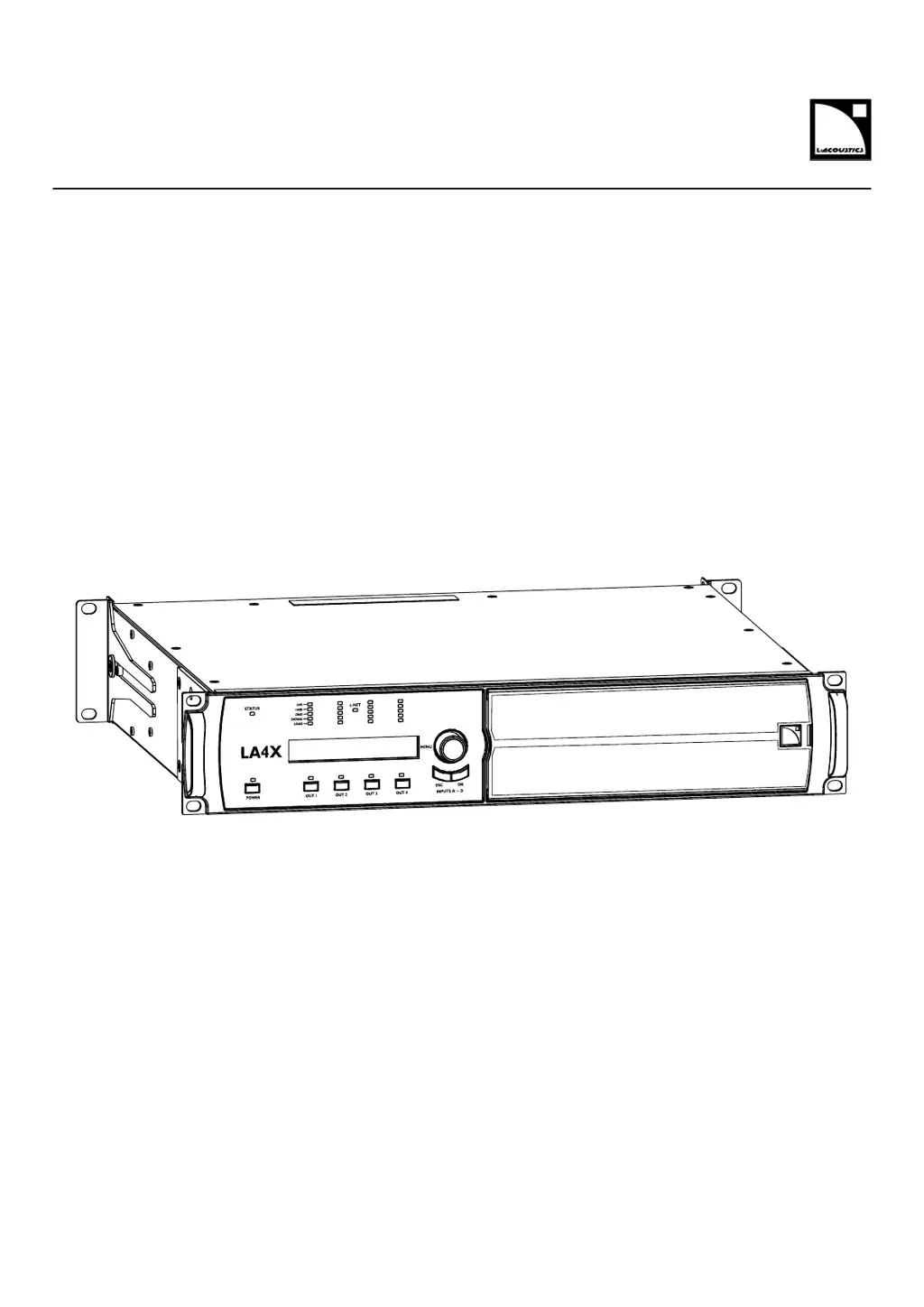
LA4X
owner's manual (EN)

Table of Contents

Other manuals for L-Acoustics LA4X

Questions and Answers

  • F
    Felicia WhiteAug 18, 2025
    How do I resolve a “System Message Update error” on my L-Acoustics LA4X?
    • W
      william76Aug 18, 2025
      If you encounter a “System Message Update error” on your L-Acoustics Controller, it indicates a firmware update failure. First, restart the controller. If the issue persists, verify that each L-NET cable works and is correctly plugged on both ends. Then, download the firmware again and re-launch the update process.
  • G
    Gary RobinsonAug 20, 2025
    What does “Error on Channel x Channel Muted” mean on my L-Acoustics LA4X Controller and how to fix it?
    • J
      Jason RussellAug 21, 2025
      The “Error on Channel x Channel Muted” message on your L-Acoustics Controller indicates a short-circuit in the loudspeaker or loudspeaker cable. To resolve this, verify that there are no issues causing a short-circuit at the controller outputs, such as a wrong cabling scheme, damaged cable, or a short-circuit in the speaker voice coil. After checking, restart the controller.
  • M
    Michelle AndrewsAug 26, 2025
    What causes a grey screen on my L-Acoustics LA4X Controller?
    • V
      Victoria GloverAug 26, 2025
      If your L-Acoustics Controller LCD screen is lit but nothing is displayed (grey screen), the issue might stem from: * The controller being connected to a non-compatible network. Disconnect all cables from the L-NET connectors and restart the controller. * Condensing humidity inside the LCD screen. Place the controller in a non-condensing environment and allow the LCD screen to dry.
  • C
    Christina StricklandAug 27, 2025
    What does it mean if the LCD screen on my L-Acoustics LA4X is lit but dark?
    • J
      jasmin32Aug 27, 2025
      If the LCD screen on your L-Acoustics Controller is lit but dark, the LED & Backlight settings may be low or off. Try modifying the LED & Backlight settings.
  • A
    Anna ReevesAug 30, 2025
    What to do if my L-Acoustics LA4X Controller does not power on?
    • L
      Lisa HayesAug 30, 2025
      If your L-Acoustics Controller does not power on (and the power LED does not light up), the POWER CORD might not be connected to the mains. Connect the POWER CORD to the mains.
  • D
    Donna RichardsonSep 1, 2025
    How to fix noise, loss of level, distorted sound or white noise on L-Acoustics Controller?
    • W
      William JonesSep 2, 2025
      If you are experiencing noise, loss of level, distorted sound or white noise (and no error message) on your L-Acoustics Controller, it may be due to an AES/EBU audio source connected to an ANALOG input. Check the input signal cabling and ensure that the input mode has been selected accordingly in the INPUT SETTINGS menu.
  • A
    Angel YoungSep 3, 2025
    How to replace a damaged power cord on L-Acoustics Controller?
    • L
      luiscrawfordSep 3, 2025
      If the POWER CORD of your L-Acoustics Controller is damaged (pulled, trampled, pinched, frayed…), replace it using AMPCORDONCE, AMPCORDONCN, or AMPCORDONUS.
  • M
    Maria HunterSep 6, 2025
    How to replace SIDE BRACKETS on L-Acoustics Controller?
    • A
      April MartinezSep 6, 2025
      If the SIDE BRACKETS of your L-Acoustics Controller are lost or damaged due to mechanical shock, replace them following procedure D/R 002.
  • W
    William LeSep 8, 2025
    How to replace REAR BRACKETS on L-Acoustics LA4X?
    • B
      Brian JohnsonSep 8, 2025
      If the REAR BRACKETS of your L-Acoustics Controller are lost or damaged due to mechanical shock, replace them following procedure D/R 001.
  • K
    Kevin LeachSep 12, 2025
    How to clean clogged FOAM FILTER on L-Acoustics Controller?
    • V
      Victoria DavisSep 12, 2025
      If the FOAM FILTER on your L-Acoustics Controller is clogged due to operation in very dusty or cracked-oil smoke machine environments, clean or replace it following procedure D/R 003.

Summary

Safety

Important safety instructions

Essential safety guidelines for operating the LA4X amplifier controller.

Additional important safety instructions

Further safety precautions, electrical safety, and intended use.

Introduction

How to use this manual

Guide on how to effectively use the LA4X owner's manual.

System components

Powering and driving system

Details about the LA4X controller and its capabilities.

Technical description

Main features

Overview of the LA4X's primary capabilities and architecture.

Front and rear panels

Detailed identification of the LA4X's connectors and controls.

Signal processing and amplification

Signal inputs

Details on analog and digital signal inputs, including XLR and AES/EBU.

DSP architecture

Explanation of the LA4X's Digital Signal Processor and its algorithms.

Power supply and amplifier section

Speaker protection

Explanation of the L-DRIVE transducer protection system.

Monitoring and control

User interface

Description of the LA4X's front panel controls and display.

L-NET remote control network

Information on network connectivity and remote control via LA Network Manager.

Inspection and preventive maintenance

How to do preventive maintenance

Procedures for inspecting and maintaining the LA4X controller.

Installation

Mounting

Instructions for rack-mounting the LA4X unit, including dimensions.

Connecting to AC mains

Electrical specifications and connecting to power sources.

Operation

Powering on

Step-by-step guide for turning the LA4X on.

Interpreting the front panel LEDs

Meaning of the STATUS and L-NET LED colors and conditions.

Main screen description

Detailed breakdown of the information displayed on the main screen.

Load Preset

Steps to load user or factory presets.

Store Preset

Steps to save the current settings as a user preset.

Input Settings

ABCD input source

Selecting between XLR or AVB input sources for all channels.

AVB Fallback Mode

AES AB Fallback Mode

AVB Stream Mapping

Monitoring & Info

SPK HANDLING (%)

Displays RMS output voltage as percentage of max supported by speaker.

Options

Delay Unit

Setting the unit for delay values (ms, meters, feet, samples).

Screen Contrast

Adjusting LCD screen contrast for different lighting conditions.

IP Settings

Modifying the IP address

Instructions for setting the controller's IP address.

Subnet Mask

Modifying the Subnet mask

Instructions for changing the subnet mask settings.

Gateway

Modifying the gateway

Instructions for setting the gateway IP address.

Settings protection

Entering a PIN code

Steps to enter a PIN code to bypass settings protection.

Troubleshooting and Diagnosis

Interface Issues

Troubleshooting steps for screen and LED problems.

L-NET Network Issues

Troubleshooting for problems connecting to the L-NET network.

Error Messages

Interpretation and resolution of component, output, and network error messages.

Sound Issues

Troubleshooting steps for no audio output or audio quality problems.

Disassembly and Reassembly Procedures

D;R - Grill and foam filter

Procedure for disassembling and cleaning the grill and foam filter.

Specifications

General specifications

Overview of output power, voltage, DSP, and frequency response.

Digital input

Specifications for digital inputs, SRC, and gain.

AVB

Information on AVB features, modes, and network compliance.

L-Acoustics LA4X Specifications

General IconGeneral
Channels4
Amplifier TechnologyClass D
DSPYes
Sampling Rate96 kHz
Total Harmonic Distortion< 0.1%
Output ConnectorsSpeakON
Network ControlEthernet
Power SupplyUniversal
Operating Voltage100-240V, 50/60Hz
Frequency Response20 Hz - 20 kHz
ProtectionShort circuit, over temperature, over current

Related product manuals