Operation
Possible group conicts:
The output channels are assigned to groups and the assignation structure is not compatible with the channel
sets of the preset to be loaded.
Group parameters include enabled FIR lters (Zoom Factor, FIR1, FIR2, FIR3, FIR4, or Air Absorption
Compensation) and the preset to be loaded is a low latency preset.
STORE PRESET
The currently loaded preset, including all modied settings, can be stored to a user memory (in memory location 1 to 10).
Unsaved modications to the preset parameters are indicated by a star sign at the end of the rst line.
Unsaved modications are lost if the preset is reloaded prior to storing.
However, the current state of a loaded preset is saved when the amplied controller is turned off.
OK
OK
+OK
OK
OK
‽STORE PRESET ‼※
DELETE PRESET
STORE USER PRESET
001:
ENTER PRESET NAME
002:K2 70
ENTER PRESET NAME
002:MYK2
OVERWRITE?
002:MYK2
002:MYK2 100
LF_A LF_A MF_A HF_A
ENTER PRESET NAME
002:MYK2
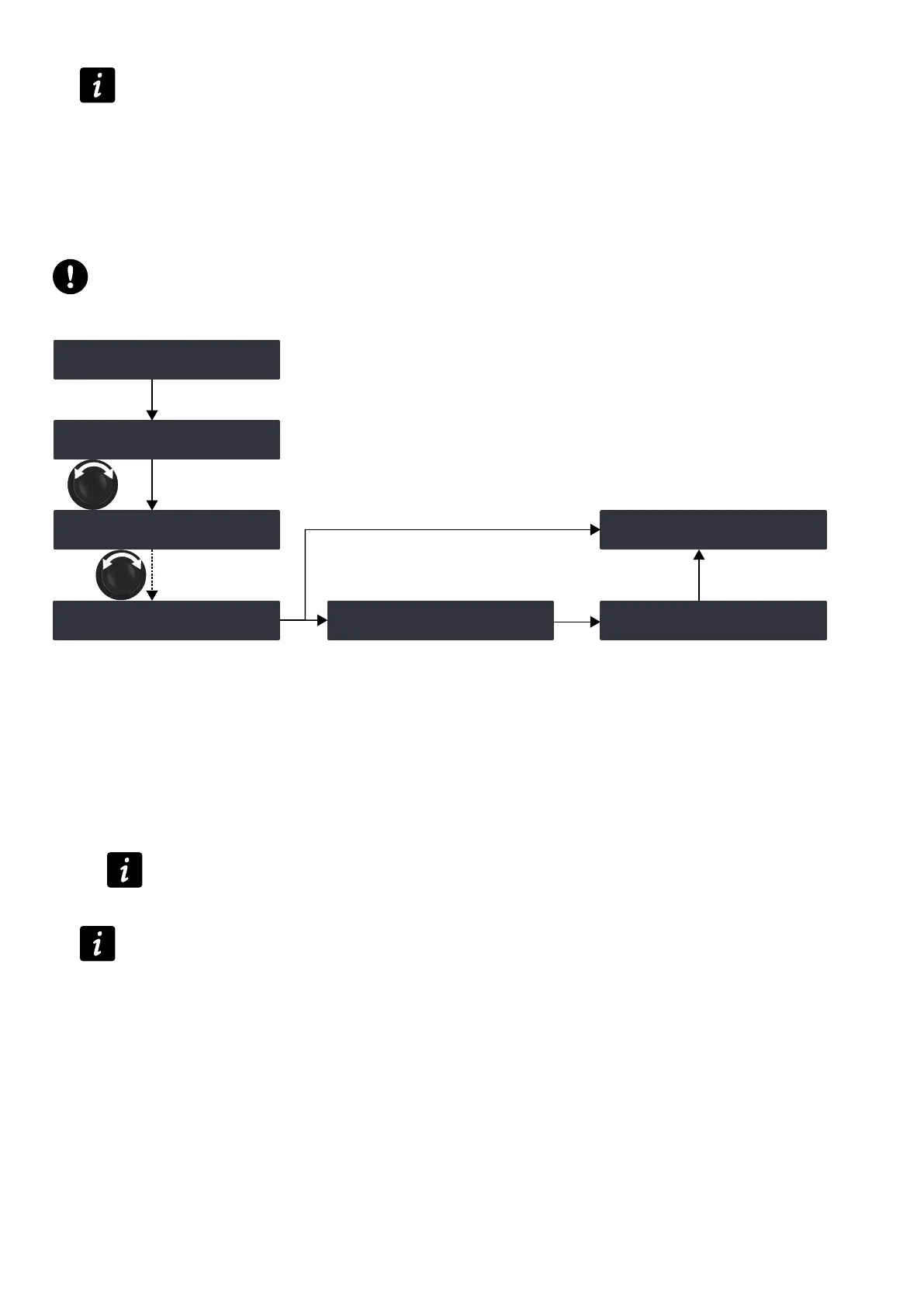
Procedure
1. From the main menu, select STORE PRESET.
2. Turn the encoder wheel and select the user memory space.
3. Press the OK key or the encoder wheel to validate.
4. If necessary, enter a user preset name (16 characters max):
a) Turn the encoder wheel to select the rst character.
b) Press the encoder wheel to set the cursor on the second character.
c) Repeat until all characters are entered.
Pressing the encoder wheel after the 16
th
character sets the cursor back to the rst character.
5. Press the OK key to validate the name.
The controller displays OVERWRITE?, when the selected memory space is not empty.
Press the OK key to overwrite (or the ESC key to cancel).
LA4X owner's manual (EN) version 14.1 37



 To Next Page