Operation
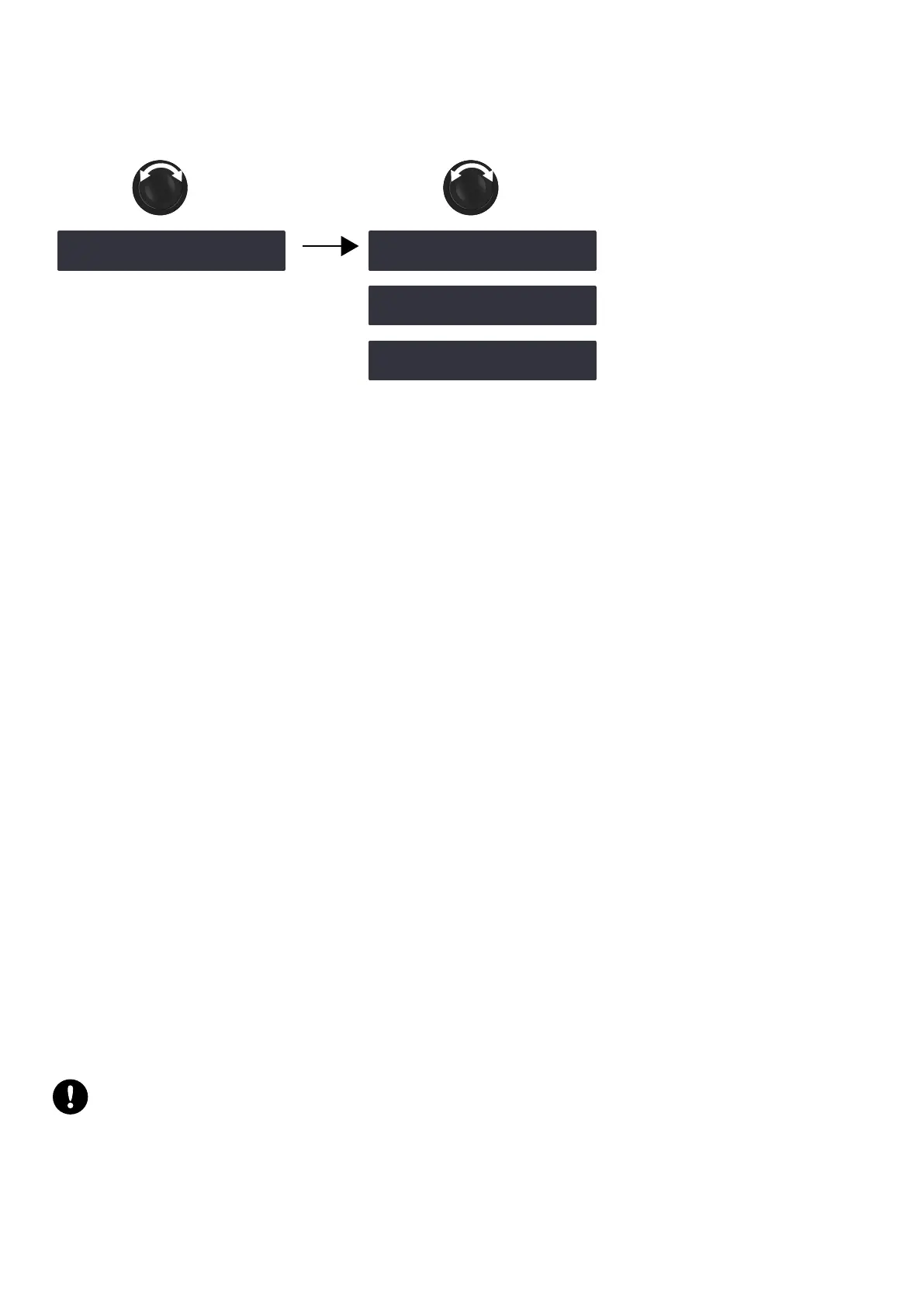
IP SETTINGS
The IP SETTINGS menu gives access to the amplied controller's IP address, and to advanced network settings (subnet
mask and gateway).
‿IP SETTINGS ‼※
OK
‾ADDRESS ‼※
192 . 168 . 1 . 100
‽SUBNET MASK ‼※
255 . 255 . 255 . 0
‿GATEWAY ‼※
0 . 0 . 0 . 0
Remote control of processors and amplied controllers requires setting up a private local area Ethernet network to
interconnect up to 253 units (and additional devices such as Ethernet switches / AVB bridges) with a single control
computer. This Ethernet network, called L-NET, uses L-COM PROTOCOL, a proprietary communication protocol based on
TCP/IPv4.
An IP address is a unique identier for a network device on a given IP network. In IPv4 networking, it is made of 4 bytes
(32 bits). An IP address is composed of a subnet address and a host address. The host address serves as a unique device
identier on the subnet. The subnet mask determines how many bits dene the subnet address, and how many dene the
host address.
By convention, the rst possible number of the host address is reserved to designate the subnet, and the last number is
reserved to communicate with all devices of the subnet (IP broadcast address).
The factory default IP settings of all L-Acoustics devices are:
• IP address: 192.168.1.100
• Subnet address: 192.168.1.0/24
• IP broadcast address: 192.168.1.255
• Subnet mask: 255.255.255.0
With these settings, the rst three bytes of the IP address (192.168.1) dene the subnet address, and the last byte is the
host address (100).
In general, it is recommended to:
• Use the default subnet address and subnet mask.
• Edit the device host address to provide a unique identier to each unit: use consecutive IP addresses starting from
192.168.1.1 up to 192.168.1.253.
• Set the control computer to 192.168.1.254.
However, it is possible to congure other IP settings when required by network administration. Subnet mask may be
dened from 255.0.0.0 to 255.255.255.0, and the IP and gateway addresses must both belong to one of the following
IP ranges (standards for Private Local Area Networks):
• 10.0.0.1 to 10.255.255.254
• 100.64.0.1 to 100.127.255.254
• 172.16.0.1 to 172.31.255.254
• 169.254.0.1 to 169.254.255.254 (not recommended)
• 192.168.0.1 to 192.168.255.254
LA Network Manager and its host computer must be using the same subnet and Subnet mask
as the units.
After applying a modication, the rmware checks all three settings. If the settings are not supported or not consistent, an
error is displayed. Make sure that:
• The IP address is included in one of the supported IP ranges.
• The gateway is set to an IP belonging to the same subnet, or is set to 0.0.0.0 if not used.
LA4X owner's manual (EN) version 14.1 55



 To Next Page