Operation
Interpreting the front panel LEDs
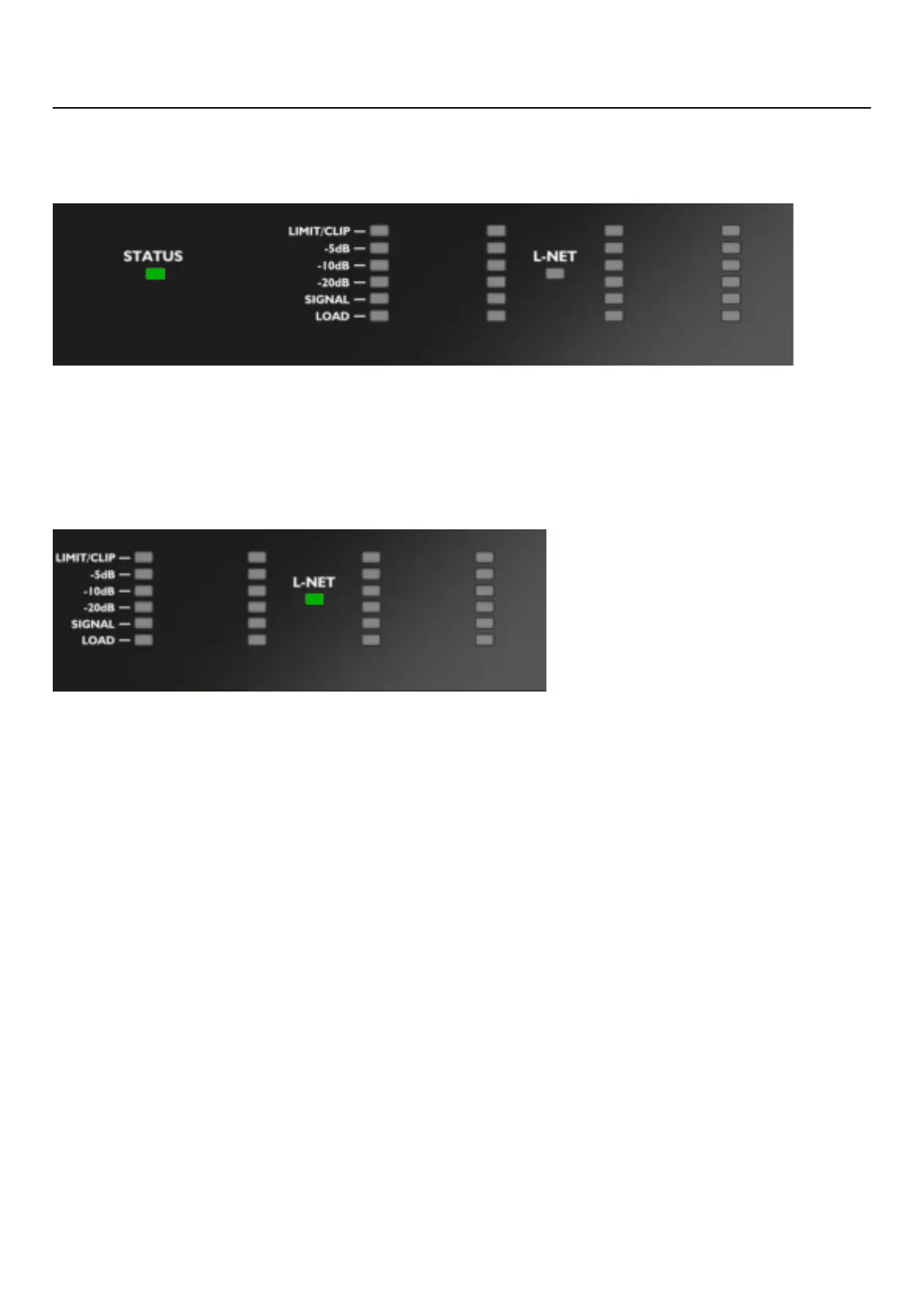
STATUS
The STATUS LED on the front panel displays the state of the amplied controller.
• green: when the LA4X operates normally
• red: during rmware update or when a fault is detected in the LA4X circuitry, indicating a protection system is active.
Refer to Error messages (p.64)
L-NET
The L-NET LED on the front panel displays the L-NET status.
• green: when the LA4X is remotely controlled by software such as LA Network Manager (refer to the LA Network
Manager Help).
• off: when no software remotely controls the amplied controller.
The front panel commands remain accessible when the L-NET LED is lit.
28 LA4X owner's manual (EN) version 14.1



 To Next Page