Operation
Operation
Powering on
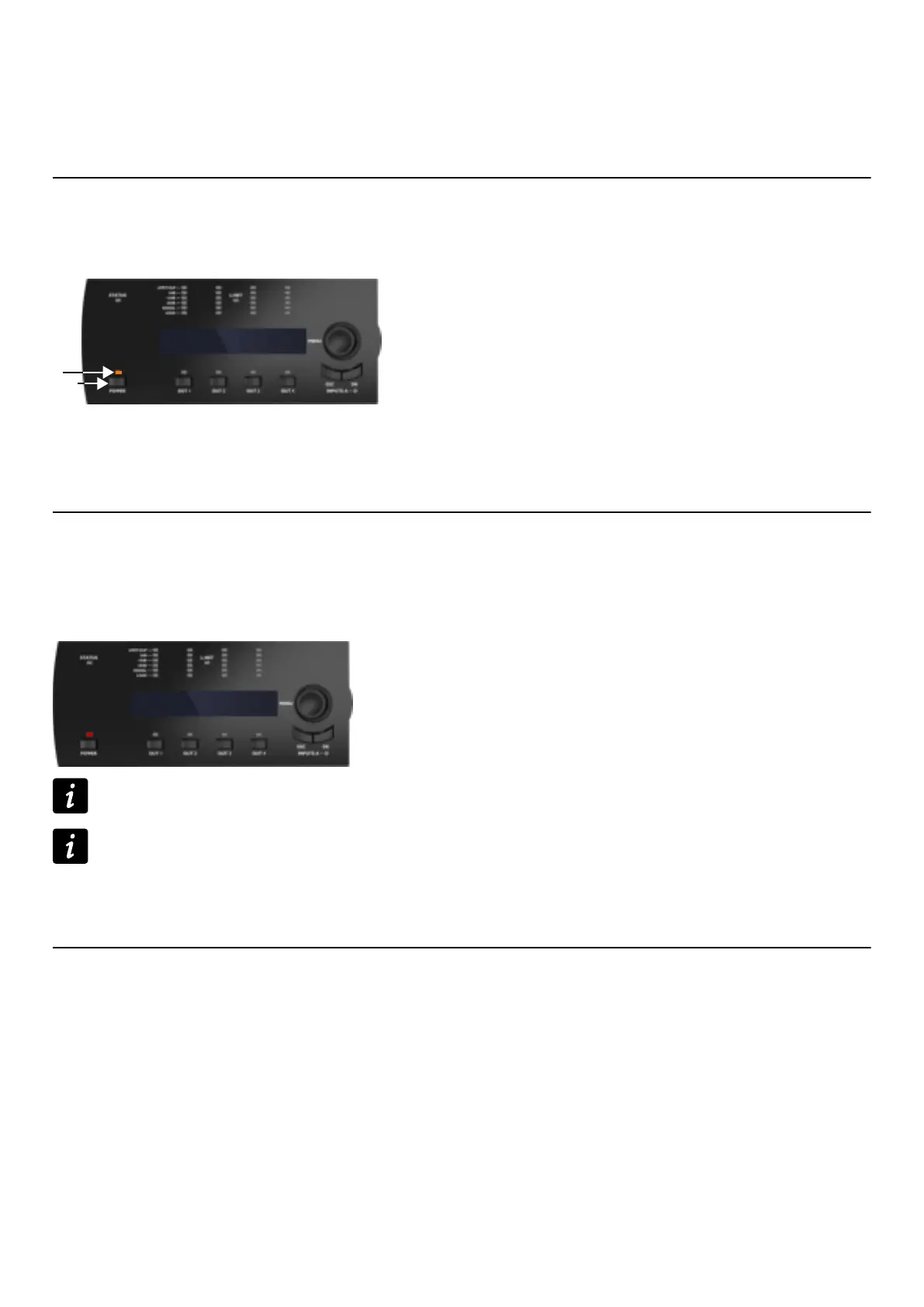
Press the POWER key (2) for one second.
The amplied controller goes through a 6 seconds start-up sequence displaying Initializing Controller. The POWER
LED turns off, then is lit in orange (1).
1
2
Initializing
Controller
The amplied controller is ready for use when the main screen is displayed and the power LED is lit in green. Refer to
section Main screen description (p.30).
Powering off
Press the POWER key for one second.
The LCD screen and LEDs turn off. The POWER LED is lit in red to indicate that the controller is not disconnected from
mains.
The amplied controller is no longer detected over the network.
Powering off the amplied controller does not disconnect it from mains.
Power loss
If power is lost, the amplied controller shuts down, but all parameters are restored when the amplied controller
switches on again.
Setting to standby mode
To reduce the electrical consumption, the amplied controller can be put in standby mode.
Use LA Network Manager to set the amplied controller to standby or back to operating mode. Refer to the LA
Network Manager Help.
An amplied controller in standby mode displays Standby mode and its POWER LED is lit in orange.
Standby mode can also be cancelled from the amplied controller front panel by pushing and holding the encoder wheel
for one second.
LA4X owner's manual (EN) version 14.1 27



 To Next Page