Operation
Procedure
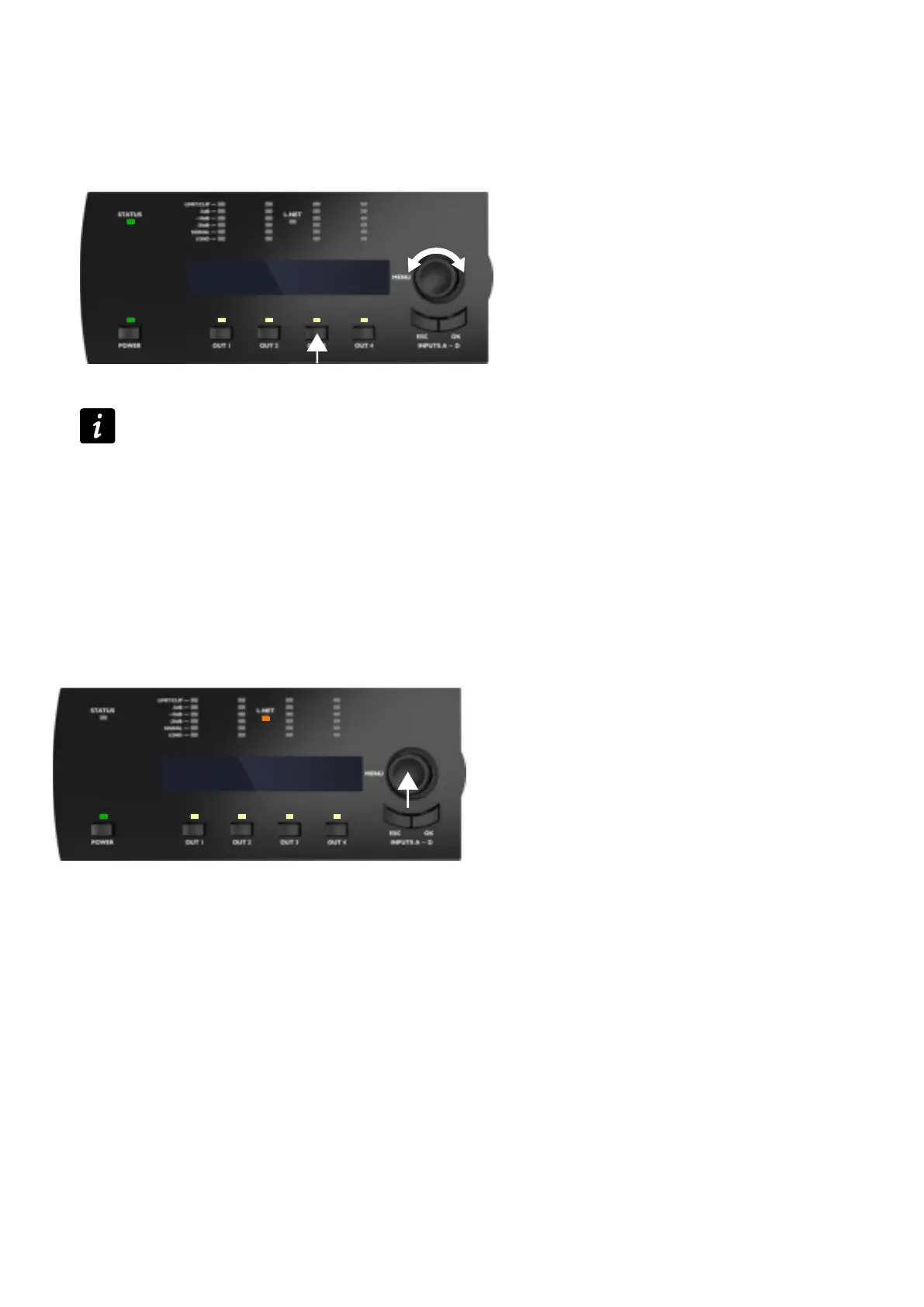
1. Press and hold the OUT key of the corresponding output channel.
The screen displays the gain values of all the output channels having an input channel in common.
example with OUT3 displaying OUT3 and OUT4 (IN B)
GAIN OUT(dB) B
1.5 1.5
2. Turn the encoder wheel to modify the gain values.
Turn the encoder wheel to modify gain by steps of 0.1 dB, or
Press and turn simultaneously the encoder wheel to modify gain by steps of 1 dB.
3. Release the OUT key to return to the main screen.
Identifying an amplied controller
If the amplied controller is connected to the L-NET network, it can be identied among other amplied controllers on the
Workspace of LA Network Manager (refer to the LA Network Manager Help).
To identify an amplied controller, press and hold the encoder wheel.
On the Workspace of LA Network Manager, the amplied controller blinks in yellow.
On the amplied controller, the L-NET and OUT LEDs ashes and the screen displays IDENTIFICATION and the
complete IP.
IDENTIFICATION
192.168. 1.110
32 LA4X owner's manual (EN) version 14.1



 To Next Page