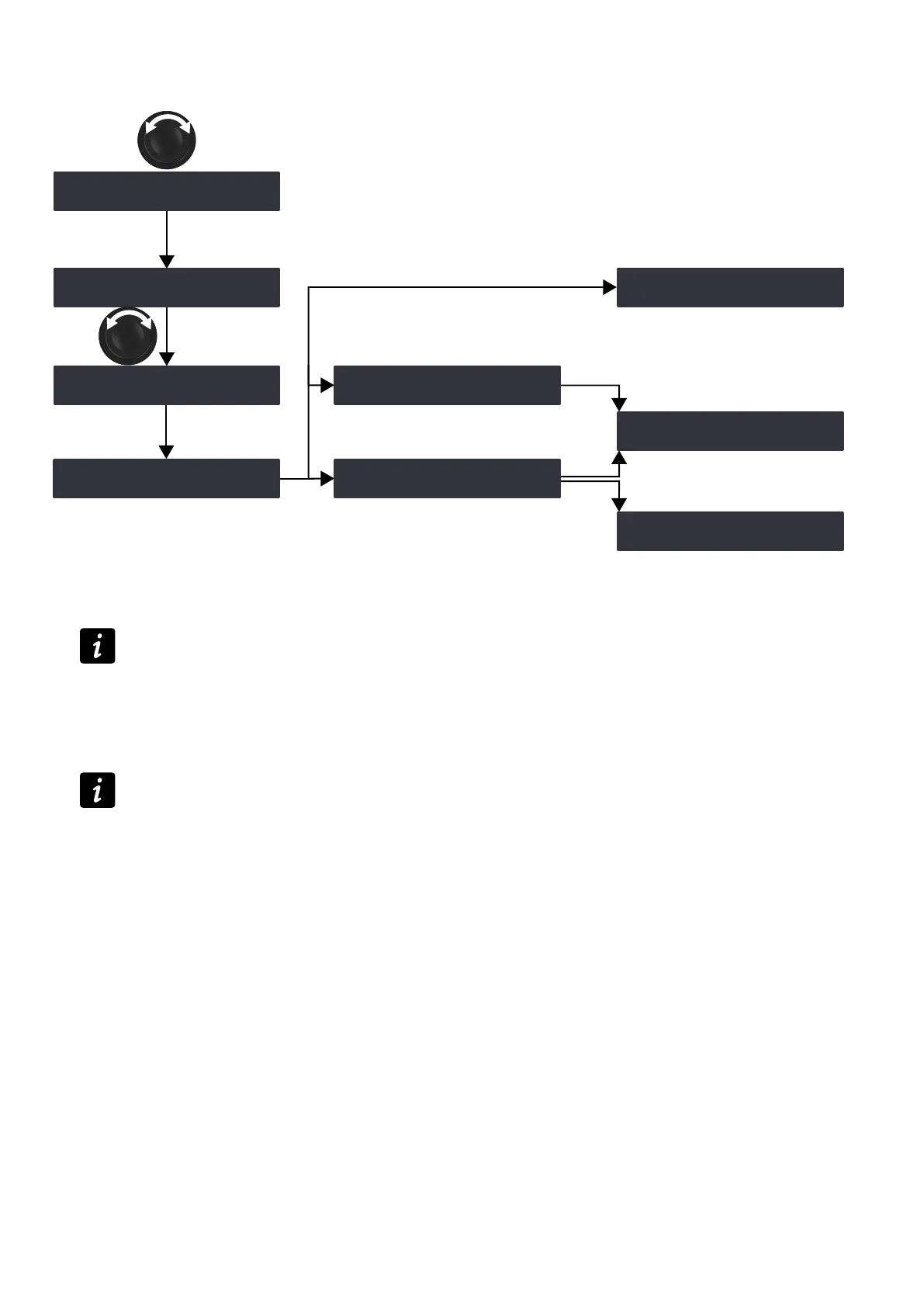
Operation
Example with a factory preset:
OK
OK
OK
OK
OK
group parameters cleared
group parameters maintained
ESC
‽LOAD PRESET FACTORY ‼※
STORE PRESET
LOAD PRESET K2
011:K2 70
LOAD PRESET SB18
033:SB18_60
LOAD PRESET
ARE YOU SURE?
GROUP CONFLICT!
CLEAR GROUP PARAM?
CLEAR GROUP PARAM?
OUTPUTS MUTED!
033:SB18_60 100
SB_A SB_A SB_B SB_B
033:SB18_60 100
SB_A SB_A SB_B SB_B
033:SB18_60 100
SB_A SB_A SB_B SB_B
Procedure
1. From the main menu, select LOAD PRESET USER or LOAD PRESET FACTORY.
When selecting LOAD PRESET USER, the amplied controller displays NO PRESETS AVAILABLE! when
all user memories are empty.
Press the ESC key to cancel.
2. Turn the encoder wheel and select the preset.
The rst line displays LOAD PRESET and the preset family name to help make a coarse selection.
The second line displays the preset name to select within a family.
If a user preset has a customized name, press and hold the encoder wheel to display the original name —
refer to section STORE PRESET (p.37).
3. Press the OK key to load the selected preset.
The amplied controller displays ARE YOU SURE?
4. Press the OK key or the encoder wheel to validate (or press the ESC key to cancel).
— The amplied controller displays CLEAR GROUP PARAM? OUTPUTS MUTED! when it is assigned to groups
and is no longer connected to the L-NET network.
Either press the OK key to load the preset while clearing the group parameters
Or press the ESC key to load the preset while maintaining the group parameters
— The amplied controller displays GROUP CONFLICT! CLEAR GROUP PARAM? when it is assigned to
groups and there is a group conict. Loading the preset is only possible while clearing the group parameters.
Either press the OK key to load the preset while clearing group parameters
Or press the ESC key twice to cancel
— The amplied controller displays GROUP CONFLICT! CANNOT LOAD PRESET! when it is assigned to
groups and there is a group conict, but it is not possible to clear the group parameters as the amplied
controller is connected to the L-NET network.
Press the ESC key twice to cancel.
36 LA4X owner's manual (EN) version 14.1



 To Next Page