Operation
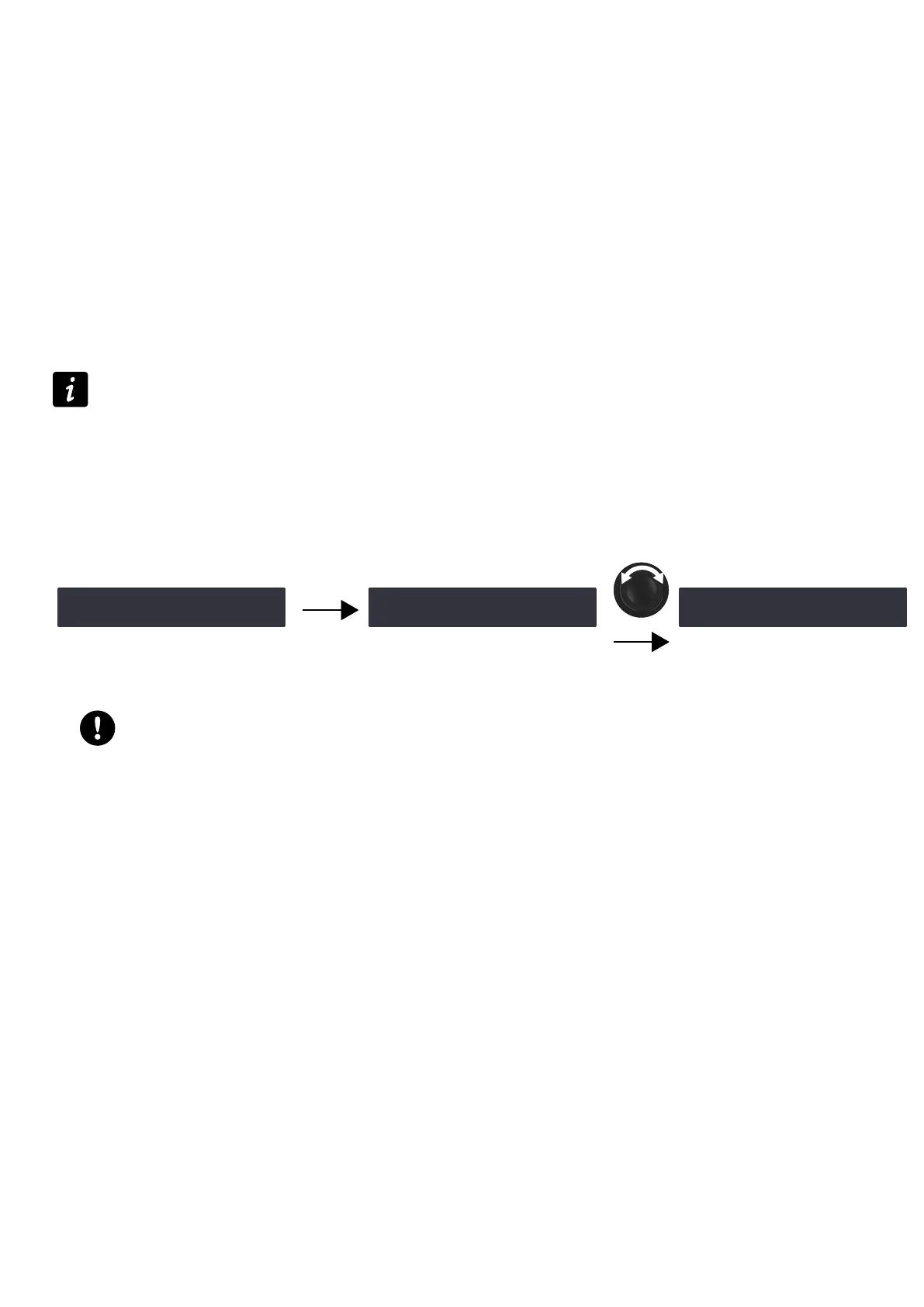
5. Turn the encoder wheel to select the setting (ON or AVB > XLR).
6. Press the OK key or the encoder wheel to validate.
AES AB FALLBACK MODE
Sound cuts in case of digital signal failure on input pair AB can be avoided with the fallback option.
When automatic fallback is enabled (ON), the amplied controller automatically switches to input pair CD in case of
digital signal failure on input pair AB.
The switchover conditions are:
• No clock
• Loss of lock
• CRC error
• Bipolar encoding error
• Data slip
Validity bit (invalid audio) value does not trigger a fallback.
Instead the signal is muted.
Reverting to input pair AB when the digital signal returns to a normal state is manual — refer to INPUT MODE (p.45).
It can also be done simultaneously for all amplied controllers in LA Network Manager.
When automatic fallback is disabled (OFF), sound is cut off in case of digital signal failure on input pair AB, but sound is
automatically recovered when the signal returns to a normal state.
Enabling the AES AB fallback mode
‽AES AB FALLBACK MODE ‼※
OFF
OK
AES AB FALLBACK MODE
>OFF<
+ OK
‽AES AB FALLBACK MODE ‼※
ON
Procedure
Precautions to avoid sound cuts or level differences upon fallback
Input pair CD must be connected to an audio source (analog or digital) playing the same program as the
digital audio source connected to input pair AB.
When an analog audio source is connected to input pair CD, the level of the digital audio source connected
to input pair AB must be aligned to the level of the analog audio source using AES/EBU GAIN — refer to
section AES/EBU & AVB GAIN (p.46).
1. From the main menu, select INPUT SETTINGS.
2. Press the OK key or the encoder wheel to validate.
3. Turn the encoder wheel to select FALLBACK MODE.
4. Press the OK key or the encoder wheel to validate.
5. Turn the encoder wheel to select the setting (ON or OFF).
6. Press the OK key or the encoder wheel to validate.
AES/EBU & AVB GAIN
AES/EBU & AVB GAIN (on LA4X supporting AVB) / AES/EBU GAIN (on LA4X not supporting AVB) must be used when:
• the AES AB fallback mode is enabled
• and/or the AVB fallback mode is enabled (on LA4X supporting AVB)
• and the fallback input is an analog audio source
This gain allows aligning the digital and/or AVB audio source level to the analog level for a seamless fallback switch —
refer to section AES AB FALLBACK MODE (p.46) and AVB FALLBACK MODE (p.45). It can be set from -12 dB to
+12 dB by steps of 0.1dB.
46 LA4X owner's manual (EN) version 14.1



 To Next Page