Operation
This gain must be set according to the analog audio source's calibration (based on manufacturer's specs or user
measurements) and the amplied controller's analog inputs calibration (0 dBFS for an input signal of +22 dBu). These
examples illustrate the most common cases:
analog audio source calibration AES/EBU & AVB gain
+18 dBu for 0 dBFS - 4 dB
+24 dBu for 0 dBFS + 2 dB
+22 dBu for 0 dBFS
or, if fallback is disabled
or, if the fallback input is a digital audio source
+ 0 dB
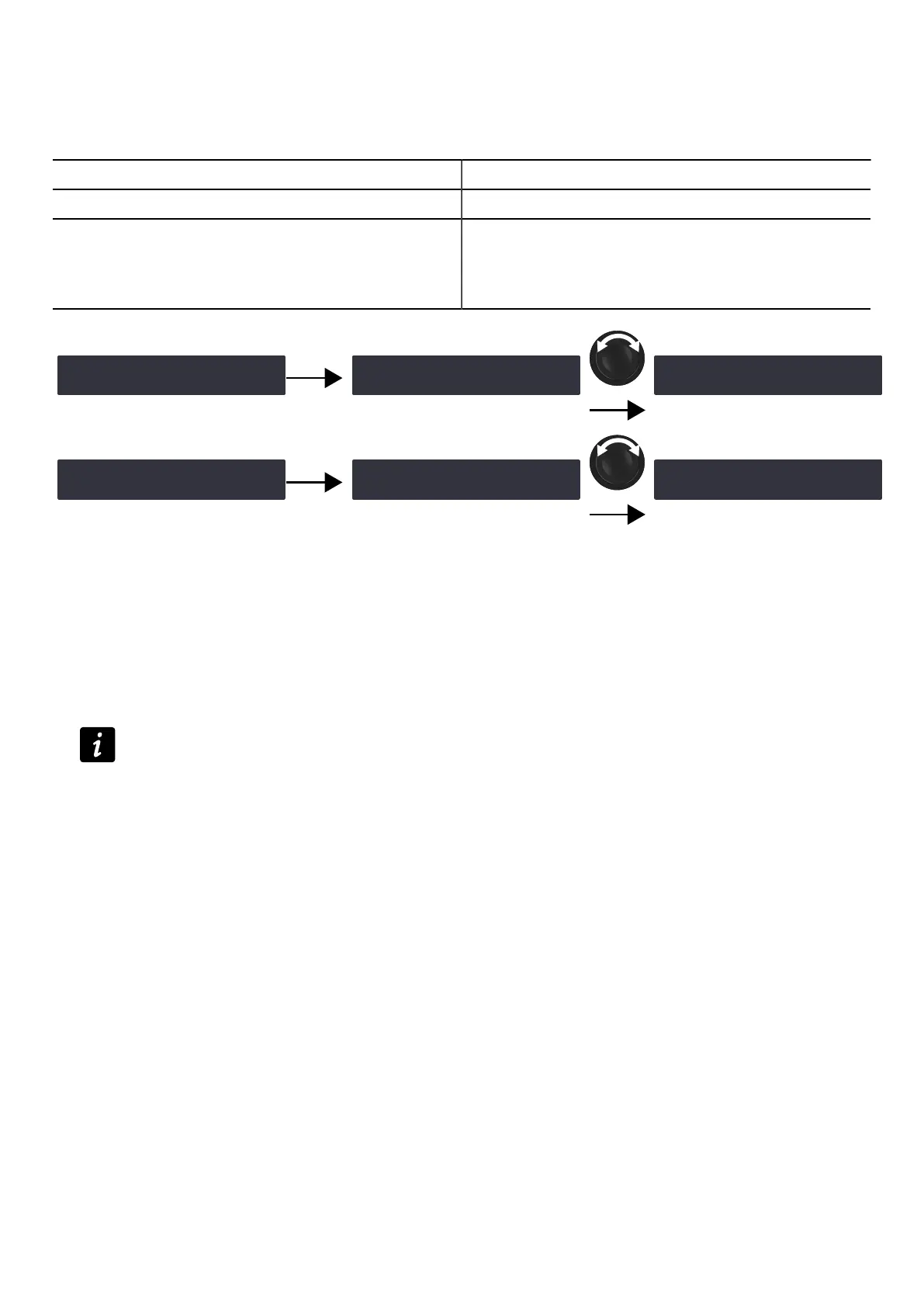
‽AES/EBU & AVB GAIN ‼※
+0.0dB
OK
AES/EBU & AVB GAIN
>+0.0dB<
‿AES/EBU & AVB GAIN ‼※
+2.0dB
+ OK
‿AES/EBU GAIN ‼※
+0.0dB
OK
AES/EBU GAIN
>+0.0dB<
‿AES/EBU GAIN ‼※
+2.0dB
+ OK
Procedure
1. From the main menu, select INPUT SETTINGS.
2. Press the OK key or the encoder wheel to validate.
3. Turn the encoder wheel to select AES/EBU & AVB GAIN.
4. Press and hold the ESC, OK or OUT1 key.
5. Turn the encoder wheel to select an input value.
Setting applies in real-time.
Turn the encoder wheel for steps of 0.1 dB.
Press and turn the encoder wheel for steps of 1 dB.
6. Release the key.
LA4X owner's manual (EN) version 14.1 47



 To Next Page