Operation
AVB STREAM MAPPING
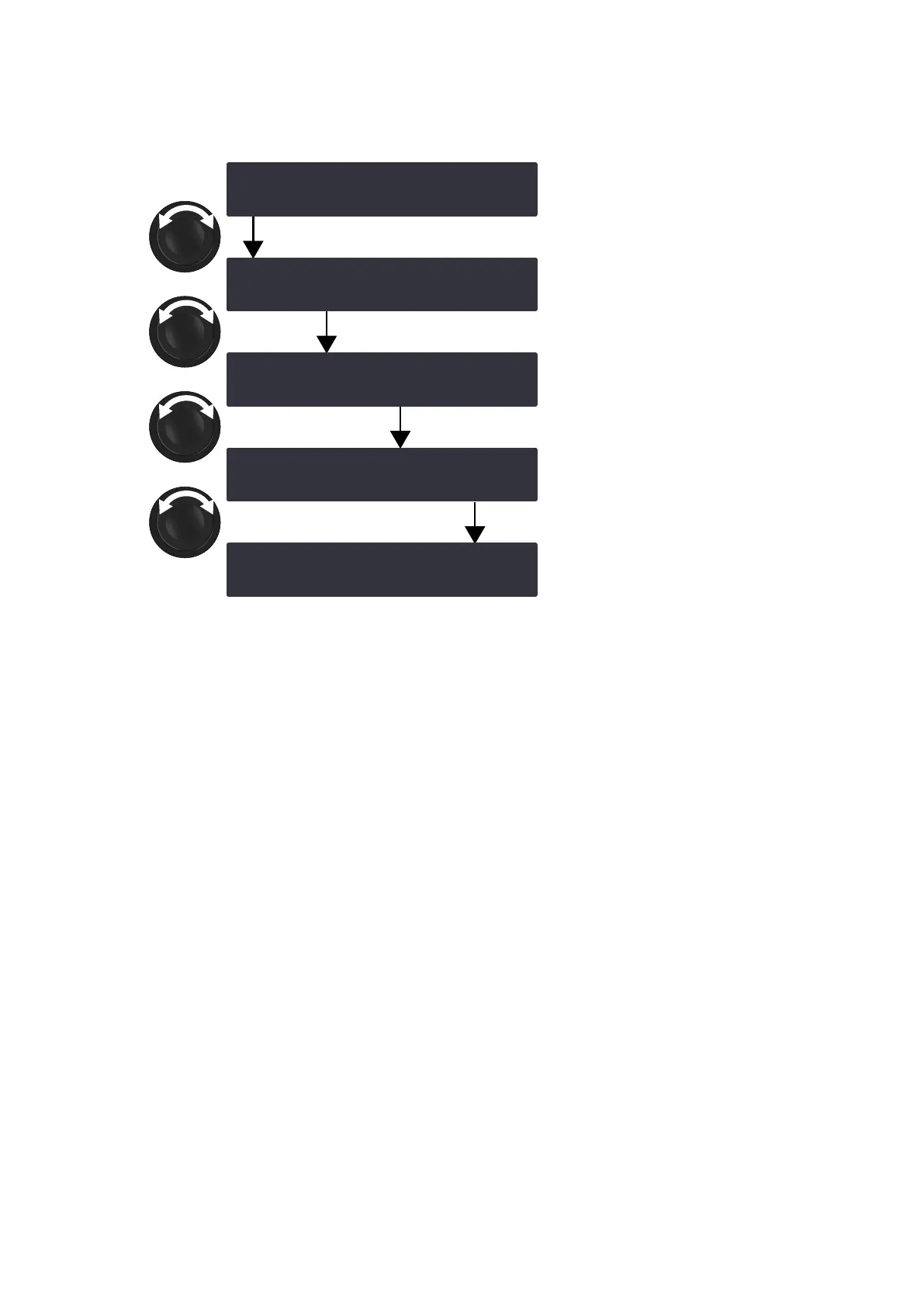
Compatible LA4X amplied controllers can retrieve four channels from an AVB stream containing up to eight channels.
Use AVB STREAM MAPPING to select the channel numbers to be retrieved for each input channel.
OUT1 +
OUT2 +
OUT3 +
OUT4 +
‽AVB STREAM MAPPING ‼※
1 2 3 4
‽AVB STREAM MAPPING ‼※
6 2 3 4
‽AVB STREAM MAPPING ‼※
6 8 3 4
‽AVB STREAM MAPPING ‼※
6 8 5 4
‽AVB STREAM MAPPING ‼※
6 8 5 7
Procedure
1. From the main menu, select INPUT SETTINGS.
2. Press the OK key or the encoder wheel to validate.
3. Turn the encoder wheel to select AVB STREAM MAPPING.
4. Press and hold the OUT1 key.
5. Turn the encoder wheel to select the channel number.
6. Release the OUT1 key.
7. Repeat step 4 to 6 with the OUT2, OUT3 and OUT4 keys.
48 LA4X owner's manual (EN) version 14.1



 To Next Page