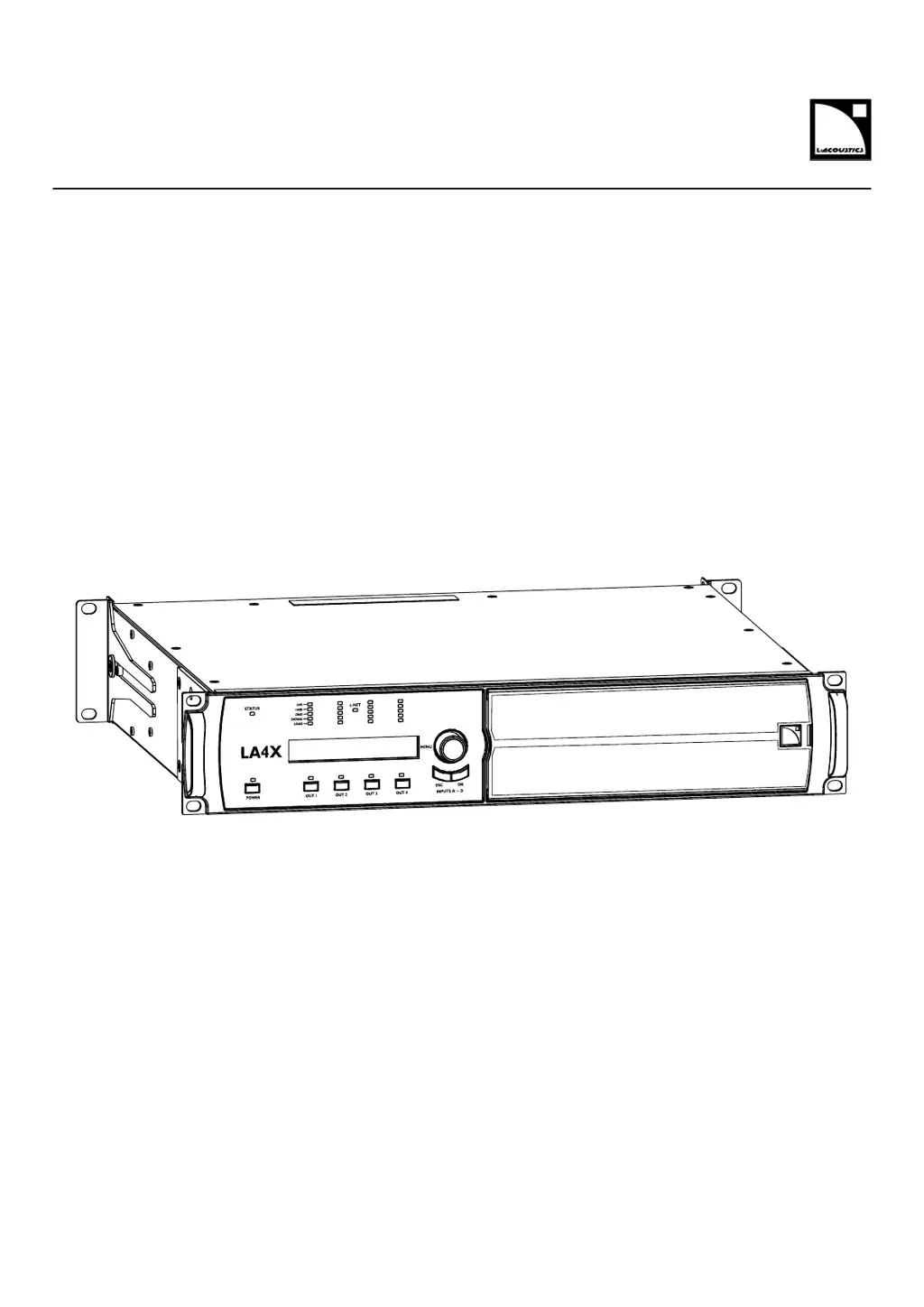
How to replace lost or damaged FOAM FILTER on L-Acoustics LA4X Controller?
- SStephen ReyesSep 13, 2025
If the FOAM FILTER on your L-Acoustics Controller is lost or damaged due to mechanical shock, replace it following procedure D/R 003.
How to replace lost or damaged FOAM FILTER on L-Acoustics LA4X Controller?
If the FOAM FILTER on your L-Acoustics Controller is lost or damaged due to mechanical shock, replace it following procedure D/R 003.
How to replace lost or damaged GRILL on L-Acoustics LA4X?
If the GRILL on your L-Acoustics Controller is lost or damaged due to mechanical shock, replace it following procedure D/R 003.
How to fix L-Acoustics Controller connection issues to the L-NET network?
If you're unable to connect your L-Acoustics Controller to the L-NET network (and the controller is not in “grey screen”), consider the following potential causes: * Offline mode might be selected on LA NWM. Ensure online mode is selected. * The scanning range might not include the controller IP address. Include the controller IP address in the scanning range on LA NWM. * There might be a wrong IP address or multiple controllers with the same IP address. Set the computer IP address and subnet mask as well as the controller IP address as indicated in the LA NWM video tutorial. * The L-NET cable might not be plugged in or might be plugged into the wrong L-NET connector. Plug and secure CAT5e U/FTP cables into the L-NET connectors on the controller to connect it to other controllers ...
Essential safety guidelines for operating the LA4X amplifier controller.
Further safety precautions, electrical safety, and intended use.
Guide on how to effectively use the LA4X owner's manual.
Details about the LA4X controller and its capabilities.
Overview of the LA4X's primary capabilities and architecture.
Detailed identification of the LA4X's connectors and controls.
Details on analog and digital signal inputs, including XLR and AES/EBU.
Explanation of the LA4X's Digital Signal Processor and its algorithms.
Explanation of the L-DRIVE transducer protection system.
Description of the LA4X's front panel controls and display.
Information on network connectivity and remote control via LA Network Manager.
Procedures for inspecting and maintaining the LA4X controller.
Instructions for rack-mounting the LA4X unit, including dimensions.
Electrical specifications and connecting to power sources.
Step-by-step guide for turning the LA4X on.
Meaning of the STATUS and L-NET LED colors and conditions.
Detailed breakdown of the information displayed on the main screen.
Steps to load user or factory presets.
Steps to save the current settings as a user preset.
Selecting between XLR or AVB input sources for all channels.
Displays RMS output voltage as percentage of max supported by speaker.
Setting the unit for delay values (ms, meters, feet, samples).
Adjusting LCD screen contrast for different lighting conditions.
Instructions for setting the controller's IP address.
Instructions for changing the subnet mask settings.
Instructions for setting the gateway IP address.
Steps to enter a PIN code to bypass settings protection.
Troubleshooting steps for screen and LED problems.
Troubleshooting for problems connecting to the L-NET network.
Interpretation and resolution of component, output, and network error messages.
Troubleshooting steps for no audio output or audio quality problems.
Procedure for disassembling and cleaning the grill and foam filter.
Overview of output power, voltage, DSP, and frequency response.
Specifications for digital inputs, SRC, and gain.
Information on AVB features, modes, and network compliance.
| Channels | 4 |
|---|---|
| Amplifier Technology | Class D |
| DSP | Yes |
| Sampling Rate | 96 kHz |
| Total Harmonic Distortion | < 0.1% |
| Output Connectors | SpeakON |
| Network Control | Ethernet |
| Power Supply | Universal |
| Operating Voltage | 100-240V, 50/60Hz |
| Frequency Response | 20 Hz - 20 kHz |
| Protection | Short circuit, over temperature, over current |