Operation
GATEWAY
A gateway IP address is an advanced setting reserved for specic applications such as amusement parks, campuses, and
multi-room venues with a centralized third-party supervision tool (SNMP, Crestron, Extron, Q-SYS). In such contexts, the
supervision tool is often located in a different subnet that is interconnected with the subnets of the units. Interconnection
is achieved thanks to a gateway. The gateway address must be set on the units to enable communication with the
supervision tool.
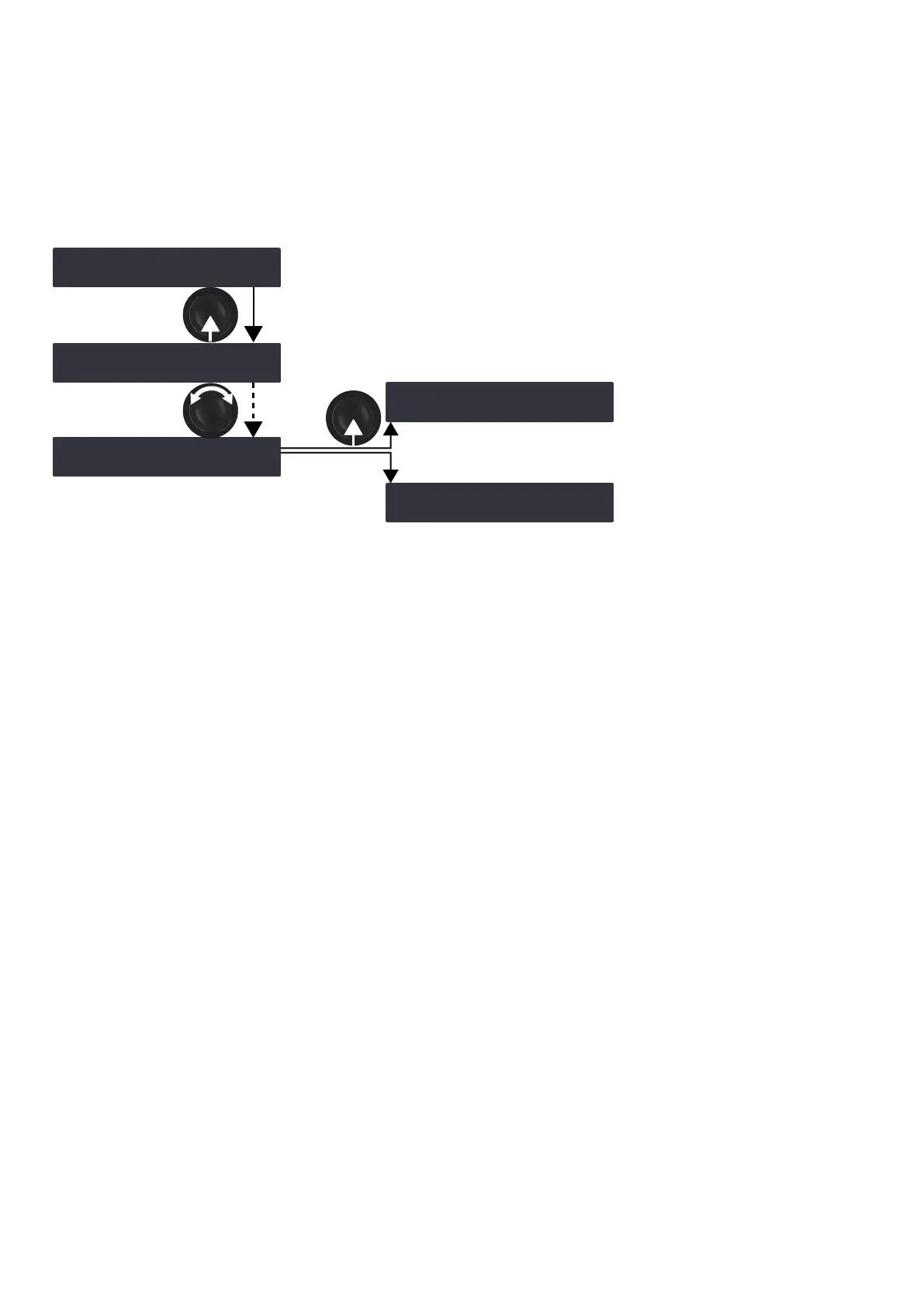
modifying the gateway
‿GATEWAY ‼※
0 . 0 . 0 . 0
GATEWAY
0 . 0 . 0 .> 0<
GATEWAY
192 . 168 . 1 .>253<
OUT4 /
ESC
OK /
‿GATEWAY ‼※
192 . 168 . 1 . 253
‿GATEWAY ‼※
0 . 0 . 0 . 0
Procedure
1. From the main menu, select IP SETTINGS.
2. Press the OK key or the encoder wheel to validate.
3. Turn the encoder wheel to select GATEWAY.
4. Long-press the OUT key under a byte to select it.
5. Turn the encoder wheel to select a value for the selected byte.
6. Press the OK key or the encoder wheel to apply, or the ESC key to cancel.
58 LA4X owner's manual (EN) version 14.1



 To Next Page