7.6 DELETE PRESET
The DELETE PRESET menu is for deleting a preset from a user memory location (1-10). If no user presets are stored
the NO PRESET PRESENT message is displayed and the DELETE PRESET function is not accessible (press the ESC
key to return to the main menu).
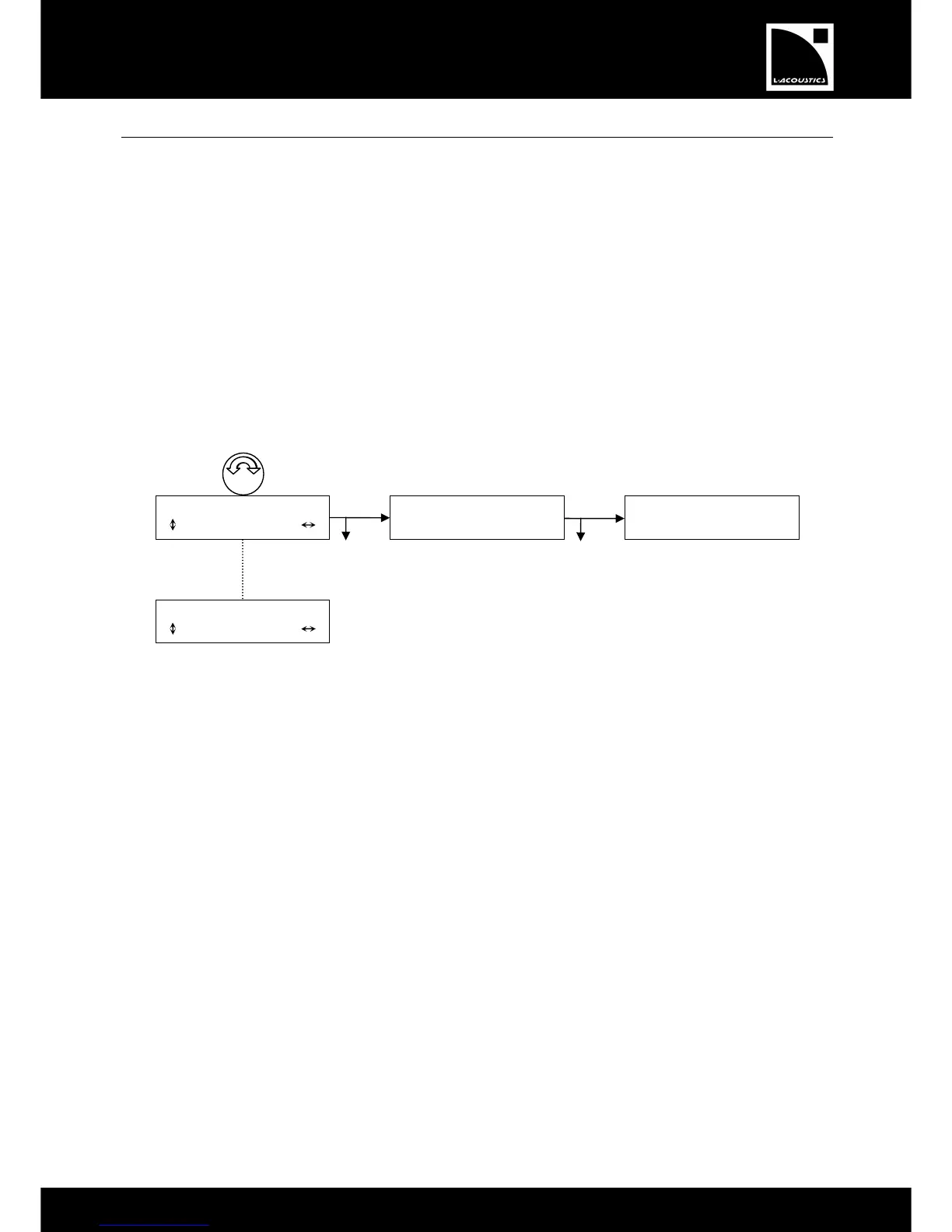
To delete a user preset, select the DELETE PRESET menu and apply the following procedure (see also Figure 26):
1. Turn the encoder wheel to scroll through the stored presets (from 1 to 10 depending on prior stored
presets).
2. Press the OK key or the encoder wheel to select the desired preset (or press the ESC key to cancel and
return to the last menu). The ARE YOU SURE? message is displayed.
3. Press the OK key or the encoder wheel to delete the preset (or press the ESC key to cancel and return to
the last menu).
When the preset is deleted, the LCD screen will go back to the Main screen.
Figure 26: Deleting a user preset
* For obvious reasons the system will not allow the user to delete the preset currently loaded. In this case the message
CANNOT DELETE, PRESET IS IN USE is displayed and the preset is not deleted (press the ESC key to return to
the main menu).
*


 To Next Page