LA8_UM_EN_4-0
w w w . l - a c o u s t i c s . c o m
35
3535
35
7.8 CLEAR GROUP PARAMETERS
The CLEAR GRP PARAM function is for resetting to their nominal values all group parameters such as name,
gain, delay, and contour EQ defined in LA NETWORK MANAGER Software (refer to the LA NETWORK
MANAGER User manual [3.4]).
apply for a set of amplified controllers that are part of a
parameters [7.7] apply for a single amplified controller.
The CLEAR GRP PARAM function ONLY clears the group parameters and does NOT clear the preset
parameters.
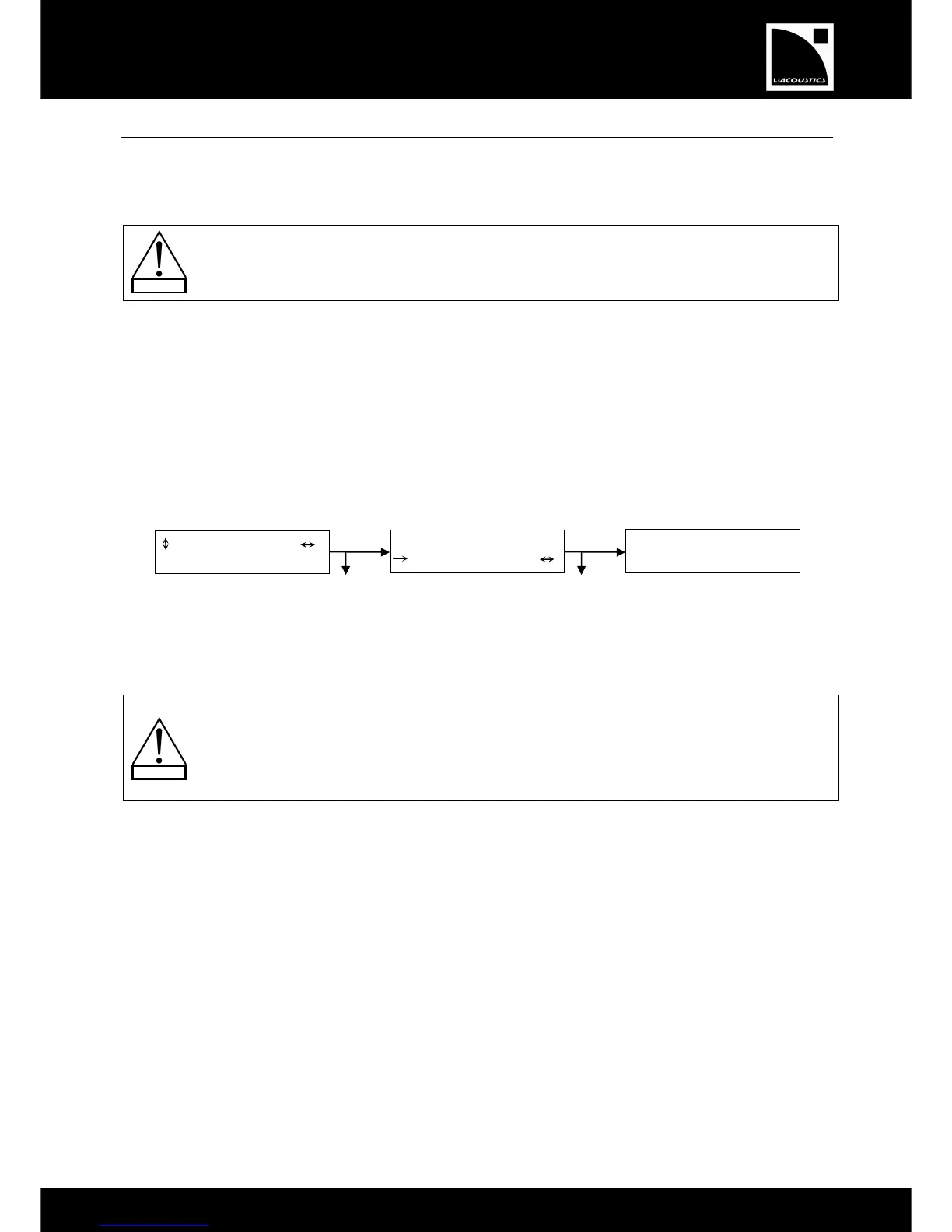
To reset the group parameters, select the CLEAR GRP PARAM function and apply the following procedure (see
also Figure 28):
1. Press the OK key or the encoder wheel (or press the ESC key to cancel and return to the last menu). The
ARE YOU SURE? and OUTPUT MUTED messages are displayed. The second one indicates that all outputs
will be muted in the process.
2. Press the OK key or the encoder wheel once again to reset all group parameters (or press the ESC key to
cancel and return to the last menu). All outputs will be muted and the LCD will return to the main screen.
Figure 28: Resetting group parameters
Notes: If the controller is not assigned to a group the NO GROUP DEFINED, CANNOT CLEAR message is
displayed and the CLEAR GRP PARAM function is not accessible.
remain active even if the controller is disconnected from the remote computer
running LA NETWORK MANAGER (controller in the standalone mode), and they are not preset
dependent (they will remain the same even if a new preset is loaded).
Therefore, when getting a unit for a standalone application that has been previously used within a
network, L-ACOUSTICS
®
recommends using the CLEAR GRP PARAM function in order to clear all
group parameters as they cannot be seen and accessed via the front panel user interface.
Note: It is possible to check if a controller is part of a group and to identify its name by pressing and holding the IN A
or IN B key [7.3.1].


 To Next Page
 Loading...


