LA8_UM_EN_4-0
w w w . l - a c o u s t i c s . c o m
45
4545
45
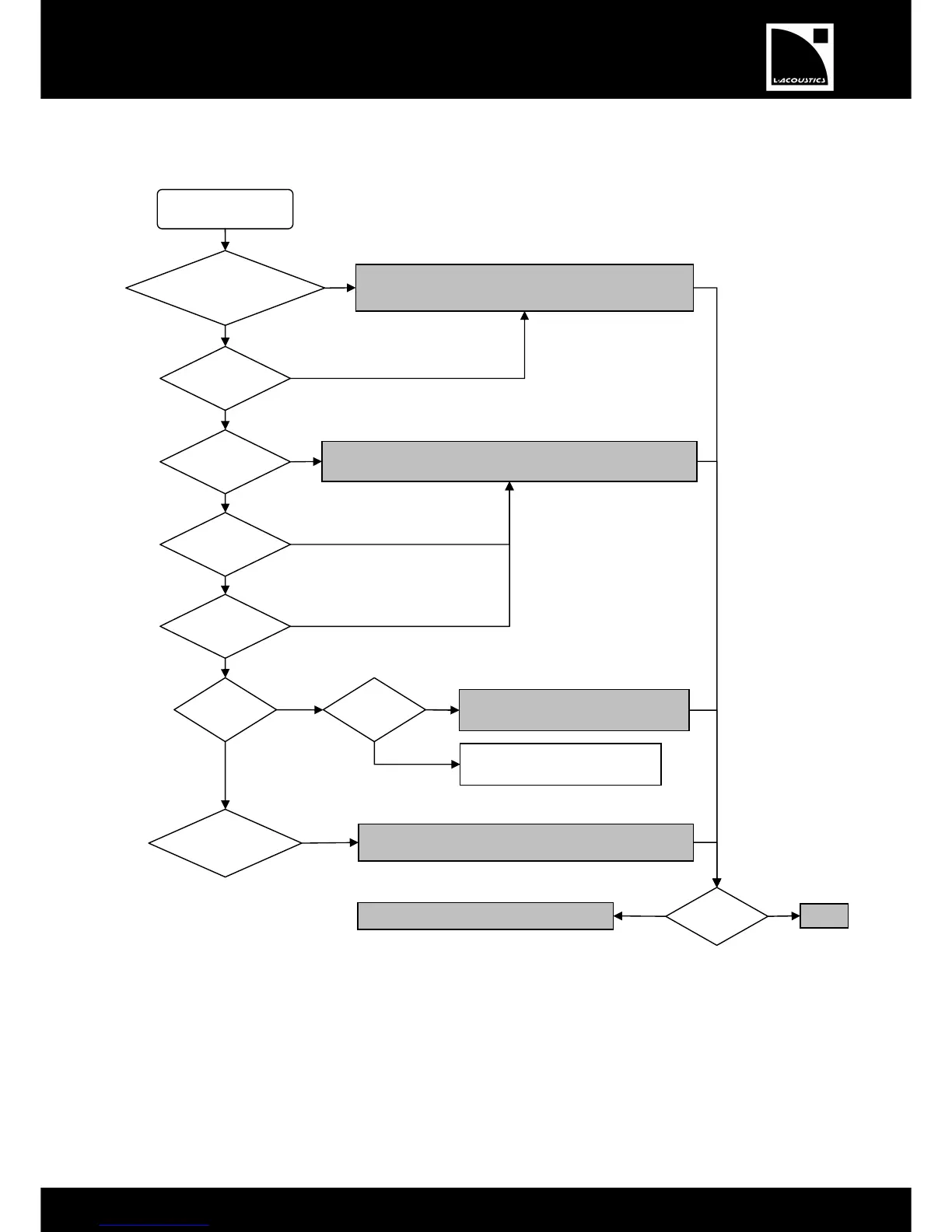
Refer to the Malfunction message flowchart below for eventual troubleshooting operations:
Switch the amplified controller off and on.
install the latest FIRMWARE version [
Wait for 1 minute. If the message remains
displayed, switch the controller off and on.
If the protection remains active for several minutes, check the loudspeaker
cable and the enclosure connected to channel
for short circuit.
ins active for several minutes, decrease the
mixing desk output level or the controller input gain [7.7].
The message indicates that normal
shutdown sequence is processing.
Contact an L-ACOUSTICS
®
Representative


 To Next Page