11 1211
Viewing Your Temperature and Humidity Data
TEMPERATURE & HUMIDITY
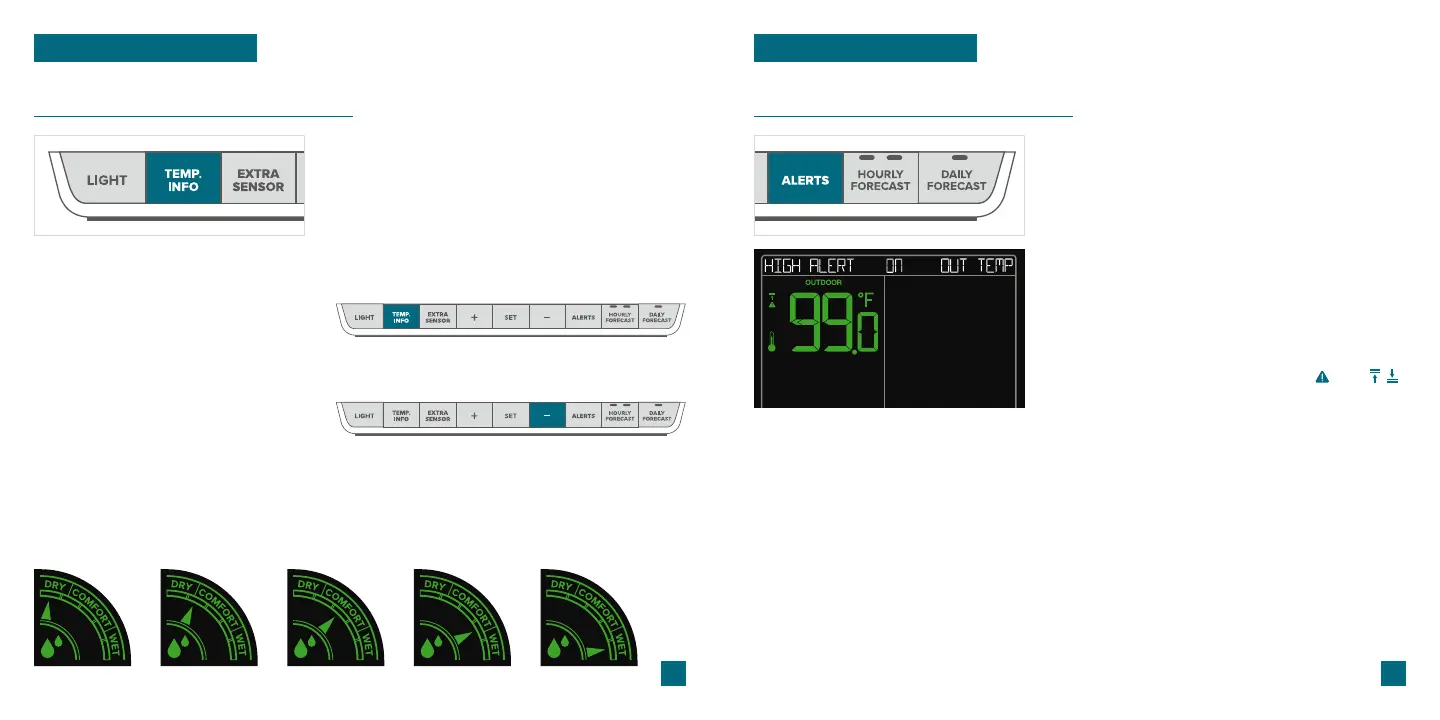
Outdoor Comfort Meter
The arrow indicates outdoor comfort level based on current relative humidity.
Temperature and Humidity Alerts
TEMPERATURE & HUMIDITY
1%RH to 25%RH 26%RH to 39%RH 40%RH to 75%RH 76%RH to 83%RH 84%RH to 99%RH
Viewing Records
Press the TEMP. INFO button to toggle
through indoor/outdoor temperature and
humidity records with time and date stamps.
Resetting Individual Temperature and
Humidity Records
Records Viewing Order
Press the TEMP. INFO button to view the individual
temperature & humidity values you’d like to reset.
Hold the MINUS (-) button until dashes appear.
This will reset the value to your current temperature
or humidity reading.
• Outdoor High Temperature
• Outdoor Low Temperature
• Outdoor High Humidity
• Outdoor Low Humidity
• Indoor High Temperature
• Indoor Low Temperature
• Indoor High Humidity
• Indoor Low Humidity
• Heat Index
• Dew Point
1.
2.
3.
Hold the ALERTS button to enter the
Alert Settings Menu.
Use the +/- buttons to activate/deactivate
individual alerts, or press the ALERTS
button to skip to the next alert option.
Once activated, use the +/- buttons to
adjust the alert value. Press the ALERTS
button to confirm and move forward.
Active alerts are indicated by the and /
icons in the respective sections on screen.
Note: The default setting for alerts is OFF.
Setting Temperature and Humidity Alerts
Alerts Setting Order
Alert Sounds
Outdoor High Temp. • Outdoor Low Temp. • Outdoor High Humidity • Outdoor Low Humidity
Indoor High Temp. • Indoor Low Temp. • Indoor High Humidity • Indoor Low Humidity
• When an alert value is reached, the respective alert icon will flash and the station will beep
5 times each minute until the value moves out of the alert range.
• Press any button to stop the alert sound. The alert icon will continue to flash until out of
the alert range.
High Temperature Alert Example
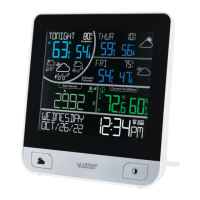
Note: Alerts set on the station are separate from those created within the La Crosse View app.



 To Next Page