11
Viewing Current Conditions
TEMPERATURE & HUMIDITY
Resetting Individual Records
Records Viewing Order
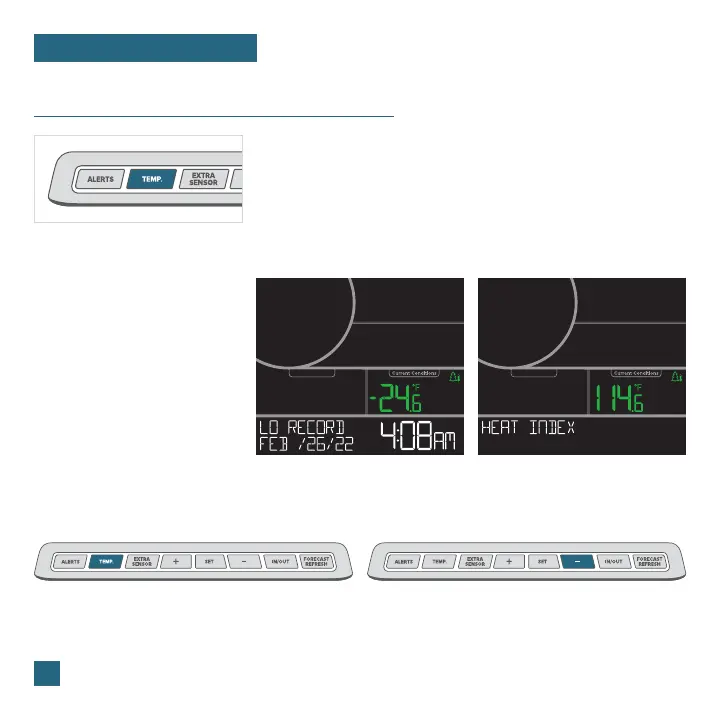
Press the TEMP. button to view the
individual values you’d like to reset.
Next, hold the MINUS (-) button until
dashes appear on the LCD. This reading
is now reset to your current temperature
or humidity value.
• Outdoor High Temperature
• Outdoor Low Temperature
• Outdoor High Humidity
• Outdoor Low Humidity
• Indoor High Temperature
• Indoor Low Temperature
• Indoor High Humidity
• Indoor Low Humidity
• Heat Index
• Dew Point
Press the TEMP. button to toggle through indoor/
outdoor temperature and humidity records with time
and date stamps.
Viewing Records
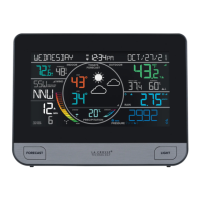
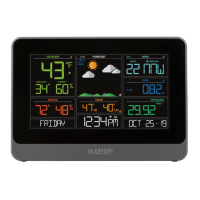
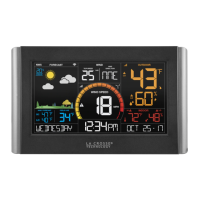
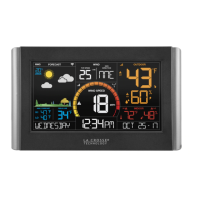
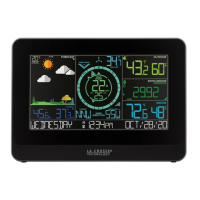
Outdoor Low Temperature Record Example Heat Index Example



 To Next Page