21
Designed in La Crosse, Wisconsin • Made in China • Printed in China • DC 090821
Having Trouble? We’re here to help.
La Crosse Technology® Patents
SUPPORT
To find answers to FAQs and additional self-help options, scan the QR code or visit:
bit.ly/v15_support
Visit www.lacrossetechnology.com/patents for patent information.
Follow La Crosse Technology on Facebook,
Instagram, YouTube, and Twitter.
Factory Reset Stay in Touch
Ask questions, watch setup videos, and provide
feedback on our social media outlets.
Online: bit.ly/contact_techsupport
Phone Number: 1.844.200.8752
Representatives are available Monday-Friday, 8:00am to 6:00pm CST
If you need additional support, get in touch with our friendly customer
support team:
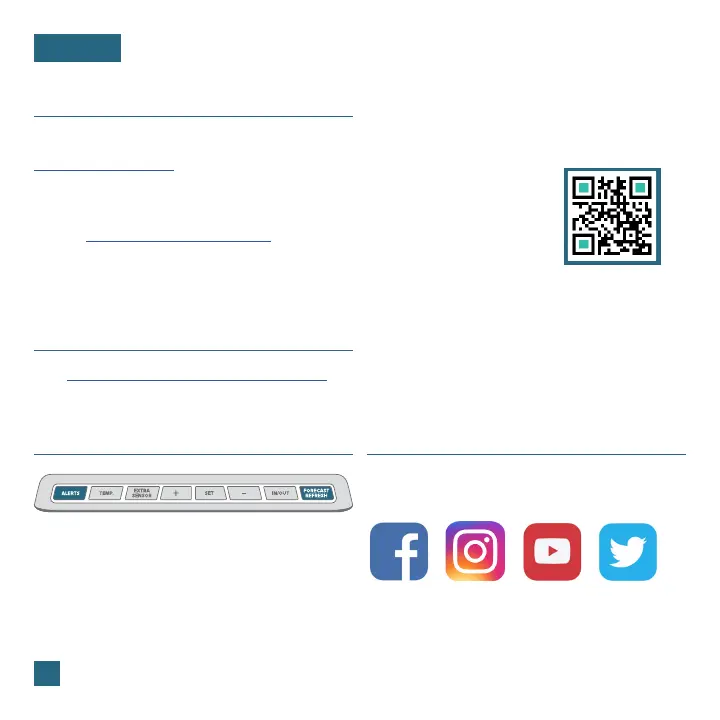
If you are experiencing issues, press and hold the
ALERTS and FORECAST REFRESH buttons down
together until the display beeps. You do not need
to remove the coin cell battery to reset the station.















 To Next Page